Model X High Speed Sublimation printer
39
Figure 4-9 Step-and-repeat
Number of step-and-repeat: mainly based on the width and height of the image.
Image size: It is mainly to set the width and height of the image to be the size of the drying (the height is
recommended to use even numbers of continuous drying to ensure the whole return position).
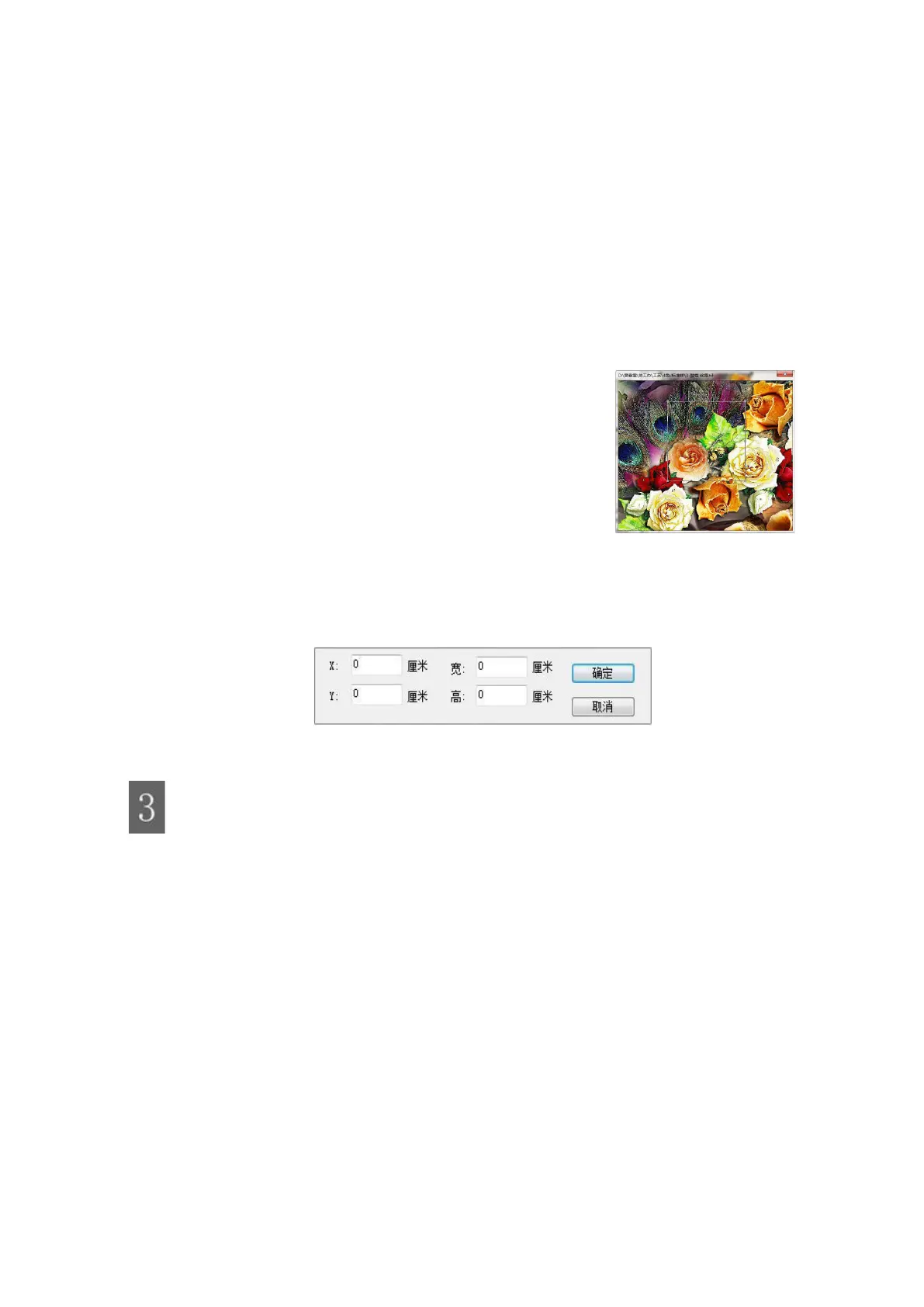
⑧ Cropping: Right-clicking the following dialog box appears, you can choose to manually drag the
right pull frame to edit the image or enter the width of the image with or with the digital input and the height
of the image.
Manually drag the right pull frame clip image:
Figure 4-10 Clipping
Enter the width of the desired image with or with a digital input and the height of the image:
Figure 4-11 Cropping
Print parameter settings
Click the left mouse button to set the following dialog box to set the printer name, print port, IP
address, print parameter settings, density curve, color fine-tuning, channel setting, color
management.



 To Next Page