Model X High Speed Sublimation printer
44
Figure 4-19 Print image Figure 4-20 Copy number
Set the number of copies (that is, the number of copies of the print operation), then click "OK" to start
outputting an operation and start printing.
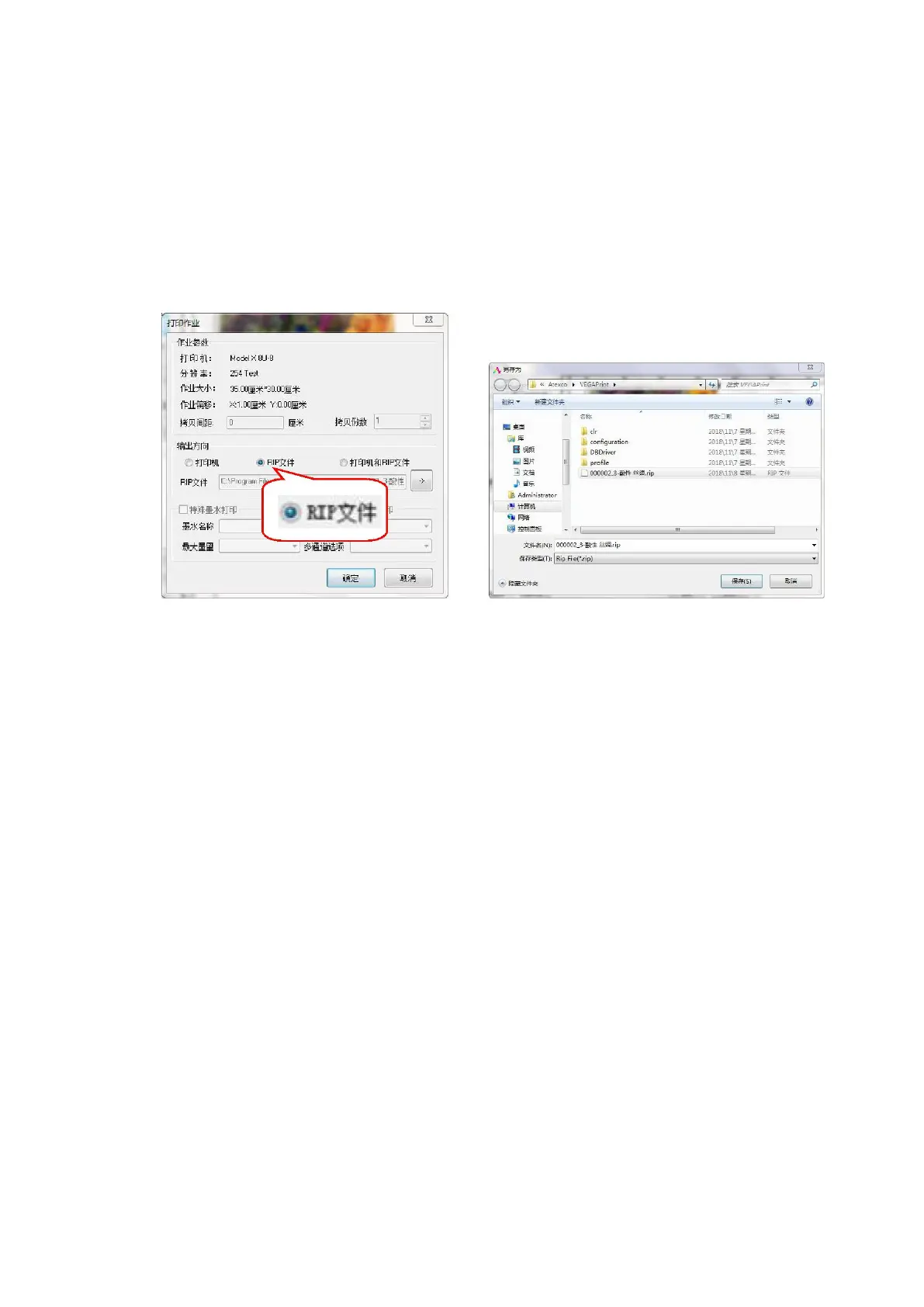
(2) RIP output printing
When you select a print image, the following dialog box will pop up. Selecting the RIP file will generate a
RIP file, save the file name and save it to the corresponding directory, and use it the next time you print.
Once saved, you can print.
Figure 4-21 Printing a RIP job



 To Next Page