Model X High Speed Sublimation printer
46
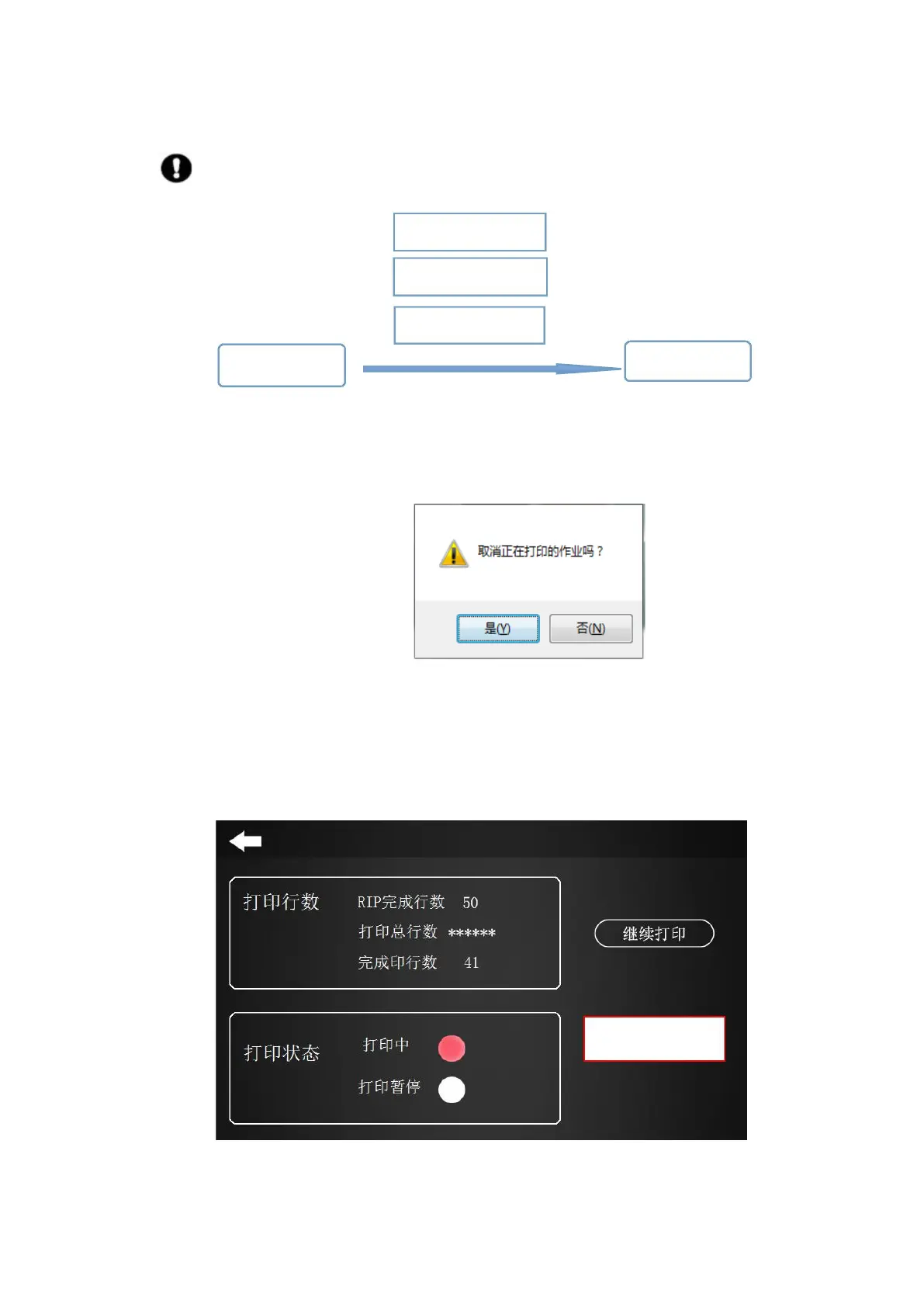
Note: Stopping a print job as an interrupted print job cannot be continued.
a. RIP software control
b. Server Software Control
c. Soft panel control
Stop the print job End the print job
Figure 4-24 Cancel printing
Stop printing can be controlled through the soft panel, RIP software, and Server software:
a. When you need to cancel/end the print job, you can use the
keyboard shortcut “ESC” to pop up the following interface.
Click “Yes” to cancel the job being printed.
Figure 4-25 RIP End Print Job
b. Click “Cancel Print” in the Server software with the left mouse button, the effect is the same as step (1).
c. Cancel the printing on the touch screen, click “Print Stop Button” to end the job.
Figure 4-26 Touch screen at the end of print job



 To Next Page