Model X High Speed Sublimation printer
23
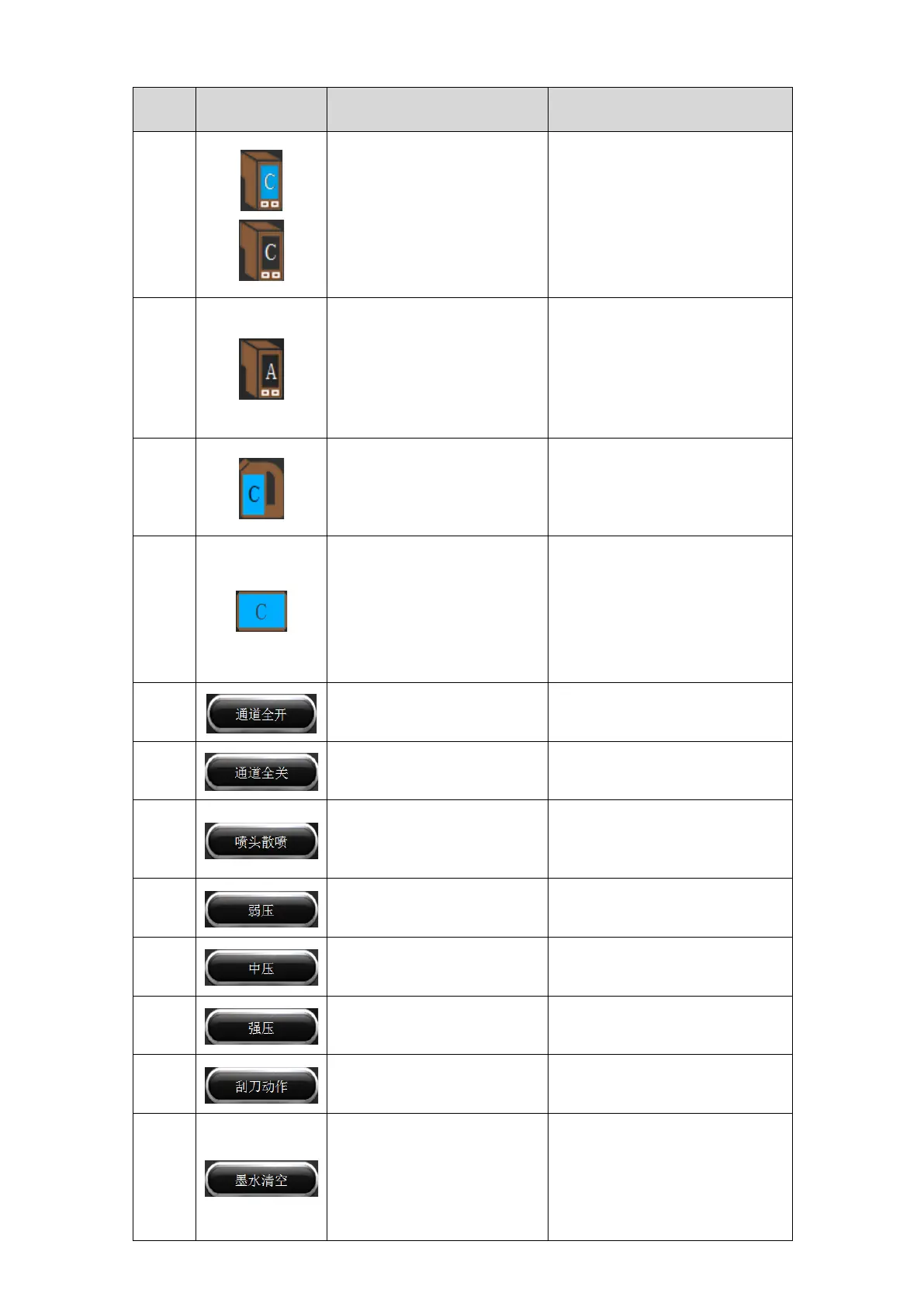
Display auxiliary ink
cartridge status
The background color is the
corresponding ink color: the
auxiliary ink cartridge is full.
The background color is the
corresponding ink color: the
auxiliary ink cartridge is out of
ink.
The background color is the ink
color: the air bottle enters the
ink, and the machine alarms.
The background color is the
background color: the air bottle
is empty and in a normal state.
Main cartridge status:
displays the ink in the main
cartridge.
Time to add ink and clean the
cartridges, it is recommended to
clean the cartridges once every 3
months.
Channel selection: displays
whether the channel is closed
or open
The background color is the
corresponding ink color: the
channel is open.
The background color is the
background color: the channel is
closed.
Click this option to have all
ink channels open
Click this option to have all
ink channels closed
Click this option to open the
channel of the spray nozzle to
flash
Press and hold this button, the
flashing action continues until
the button is released.
Use a weak pressure cleaning
nozzle
Need to open the corresponding
channel
Use medium pressure
cleaning nozzle
Need to open the corresponding
channel
Use strong pressure cleaning
nozzle
Need to open the corresponding
channel
Scrape the residual ink on the
nozzle surface
To clear the ink in the
auxiliary ink cartridge, you
need to select the channel.
After cleaning, you need to
click the medium
pressure-cleaning nozzle to
After the ink is emptied, the
medium pressure cleaning
nozzle must be selected.
Otherwise, there is no ink inside
the nozzle, which affects
printing.



 To Next Page