Model X High Speed Sublimation printer
30
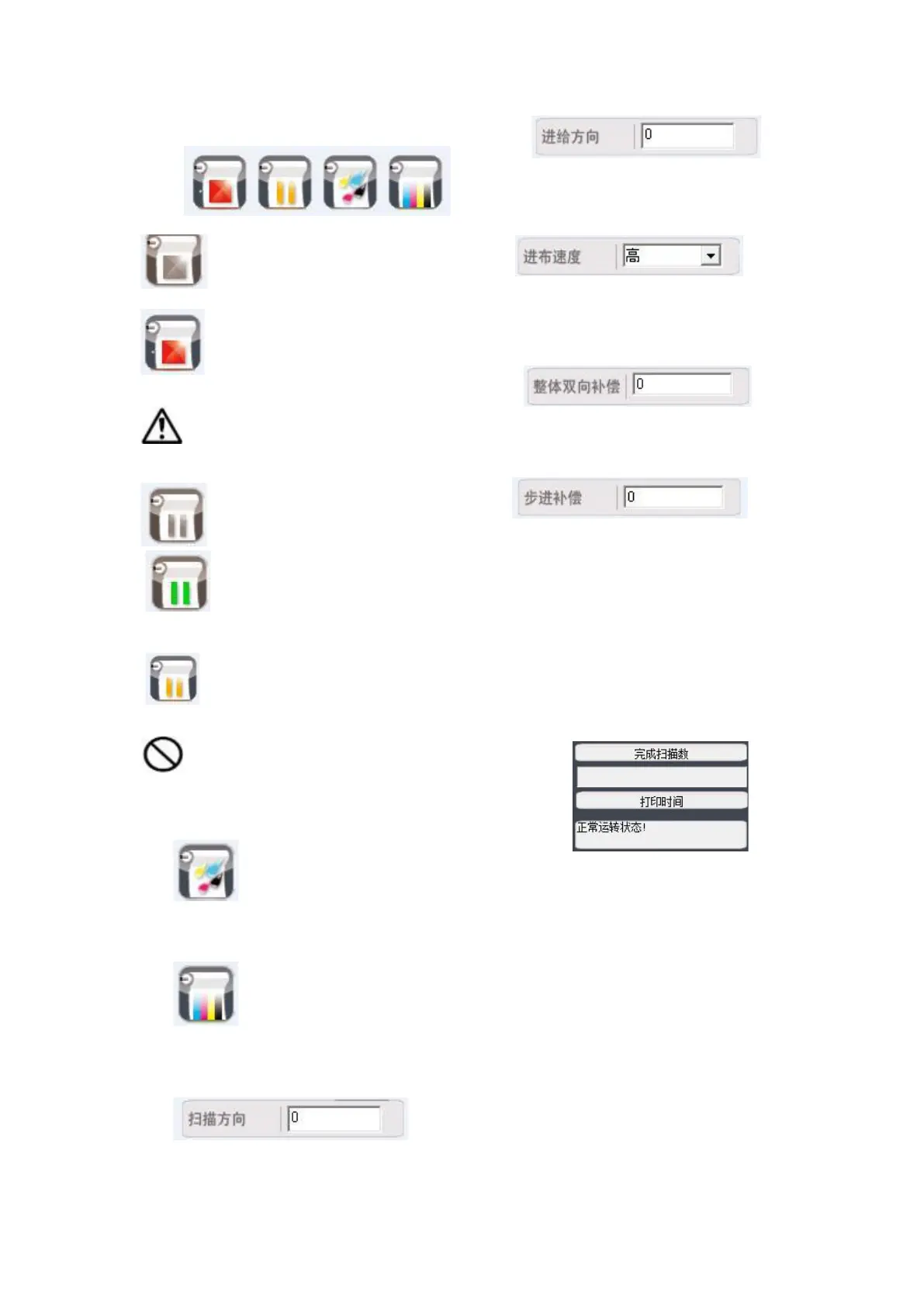
Printing controls:
l Cancel print button
:Standby, no print jobs.
:While printing is in progress, you can
cancel printing by clicking this button.
Note: After canceling printing, the print
operation cannot continue.
Pause or resume print button
:Standby, no print jobs.
:Printing is in progress; click to pause
printing.
: Pause printing; click to continue
printing.
Warning: The print pause can be
performed for nozzle cleaning, etc. It is
prohibited to move the nozzle and the guide
tape.
Flash button: When the nozzle
holder is in the cleaning position, left-click
once, and the nozzle flashes once.
Print self-test button: Left-click
once on the button to print the test strip and
check the status of each nozzle.
Printing starting position (unit: mm):
l The edge of the conduction band near the
cleaning position is zero, and the distance from
the cloth edge is measured with an error of ±5
mm.
The distance the tape is gapped in the direction of
the cloth before the print operation begins.
Printing mode settings:
Guide tape
moving speed, right-click the drop-down list,
select the speed item again, there are high,
medium and low speeds. High, medium and low
impact the printing speed and precision.
Two-way
overall parameters for correcting the nozzle when
printing different fabrics (does not affect the
built-in parameters).
When the
printed fabric appears white or there is
overlapping, step adjustment is performed in
micrometers, and the value 1 means 1 micron
(positive numbers are pulled apart and negative
numbers are overlapped).
Printer status display:
Normal status: the normal print progress and
normal printer status are displayed.
Abnormal status: some errors are displayed,
such as network communication error, wide
format, etc., the printing operation cannot
happen.



 To Next Page