....
N
a:
CX)
....
I.Cl
U"I
N
I.Cl
....
System update
.. Select: I MENU I button >Se ttings > left control
button >
System maintenance.
- System update:
slide the storage device with
the update data into the appropriate drive
¢page 152. Select and confirm the drive>
Start update. The duration of the process de-
pends on the size of the update.
- Reset driver installation : the selected media
driver package is reset to the settings at the
time of delivery.
- Version information : information on the MMI
software version and the nav igat ion database*
software version is displayed. The
Software in-
formation
function also provides information
on the software contained in the MMI and the
licens ing agreement.
Sound settings
The sound distribution and volume of the MMI
can be adjusted individually. The settings depend
on vehicle equipment.
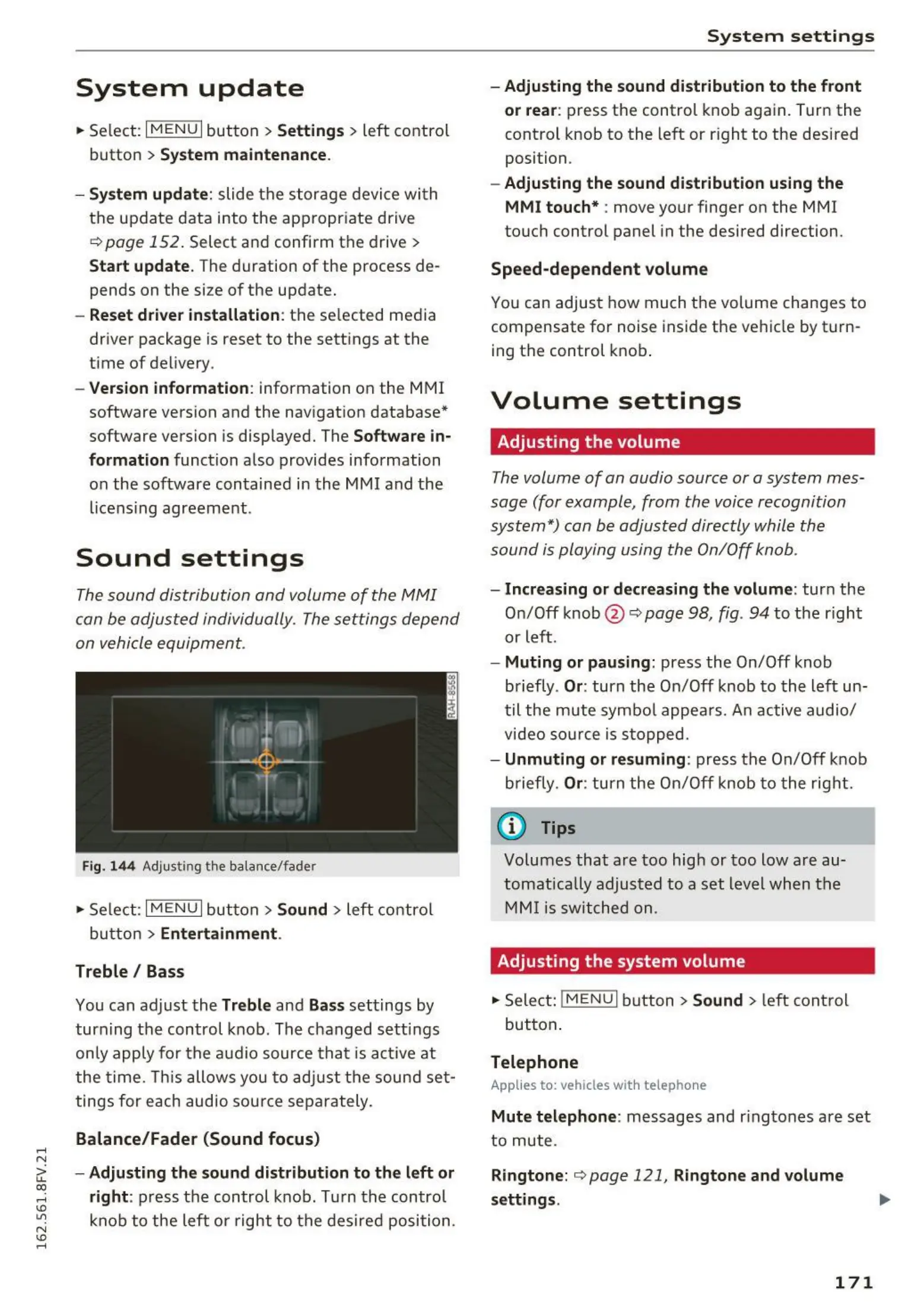
Fig. 144 Adjusting the balance/fade r
.,. Select: I MENU I button >S ound > left control
button >
Entertainment .
Treble/ Bass
You can adjust the Treble and Bass settings by
turning the control knob. The changed sett ings
on ly apply for the audio source t hat is active at
the time. This allows you to adju st the sound se t-
tings for each audio source separately.
Balance/Fader (Sound focus)
- Adjusting the sound distribution to the left or
right :
press the control knob. Turn the control
knob to the left or right to the desired position.
System settings
- Adjusting the sound distribution to the front
or rear:
press the control knob again. Turn the
control knob to the left or right to the desired
position.
- Adjusting the sound distribution using the
MMI touch* :
move your finger on the MMI
touch control panel in the desired direction.
Speed-dependent volume
You can adjust how much the volume changes to
compensate for noise inside the vehicle by t urn-
ing the control knob.
Volume settings
Adjusting the volume
The volume of an audio source or a system mes-
sage (for example, from the voice recognition
system*) can be adjusted directly while the
sound is playing using the On/Off knob.
- Increasing or decreasing the volume : turn the
On/Off knob @ r:::;,
page 98, fig. 94 to the right
or left.
- Muting or pausing: press the On/Off knob
briefly .
Or: turn the On/Off knob to the left un-
til the mute symbol appea rs. An active audio/
video source is stopped.
- Unmuting or resuming: press the On/Off knob
briefly.
Or: turn the On/Off knob to t he right.
(D Tips
Volumes that are too high or too low are au-
tomatically adjusted to a set level when the
MMI is switched on .
Adjusting the system volume
.. Select: ! MENUI button> Sound > left control
button .
Telephone
Applies to: vehicles with telep ho ne
Mute telephone : messages and ringtones are set
to mute .
Ringtone: r::;,page 121, Ringtone and volume
settings .
171



 To Next Page