21
Table 4-3 Function Buttons in Auto Scan
Displays the diagnostics data in a report.
Erases all fault information after scanning. A warning message
will display to inform you of possible data loss when this
function is selected.
Confirms the test result. Continues the system diagnosis after
the required system is selected by tapping the item in the Main
Section.
Pauses the scanning process, and it will change to Continue
button after tapping.
Returns to the previous screen or exits Auto Scan.
Control Unit
The Control Unit allows you to manually locate a required control system for testing
through a series of choices. Follow the menu-driven procedures and make proper
selection, and the program guides you to the proper diagnostic function menu.
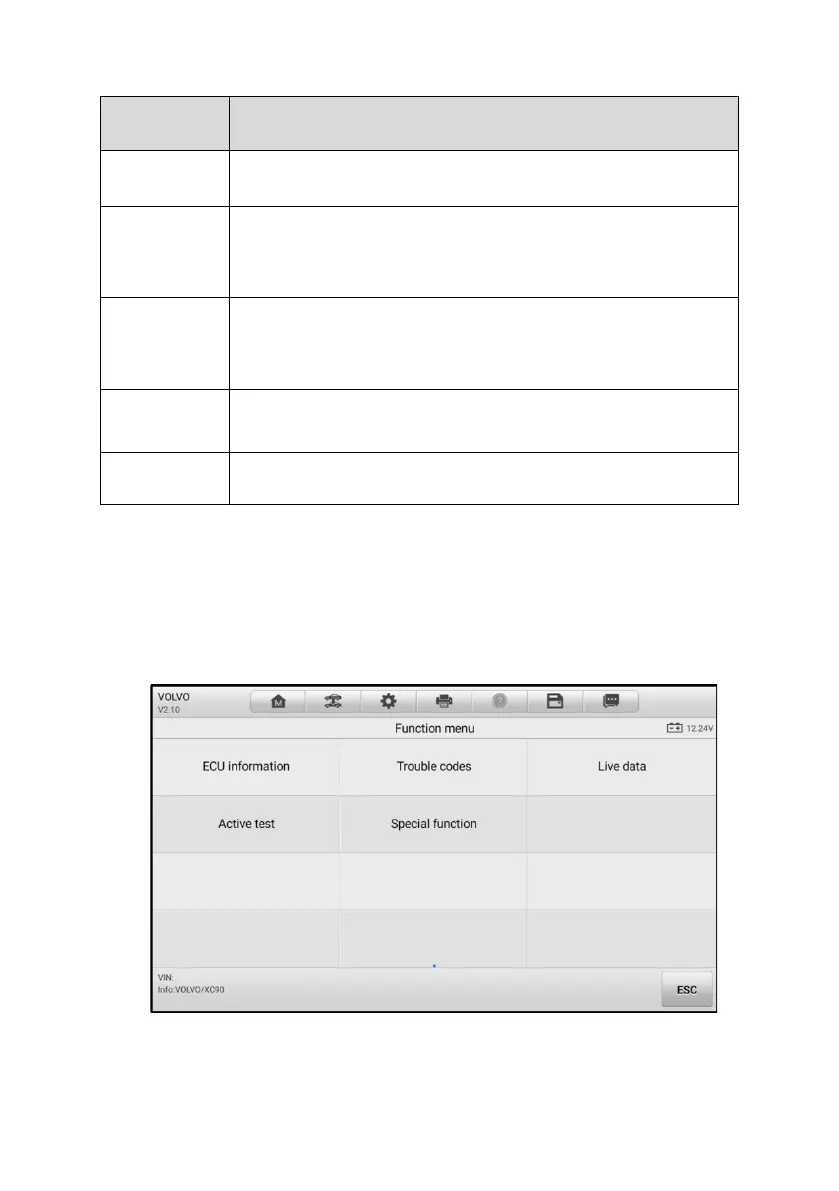
Figure 4-6 Function Menu Screen















 To Next Page