Hardware Installation Guide 67
Installation Procedure
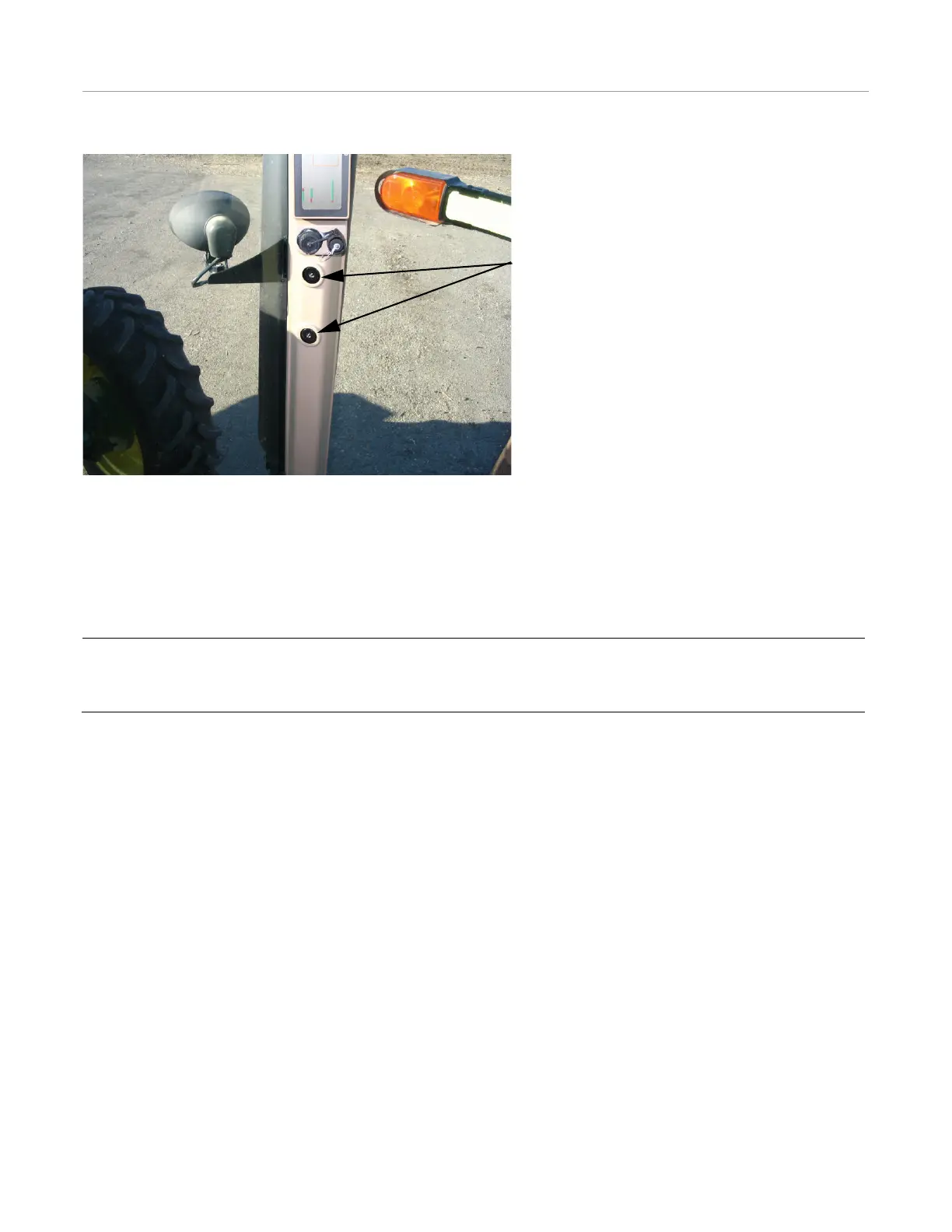
Figure 7-3 Remove Plastic Mounting Hole Covers
Mount the monitor bracket inside the cab using existing bolt threads if available. Some machines require drilling new holes
and using different bolts. Never drill holes or weld to Roll Over Protective Structures (ROPS). The bracket should position the
monitor at a convenient height for seeing the screen and touching the touch screen. The monitor should also be positioned so
the driver/operator can easily reach the emergency stop bottom on top. It should never obstruct the driver’s view of the road
ahead.
Install the User Terminal bracket using the two bolts provided. See Figure 7-4.
Note: Many installations will require special custom brackets to mount the monitor in the cab. The monitor bracket
should be sufficiently strong to avoid monitor vibration when driving over rough terrain. Brackets made from 1/4”
(6.35mm) steel plate usually work best. Avoid using thin sheet metal for fabricating monitor brackets.
Mounting Bracket Positions



 To Next Page