68 AutoFarm GPS AutoSteer
Installation Procedure
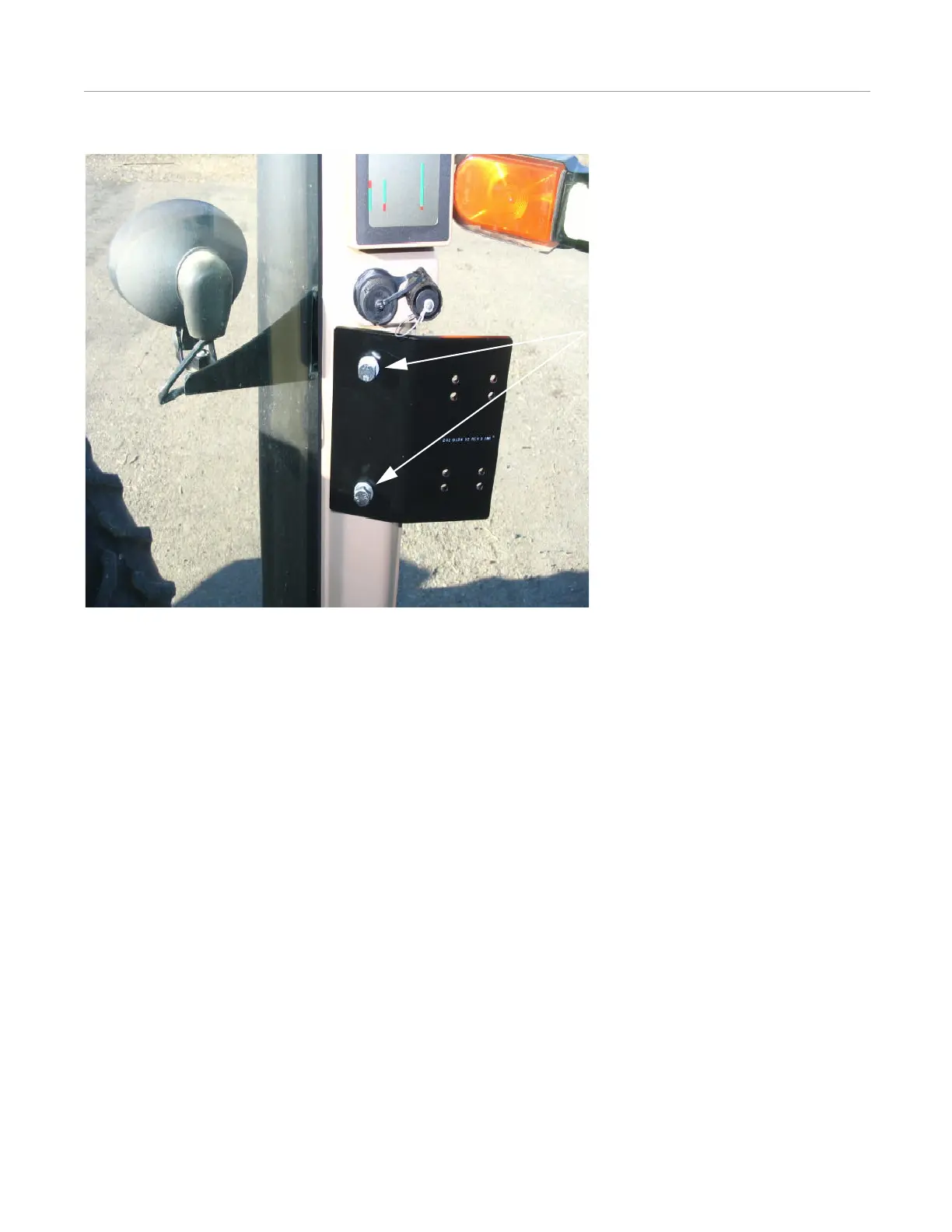
Figure 7-4 Mounted User Terminal Bracket
1. Perform the following steps to complete the User Terminal Installation Procedure:
a. Attach the mounting plate on the adjustable arm to the user terminal using four screws.
b. Remove the travel stop on the bracket assembly.
c. Slide the user terminal arm on to the bracket.
d. Replace the travel stop.
e. Tighten the arm onto the bracket.
f. Remove adjustment bolt caps and adjust arm tightness.
g. Replace adjustment bolt caps and adjust user terminal viewing angle.
h. Replace the cab post plastic cover before final assembly.



 To Next Page