AS1635-MT-EN-03
p. 20/46
5.2. connection
5.2.1. Direct connection using USB cable
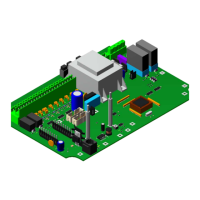
The CN16 connector on the AS 1635 circuit board is a mini-USB type socket that is programmed to work as an Ethernet
jack. By connecting it to a computer with a USB cable, you should see a new network connection.
Under Windows, it may be necessary to first install the appropriate drivers for the USB cable.
-
In this case, the IP address of the device is 10.0.0.1, and cannot be changed.
5.2.2. Direct connection using Ethernet cable (optional)
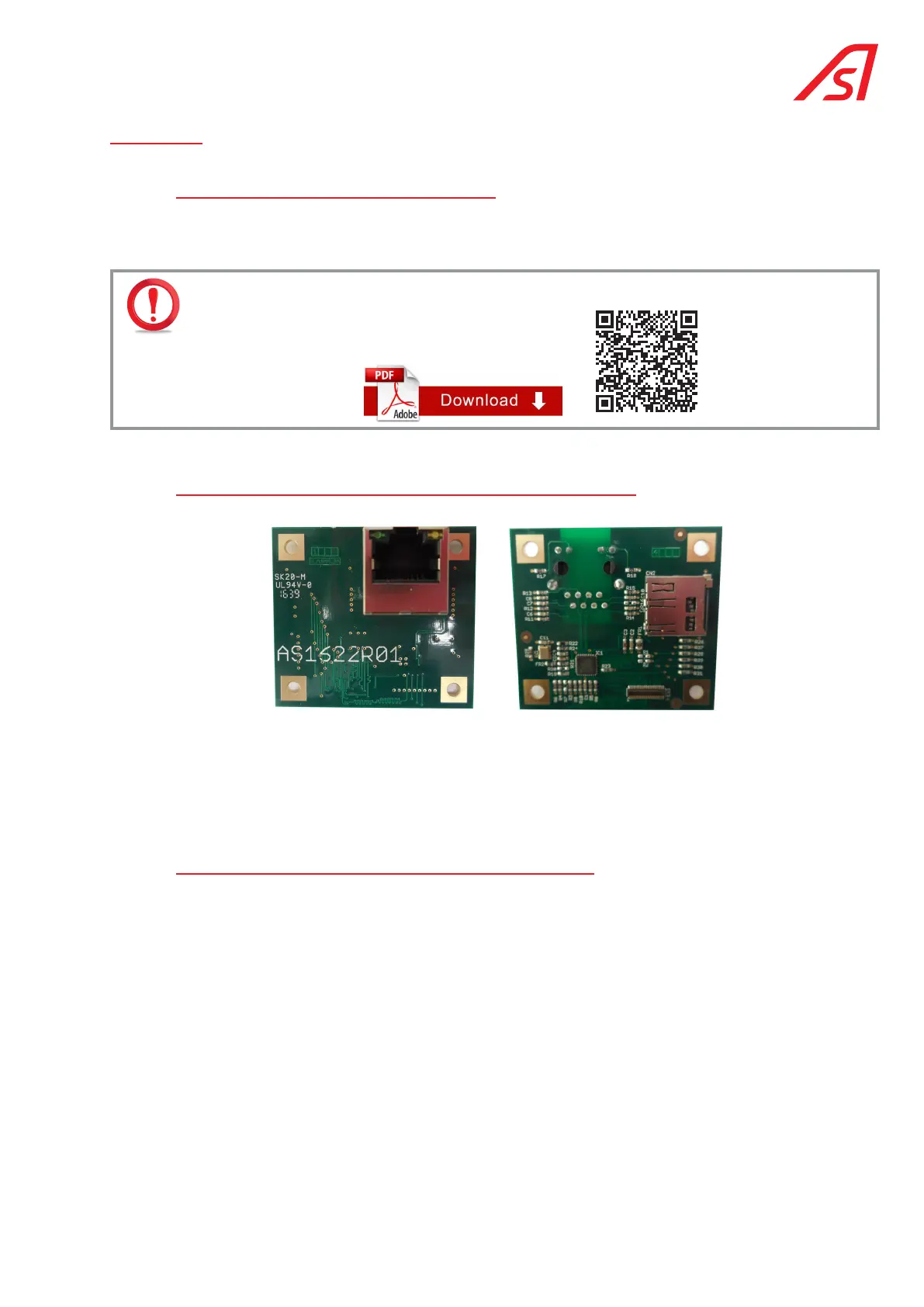
Connect the CN1 connector of the optional AS 1622 circuit board to a computer using a standard Ethernet cable.
The default IP address is 192.168.0.200, which can be modified via the Network page of the web interface, which also
allows the other settings to be configured.
The computer to which the logic circuit board is connected must be configured to have a static IP address on the same
sub-net (for example, 192.168.0.199). The gateway address is normally irrelevant.
5.2.3. Logging onto the maintenance web interface
Open an Internet browser and enter the IP address of the device into the address bar.
The main menu opens automatically in the left part of the screen and the equipment status in the right part.
The user accesses the Identification page via the Main menu to view the status of the device or to log in to access
the configuration panels.
The language in which the pages are displayed can be changed at the bottom of the Main menu:
The information contained in this document is the property of Automatic Systems and is confidential. The recipient shall refrain from using this information for any purpose other
than the use of the products or the execution of the project to which it refers and from communicating it to third parties without prior written agreement of Automatic Systems. The
document is subject to change without notice.



 To Next Page