AS1635-MT-EN-03
p. 24/46
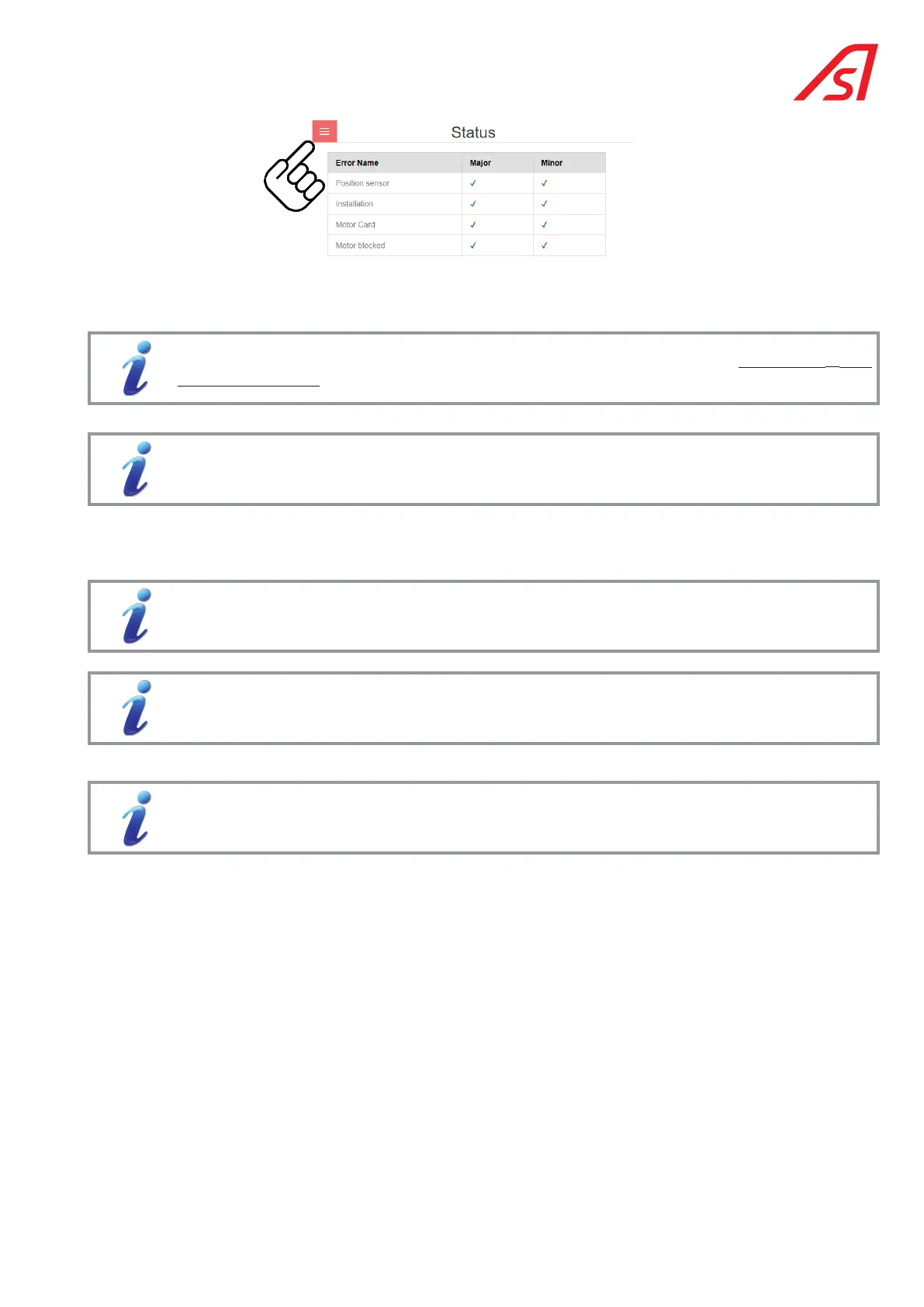
This menu allows you to:
• Identify the name of the equipment;
The name of the equipment can be modified on the Configuration > Application > Equipment (13.1.
Application, page 31) page.
• Identify the type of equipment;
The type of equipment can be modified on the Configuration > Application > Equipment Type (13.1.
Application, page 31) page.
• To browse the various pages of the interface, and to thus be able to consult and/or modify some parameters, start a test,
change the status of the equipment, etc.;
• To refresh the display;
If checked, the data on the page automatically refreshes every 2 seconds.
Click on one of the menus to access one of the pages and refresh the contents.
• To identify or disconnect yourself;
See the following pages for details on each of the possible actions.
• To choose the interface language.
The information contained in this document is the property of Automatic Systems and is confidential. The recipient shall refrain from using this information for any purpose other
than the use of the products or the execution of the project to which it refers and from communicating it to third parties without prior written agreement of Automatic Systems. The
document is subject to change without notice.



 To Next Page