AS1635-MT-EN-03
p. 40/46
Choose a file Allows you to browse your computer in order to choose a configuration file to
load.
Upload a setting file Transfer an archive file from the PC to the CPU of the AS1635 circuit board.
Overwrite the current factory settings If this option is enabled, the file configuration will overwrite the current factory
configuration.
Restore the factory settings Restore the factory parameters.
Save the new factory settings Allows the current configuration to be saved as the factory configuration.
Warning the old factory configuration will be erased!
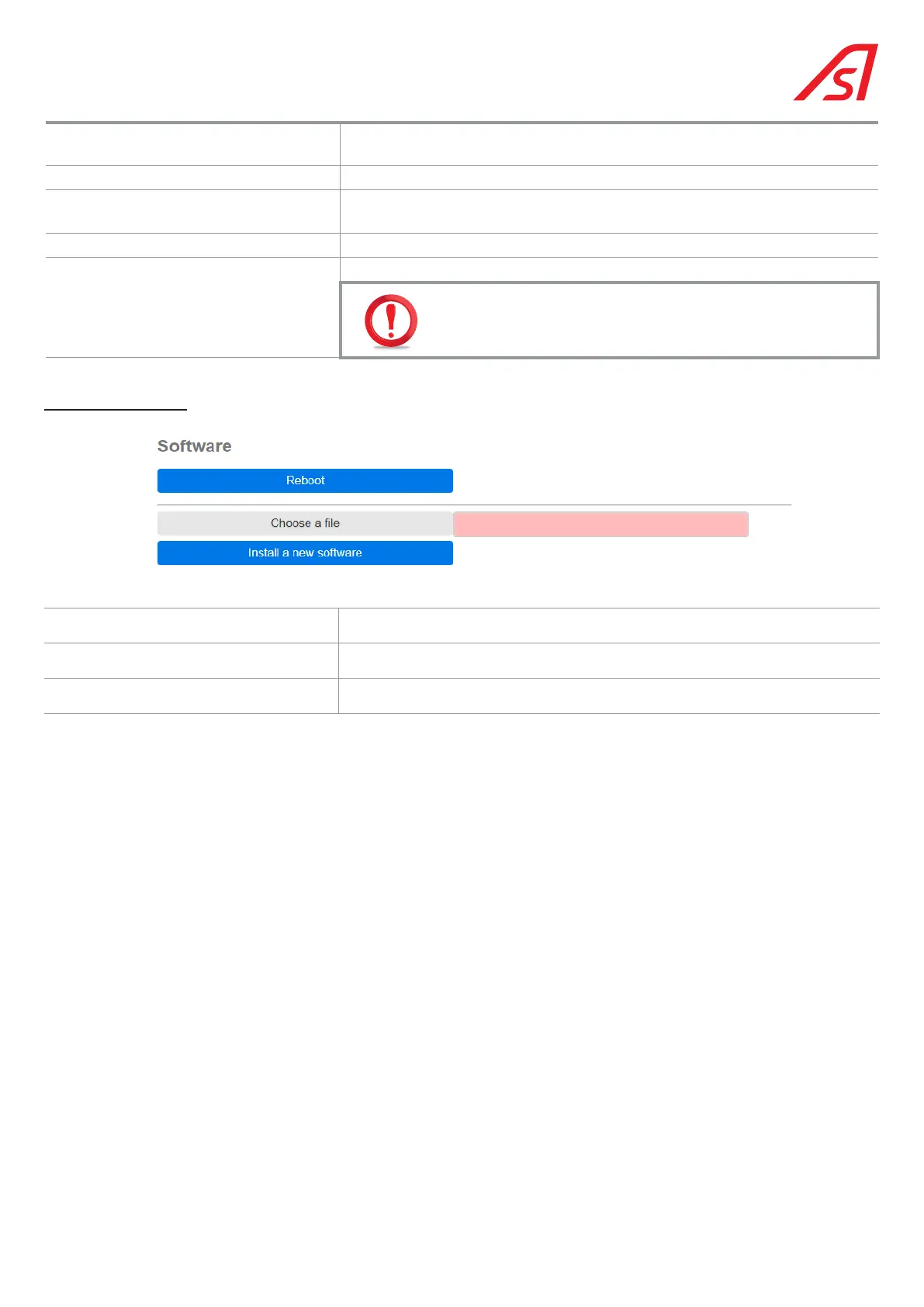
For the Software part:
Reboot Restart the program.
Choose a file Opens a window to browse the computer in order to select a program archive.
Install a new software Allows the installation of a new version of the program.
The information contained in this document is the property of Automatic Systems and is confidential. The recipient shall refrain from using this information for any purpose other
than the use of the products or the execution of the project to which it refers and from communicating it to third parties without prior written agreement of Automatic Systems. The
document is subject to change without notice.



 To Next Page