8410D User’s Guide
26 of 37
Note: In order for the
other party to hear you,
you must speak through
the handset.
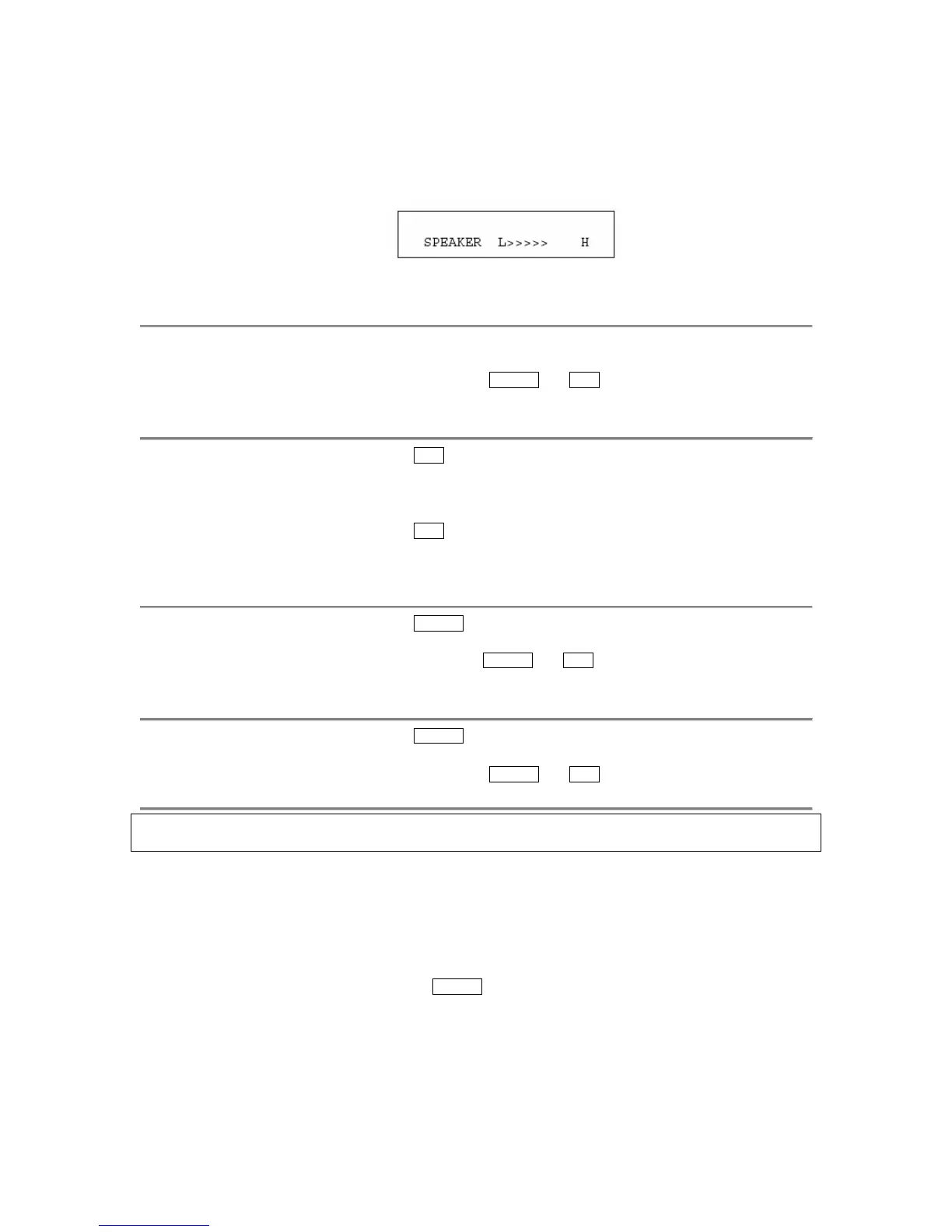
• If you have a display, it shows:
(There are eight possible volume settings. On the display, one arrow is
the lowest setting, and eight arrows is the highest setting.)
To turn off the speaker
and return to handset
1
Pick up the handset
• Red lights next to
Speaker and Mute go off
• Speaker goes off
To mute the microphone
associated with the
handset so the other
party cannot hear you
1 Press Mute
• Red light goes on and the other party cannot hear you
2 Press Mute again to resume talking to the other party through the
handset
• Red light goes off and the other party can hear you again
To activate the speaker
while using the handset
1 Press Speaker
• Red light next to
Speaker and Mute go on steadily
• The speaker is active, and the handset is turned off
To end a call (while the
handset is on-hook and
only the speaker is
active)
1 Press Speaker
• Red lights next to
Speaker and Mute go off
Speakerphone
Note: If you are uncertain whether your voice terminal is set for the Speaker (listen-only) feature
or the Speakerphone (listen and talk) feature, check with your system manager.
Use the following procedures if your voice terminal is set for the Speakerphone (speak and listen)
feature.
If the Reset Spkr label appears under the
Speaker button on your 8410 voice terminal, you can
use the Reset Speakerphone feature. For directions on using the Reset Speakerphone feature,
see “Reset Speakerphone” in this section.



 To Next Page