8410D User’s Guide
4 of 37
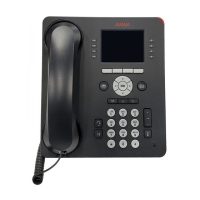
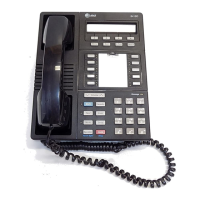
Figure 2. Another Version of the 8410D Voice Terminal (with Display)
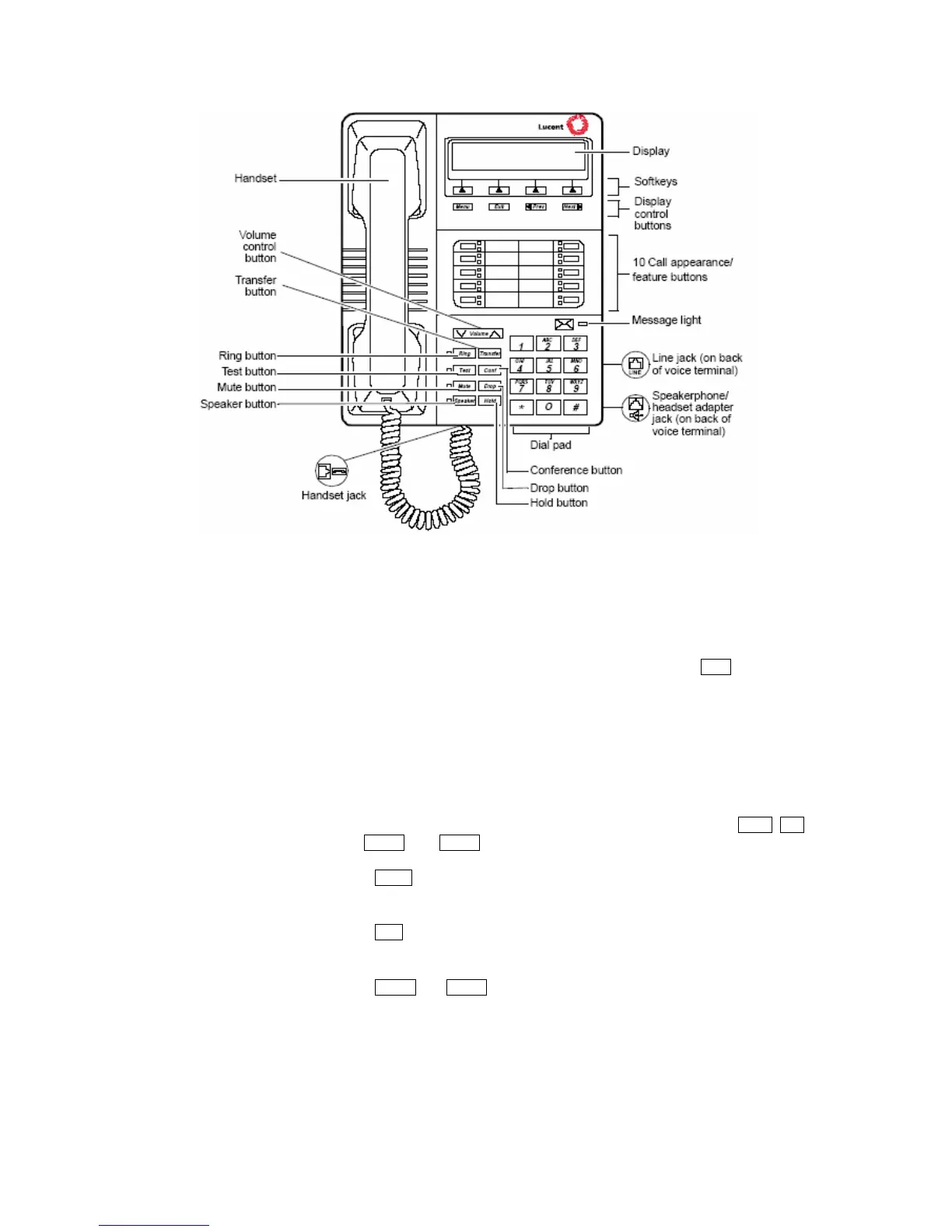
The following features on the 8410 voice terminal shown in Figures 1 and 2 are listed
alphabetically for your convenience. Explanations for each feature are also provided.
Conference button
For setting up conference calls. This button is labeled Conf.
Dial pad
The standard 12-button pad for dialing phone numbers and accessing
features. The letters “Q” and “Z” have been added to the appropriate
dial pad keys for directory access, and the “5” button on your dial pad
has raised bars for visually-impaired users.
Display (only on the 8410D)
A 2-line by 24-character display.
Display control buttons
(only on the 8410D)
These four buttons on the 8410D voice terminal are labeled
Menu, Exit,
Prev, and Next.
• Menu is used to enter Softkey Mode and access the first feature
option screen.
•
Exit is used for exiting the Display Mode and returning to Normal
(call-handling) Mode.
•
Prev and Next are used to go back and forth through the softkey
feature option screens.
Drop button
For disconnecting from a call or dropping the last party added to a
conference call.


 To Next Page