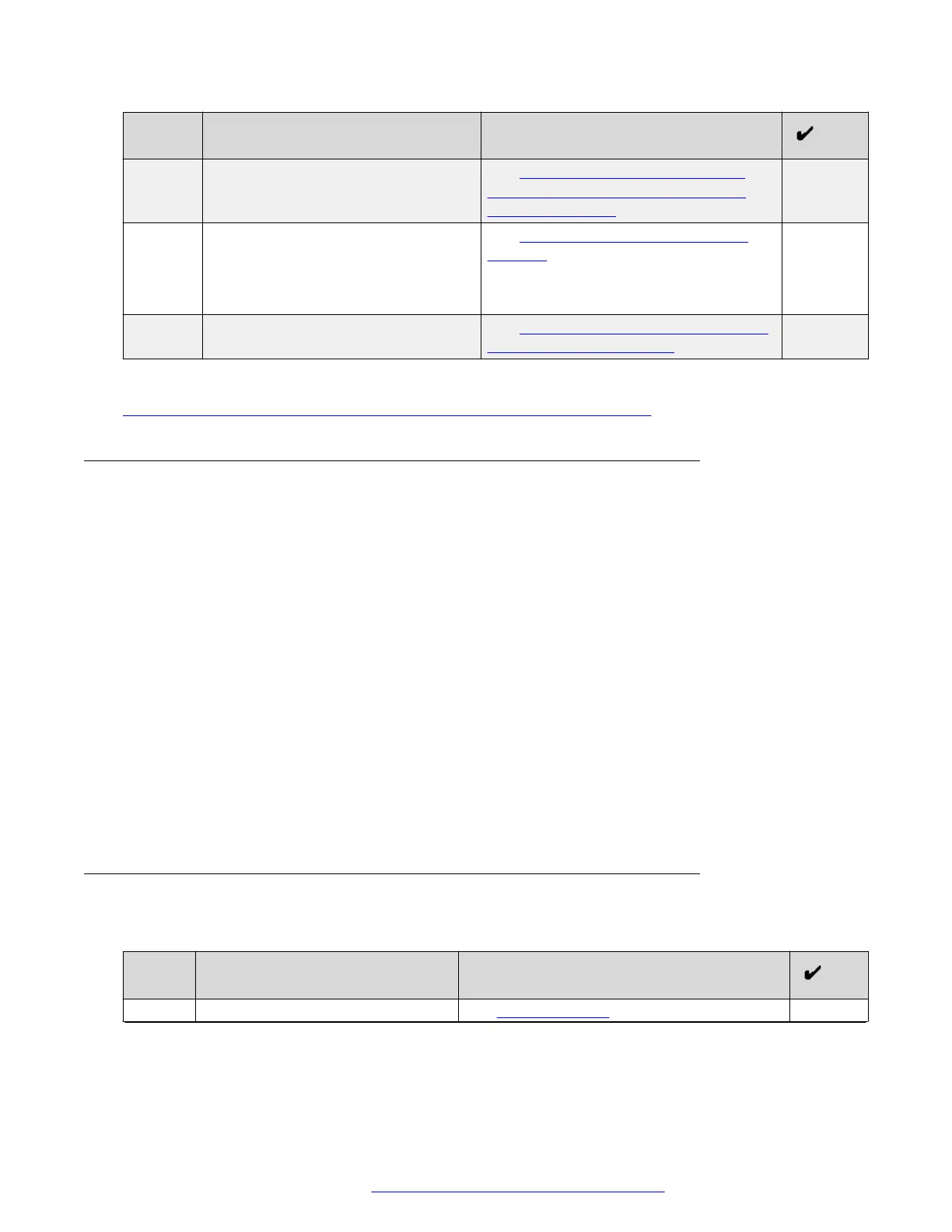
No. Task Description
2 Create TLS server profiles for each
service in your deployment.
See Checklist for creating TLS server
profiles for reverse proxy in a multiple
FQDN deployment on page 111.
3 Configure a CA See Certificate Authority configuration
checklist on page 113.
You must have the CA that is used to sign
certificates for internal components.
4 Configure external traffic rules See Configuring external traffic rules in a
multiple FQDN deployment on page 117.
Related links
Avaya Session Border Controller for Enterprise configuration checklist on page 108
Prerequisites
Before configuring Avaya SBCE as a reverse proxy:
• Ensure that you have a global FQDN.
• If you are using a single FQDN for all services, ensure that you have the following interfaces
on Avaya SBCE:
- One B1 interface for external traffic.
- One A1 interface for outgoing HTTP traffic that runs to Avaya Equinox
®
Conferencing
Management, Web Collaboration Services, and Avaya Aura
®
Web Gateway.
- One A1 interface for internal enterprise HTTP traffic.
• If you are using multiple FQDNs, ensure that you have the following interfaces on Avaya
SBCE:
- One B1 interface per FQDN for each service.
- One A1 interface for outgoing HTTP traffic that runs to Avaya Equinox
®
Conferencing
Management, Web Collaboration Services, and Avaya Aura
®
Web Gateway components.
Checklist for creating a TLS server profile for reverse proxy in a
single FQDN deployment
No.
Task Notes
1 Create a certificate signing request. See Certificate setup on page 135.
Table continues…
Avaya Session Border Controller for Enterprise configuration
October 2018 Deploying the Avaya Aura
®
Web Gateway 110
Comments on this document? infodev@avaya.com



 To Next Page