TURN/STUN service configuration on the Avaya Aura
®
Web Gateway
You can add a new STUN server and set the STUN server priority from External Access > STUN
Servers in the Avaya Aura
®
Web Gateway administration portal. For more information see
“Managing STUN server settings” in Administering the Avaya Aura
®
Web Gateway.
Enabling TURN usage in a WebRTC client
Procedure
1. On the Avaya Aura
®
Web Gateway administration portal, navigate to External Access >
Session Border Controller.
2. Select the Enable TURN in WebRTC Client check box.
3. Click Save.
External native clients media configuration
Use the following sections if you are planning to use Avaya Equinox
®
mobile and desktop clients
outside of your enterprise firewall.
Related links
External client access configuration checklist on page 119
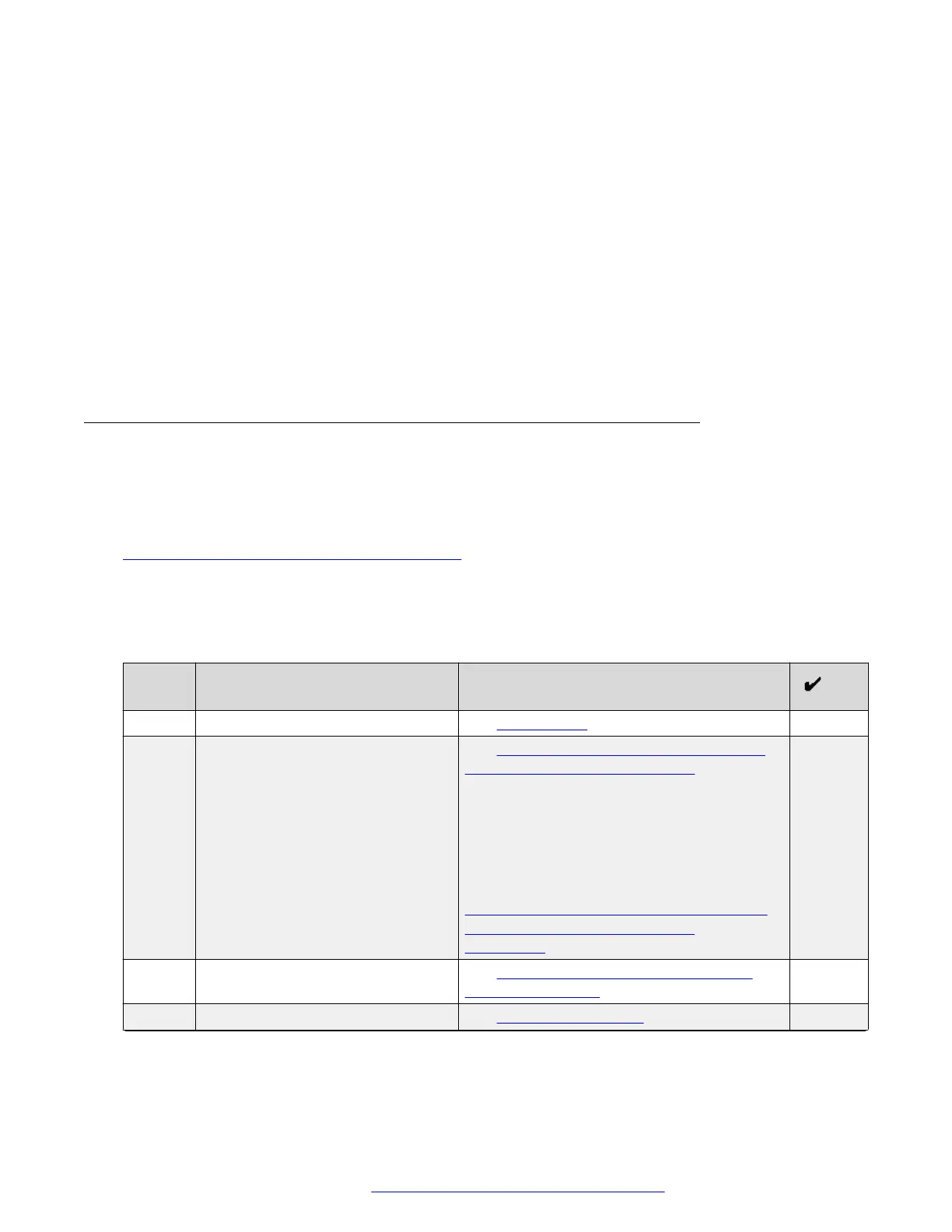
External native clients media configuration checklist
Perform the tasks outlined in this checklist if you are planning to use Avaya Equinox
®
mobile and
desktop clients outside of your enterprise firewall.
No.
Task TLS server profile required for SIP
communications with Avaya SBCE
1 Verify prerequisites. See Prerequisites on page 129.
1 Create a TLS server profile for
required for SIP communications
with Avaya SBCE.
See TLS server profile checklist for external
native clients media configuration on
page 129.
In a multiple FQDN deployment, you can use
the TLS server profile for Avaya Equinox
®
Conferencing Management, which you
created during the reverse proxy
configuration. For more information, see
Checklist for creating TLS server profiles for
reverse proxy in a multiple FQDN
deployment on page 111.
2 Create a TLS server profile for
HTTP media tunneling.
See TLS server profile checklist for media
tunneling interfaces on page 130.
3 Configure firewall rules. See Firewall configuration on page 131.
Table continues…
Avaya Session Border Controller for Enterprise configuration
October 2018 Deploying the Avaya Aura
®
Web Gateway 128
Comments on this document? infodev@avaya.com



 To Next Page