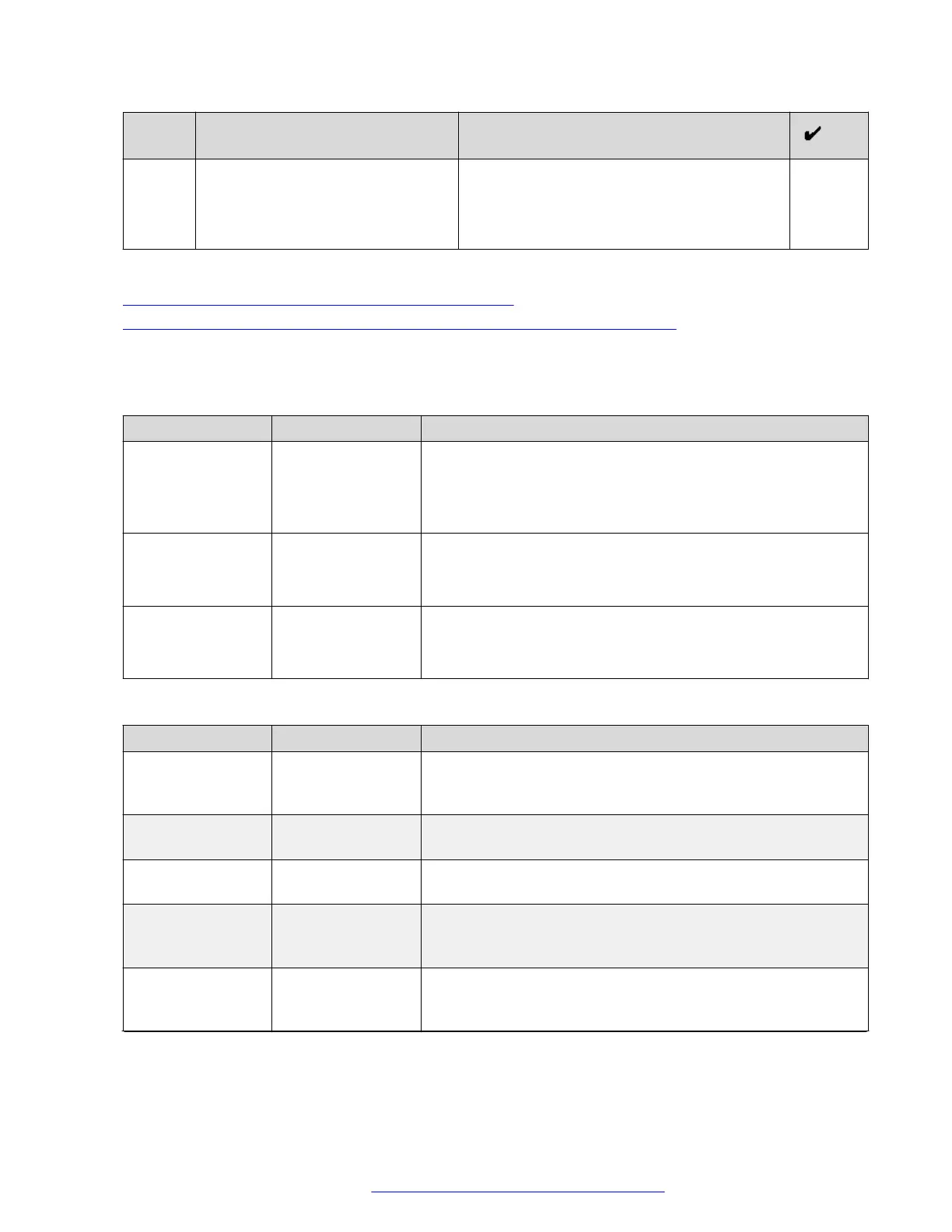
No. Task Notes
When creating a profile, use the certificate
installed on Avaya SBCE in the previous step.
Provide a descriptive name for the profile. For
example: mediaTlsProfile.
Related links
External native clients media configuration checklist on page 128
TLS server profile checklist for external native clients media configuration on page 129
Firewall configuration
External firewall rules
Port Protocol Description
443 TCP For HTTPS media tunneling. From the internet to Avaya SBCE
on the B interface.
This option is only required if you are using media tunneling
and it requires better readability through firewalls.
35000 to 40000 UDP For UDP media. From the internet to Avaya SBCE on the B
interface.
This option is only required if you are using direct RTP media.
3400, 3580 TCP For UDP media. From the internet to Avaya SBCE on the B
interface.
This option is only required if you are using direct RTP media.
Internal firewall rules
Port
Protocol Description
35000 to 40000 UDP For UDP media from Avaya SBCE. For media traffic that runs
from the A interface of Avaya SBCE to the MCU 7K and MCU
6K servers.
12000 to 13200 UDP For UDP media from media services. For media traffic that
runs from MCU 7K servers to the A interface of Avaya SBCE.
16384 to 16984 UDP For UDP media from media services. For media traffic that
runs from MCU 7K servers to the A interface of Avaya SBCE.
6000 to 17999 UDP For UDP media from media services. For media traffic that
runs from Avaya Aura
®
Media Server to the A interface of
Avaya SBCE.
5061 TCP For SIP communications. For traffic that runs from the Avaya
Aura
®
Web Gateway to the Avaya SBCE SIP communications
A interface.
Table continues…
External client access configuration
October 2018 Deploying the Avaya Aura
®
Web Gateway 131
Comments on this document? infodev@avaya.com



 To Next Page