Chapter 5: Initial setup for VMware and
AWS deployments
You can deploy Avaya Aura
®
Web Gateway in a VMware or AWS environment. Use the following
sections to perform the initial VMware or AWS setup.
Deployment process checklist
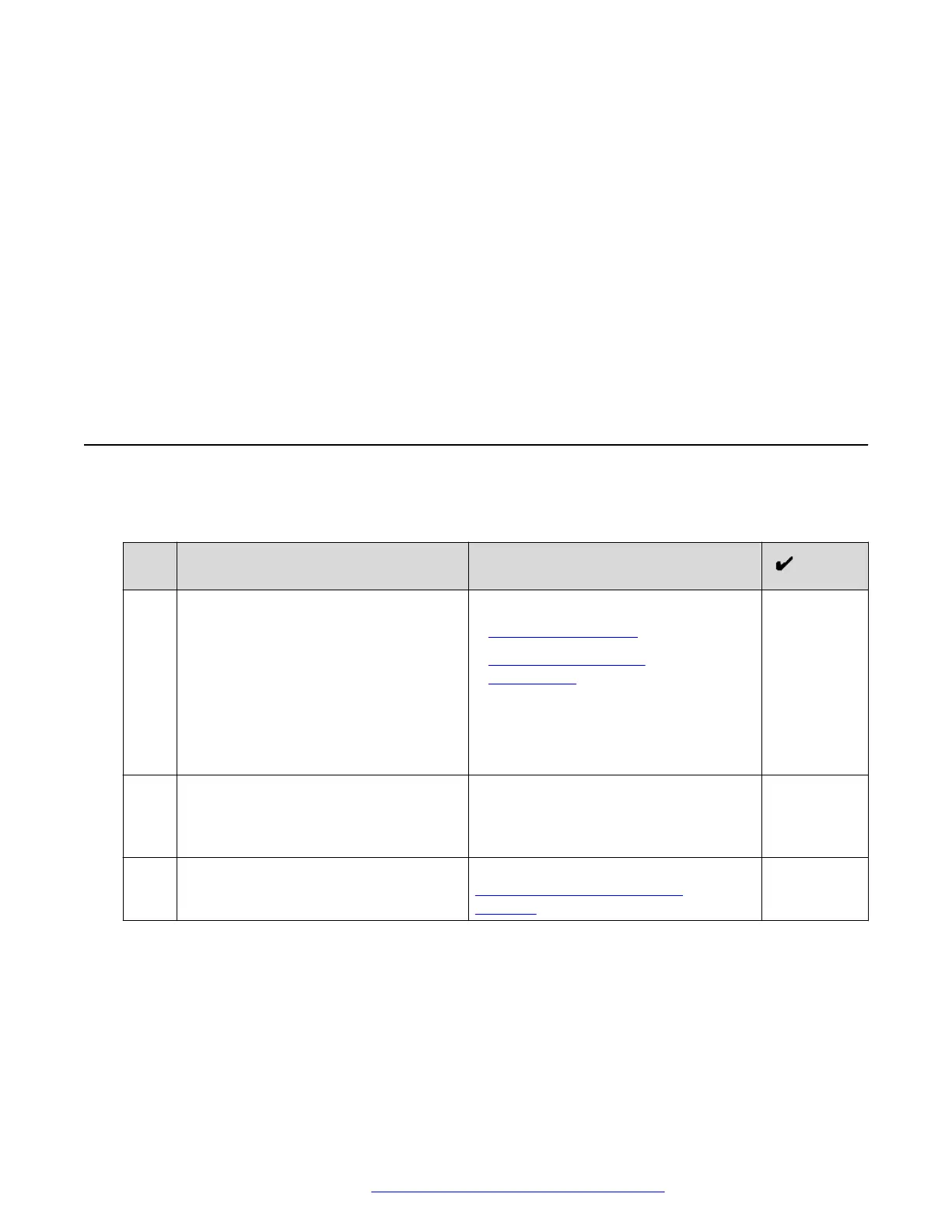
This checklist describes the high-level deployment process for virtual machine deployments on
VMware and AWS.
No.
Task Notes
1 Deploy the OVA for VMware or AWS
environment.
For more information, see:
• VMware deployments on page 43.
• Amazon Web Services
deployments on page 47.
The Avaya Aura
®
Web Gateway OVA
file includes openjdk. Operating system
updates for virtual machines include
updates for openjdk.
2 Increase the partitioning volumes for
VMware deployments.
In a VMware environment, you must
adjust the virtual disk volumes. This
procedure is not required for AWS
deployments.
3 Install or restore the application layer as
required.
For installation information, see
Installing the Avaya Aura Web
Gateway on page 64.
October 2018 Deploying the Avaya Aura
®
Web Gateway 42
Comments on this document? infodev@avaya.com



 To Next Page