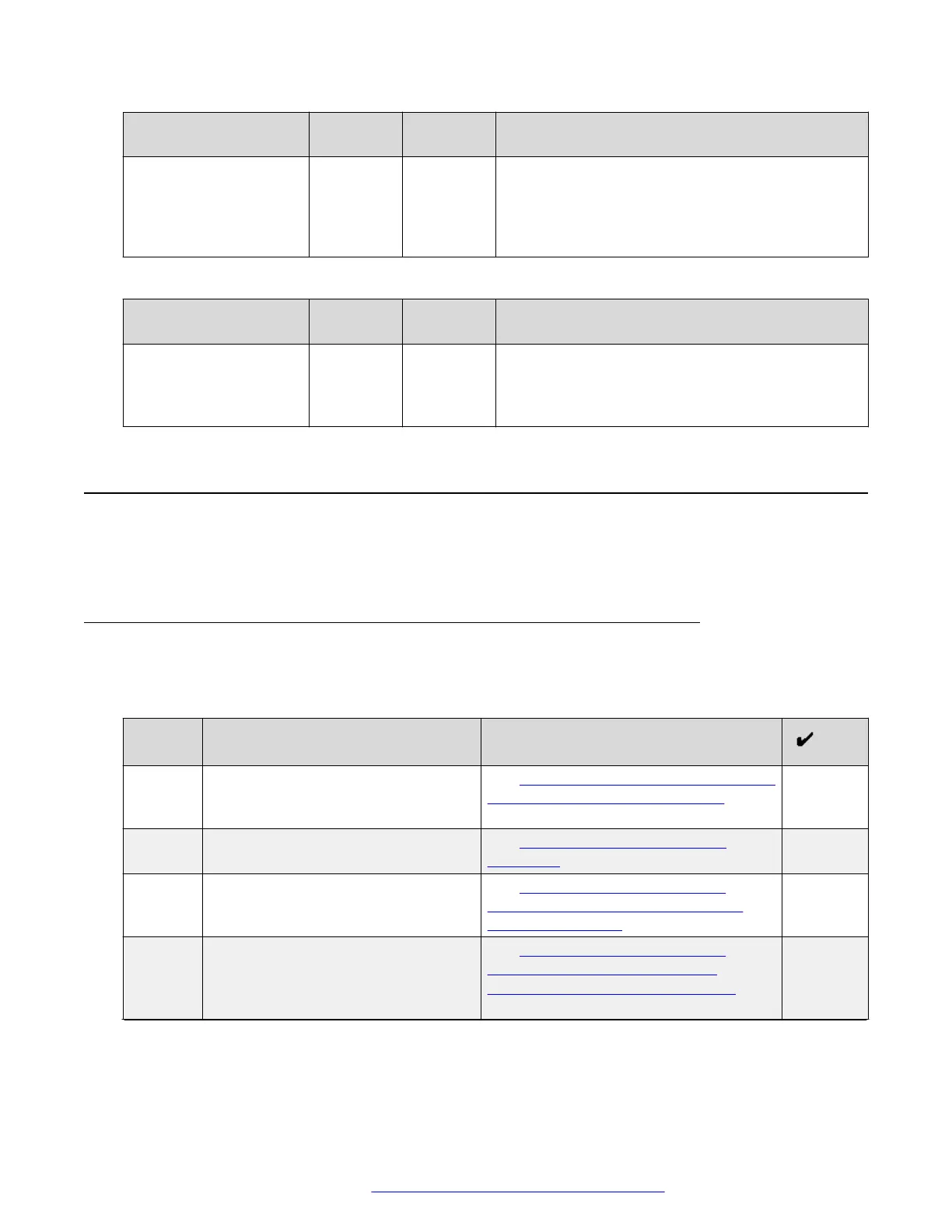
Server Address White list
URL
URL
replace
Description
The FQDN is the FQDN of each Avaya Aura
®
Media
Server, and it resolves to the corresponding Avaya
Aura
®
Media Server IP. For example:
webconference1.company.com,
webconference2.company.com, and so on.
Traffic rules for Avaya Aura
®
Web Gateway/Portal
Server Address White list
URL
URL
replace
Description
<Avaya Aura
®
Web
Gateway Virtual IP
FQDN>: 8444
/ /
Avaya Aura
®
Web Gateway. You must use the
FQDN that resolves to the virtual IP address of the
Avaya Aura
®
Web Gateway system. For example:
webgateway.company.com.
External client access configuration
The following sections describe how to configure Avaya SBCE if you are planning to use any
external clients, including WebRTC, moblile, or desktop clients, outside the enterprise firewall.
External client access configuration checklist
Perform the tasks outlined in this checklist if you are planning to use any external clients, including
WebRTC, mobile, or desktop clients, outside the enterprise firewall.
No.
Task Notes
1 Create a server TLS profile for a
management interface.
See Checklist for creation of a TLS server
profile for a management interface on
page 120.
2 Configure Avaya SBCE load
monitoring.
See Configuring Avaya SBCE load
monitoring on page 121.
3 Add Avaya SBCE to the Avaya Aura
®
Web Gateway.
See Adding Avaya Session Border
Controller for Enterprise to the Avaya
Aura Web Gateway on page 122.
4 If you have conferencing, add Avaya
SBCE to Avaya Equinox
®
Conferencing Management.
See Adding Avaya Session Border
Controller for Enterprise to Avaya
Equinox Conferencing Management on
page 122.
Table continues…
External client access configuration
October 2018 Deploying the Avaya Aura
®
Web Gateway 119
Comments on this document? infodev@avaya.com



 To Next Page