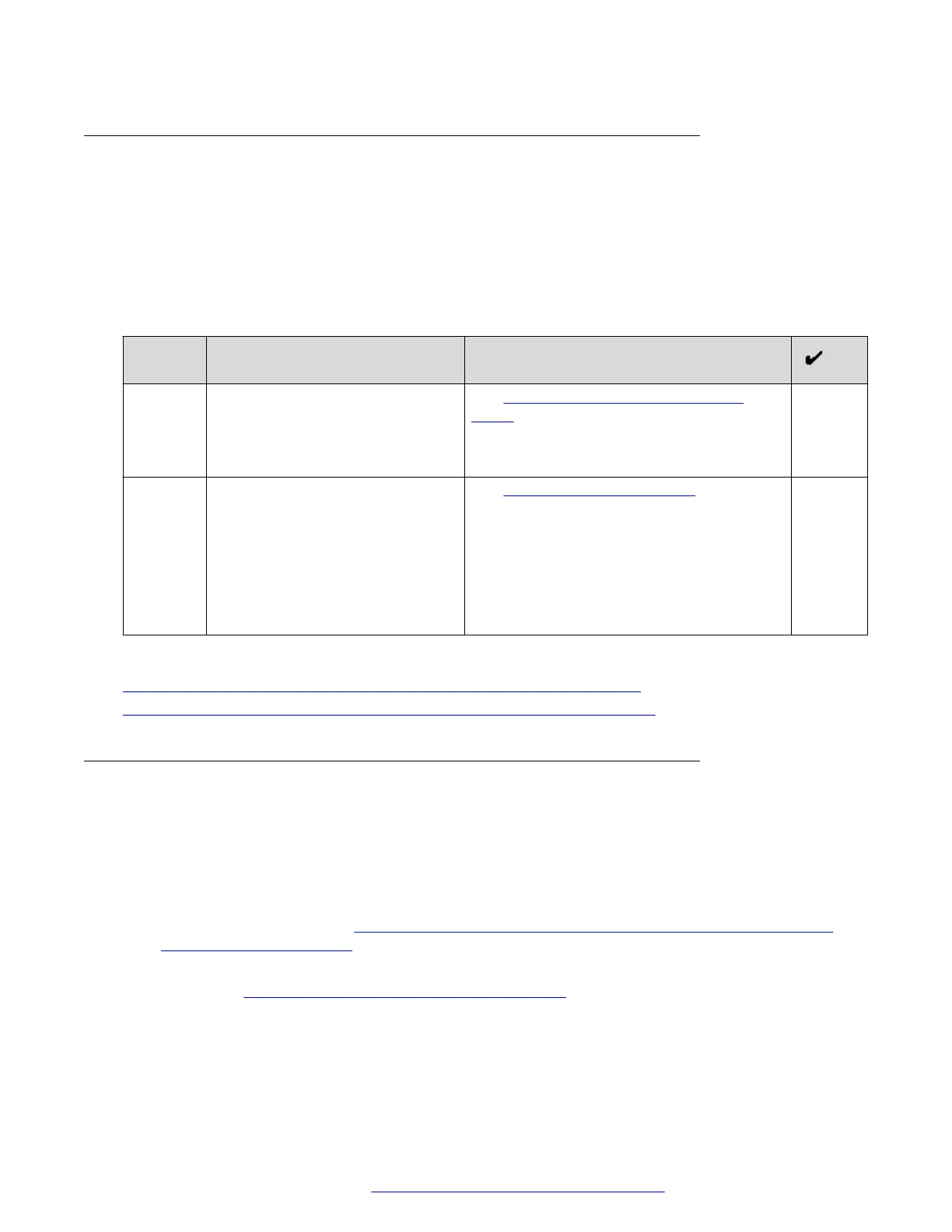
Certificate Authority configuration checklist
You must have the CA that is used to sign certificates for internal components.
• In a single FQDN for all services deployment, certificates for internal components are usually
signed by the System Manager CA.
• In a multiple FQDN deployment, certificates for internal components are usually signed by a
public CA.
To configure a CA, perform the tasks outlined in the following checklist:
No. Task Notes
1 Install the CA on the Avaya SBCE. See Installing a CA certificate on Avaya
SBCE on page 140.
Provide a descriptive name for the CA. For
example: certificateAuthority.
2 Create a TLS client profile. See Creating a TLS client profile on
page 141.
When creating the profile, use the CA that
you installed in the previous step.
Provide a descriptive name for the profile.
For example:
certificateAuthorityTlsProfile.
Related links
Reverse proxy configuration checklist for a single FQDN deployment on page 109
Reverse proxy configuration checklist for a multiple FQDN deployment on page 109
Configuring external traffic rules in a single FQDN for all services
deployment
Before you begin
Ensure that you have:
• The TLS server profile for reverse proxy. For more information, see the TLS server profile
creation tasks outlined in
Checklist for creating a TLS server profile for reverse proxy in a
single FQDN deployment on page 110.
• The TLS client profile for reverse proxy. For more information, see the CA configuration tasks
outlined in
Certificate Authority configuration checklist on page 113.
Use the same TLS server and client profiles when configuring both external and internal traffic
rules.
Reverse proxy configuration
October 2018 Deploying the Avaya Aura
®
Web Gateway 113
Comments on this document? infodev@avaya.com



 To Next Page