Chapter 4: Planning and preinstallation
Review this chapter before you start installing the Avaya Aura
®
Web Gateway. You can either deploy
the Avaya Aura
®
Web Gateway using Amazon Web Services (AWS) or VMware.
Warning:
When you deploy Avaya Aura
®
Web Gateway, avoid copying and pasting commands directly
from this document. This can introduce unwanted characters and errors. Double-check all inputs
you copy or type them manually.
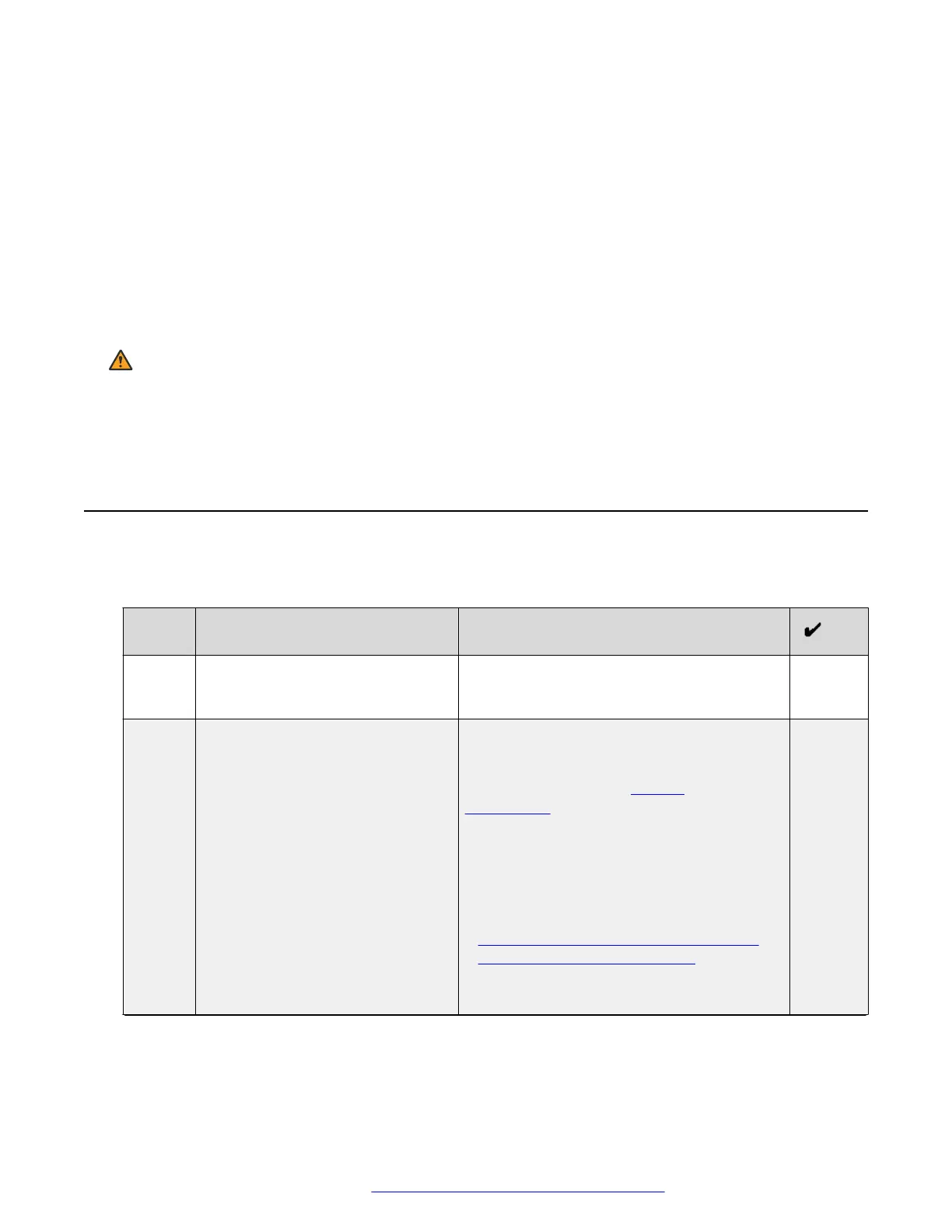
Planning checklist
This checklist outlines planning requirements and tasks that you must complete before deploying
the Avaya Aura
®
Web Gateway.
No.
Task Notes
1 Ensure that you have all required
skills and knowledge.
Before deploying Avaya Aura
®
Web Gateway,
ensure that you have all required skills and
knowledge described in this chapter.
2 Ensure that you have all required
components and equipment.
Team Engagement deployments require
Avaya Aura
®
. Your deployment can also
include Conferencing. For more information
about components, see Product
compatibility on page 18.
You must also have:
• A virtual machine. You can deploy the
Avaya Aura
®
Web Gateway OVA using
vCenter or vSphere. Ensure your system
meets the specifications outlined in
Resource profile specifications for Avaya
Aura Web Gateway on VMware on
page 37.
• An SSH tool, such as PuTTY.
Table continues…
October 2018 Deploying the Avaya Aura
®
Web Gateway 23
Comments on this document? infodev@avaya.com



 To Next Page