Networking considerations for Amazon Web Services
There are some limitations for establishing public internet VPNs and direct connections into AWS.
For more information about Amazon VPC Limits, see the AWS documentation at http://
docs.aws.amazon.com/AmazonVPC/latest/UserGuide/VPC_Appendix_Limits.html.
Important:
Use a direct connection along with a private WAN connection with Service Level Agreement
(SLA) measures to ensure that the network quality is appropriate for signaling and voice
traffic.
Avaya is not responsible for network connections between AWS and the customer premises.
When you deploy Avaya Aura
®
Web Gateway in an AWS environment, you must also deploy a
local LDAP server in AWS. This LDAP server is a replica server that synchronizes content from a
master LDAP server within the enterprise. To reduce latency for authentication and directory
lookup operations, this LDAP server must be collocated with Avaya Aura
®
Web Gateway in the
same AWS region.
Connection types
You can connect applications in a hybrid network on the Virtual Private Cloud (VPC) in the
following ways:
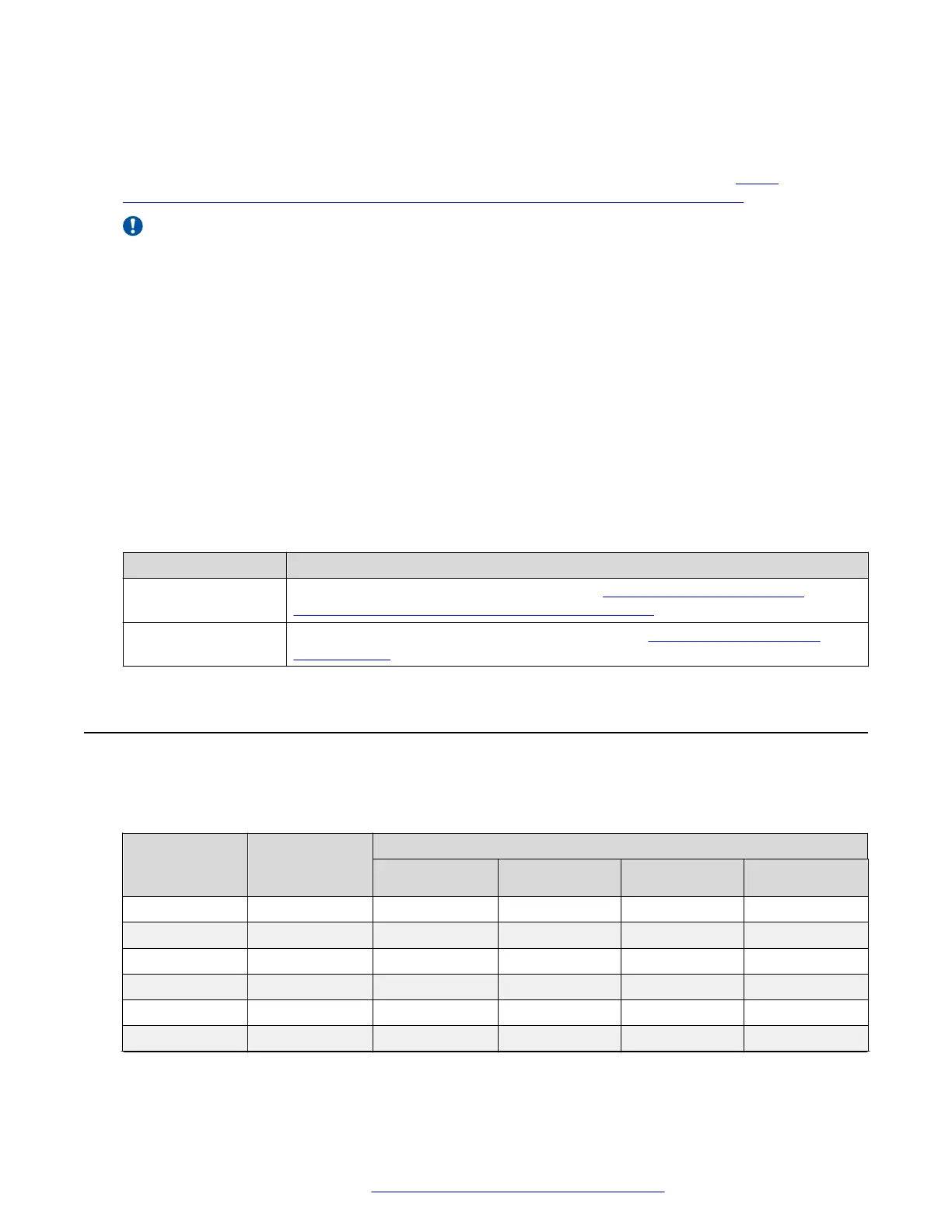
Connection type Resource
VPN connection For information about VPN connections, see http://docs.aws.amazon.com/
AmazonVPC/latest/UserGuide/vpn-connections.html.
Direct connection For information about AWS direct connections, see https://aws.amazon.com/
directconnect/.
Virtual disk volume specifications
The following table shows the file system layout for systems deployed using Avaya-provided
OVAs.
Disk Volume
Volume size
can be
increased
Volume Size (GiB)
Disk 1 Disk 2 Disk 3 Disk 4
/boot No 0.2
swap Yes 8.0
/ Yes 4.0
/tmp Yes 2.8
/var Yes 3.0
/var/log Yes 2.0
Table continues…
Virtual disk volume specifications
October 2018 Deploying the Avaya Aura
®
Web Gateway 39
Comments on this document? infodev@avaya.com



 To Next Page