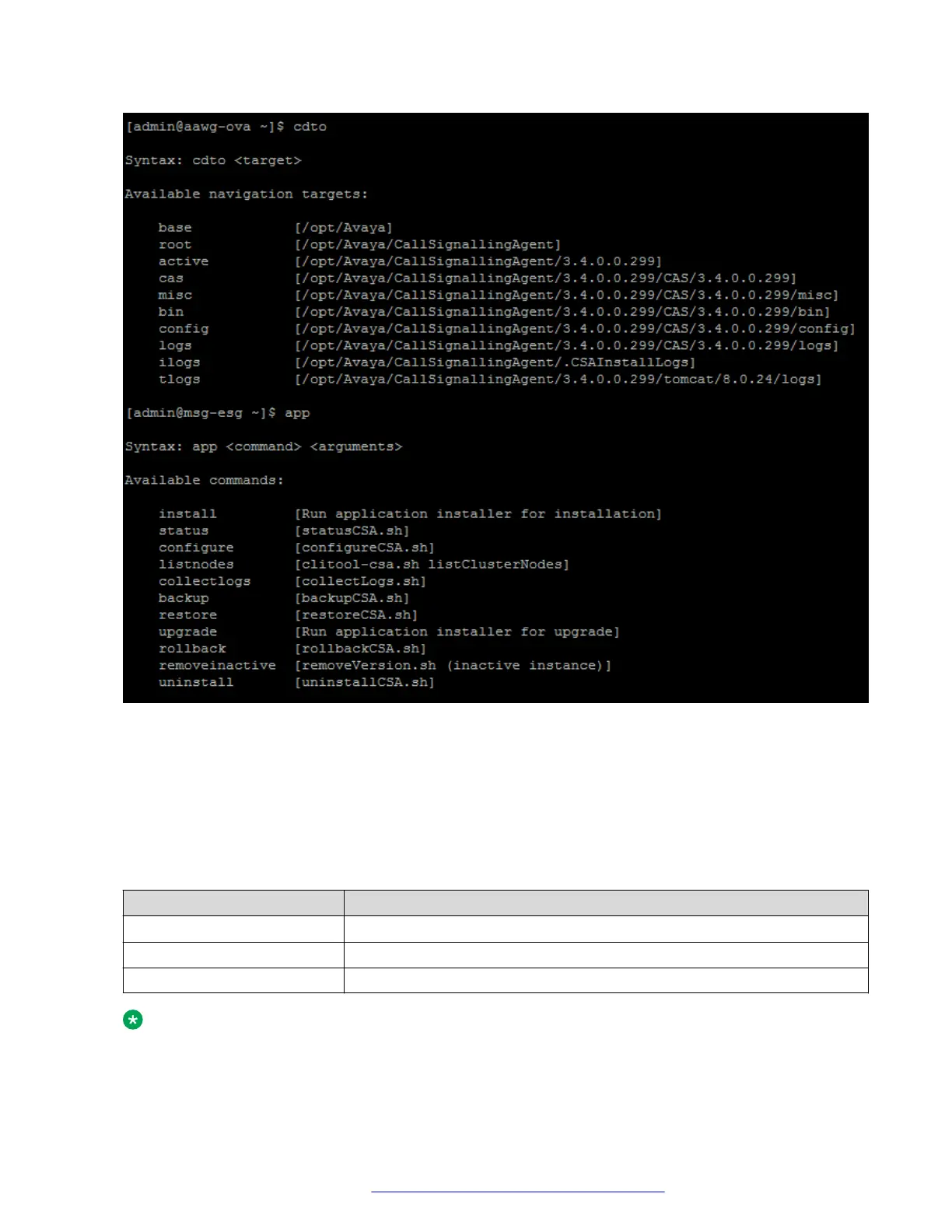
Each alias category displays the target command, which is in square brackets. The syntax for the
command is provided in the procedures outlined in this document. Arguments that you specify
after an alias are passed through to the target command.
The system can simultaneously have both an active and inactive installation of the software. For
example, after an upgrade, the earlier version becomes inactive, but the new version becomes
active. The alias commands operate only on the active installation unless specified.
Table 2: Examples of alias commands to be used in a Linux shell
Alias example
Function provided
cdto logs
Changes to the log directory of the active installation on the system.
app install
Runs the staged application installer.
svc telportal restart
Restarts the telportal service.
Note:
The aliases must be used only from the command line in a Linux shell. Do not use them in a
script. You must use the actual target command in a script.
Planning and preinstallation
October 2018 Deploying the Avaya Aura
®
Web Gateway 28
Comments on this document? infodev@avaya.com



 To Next Page