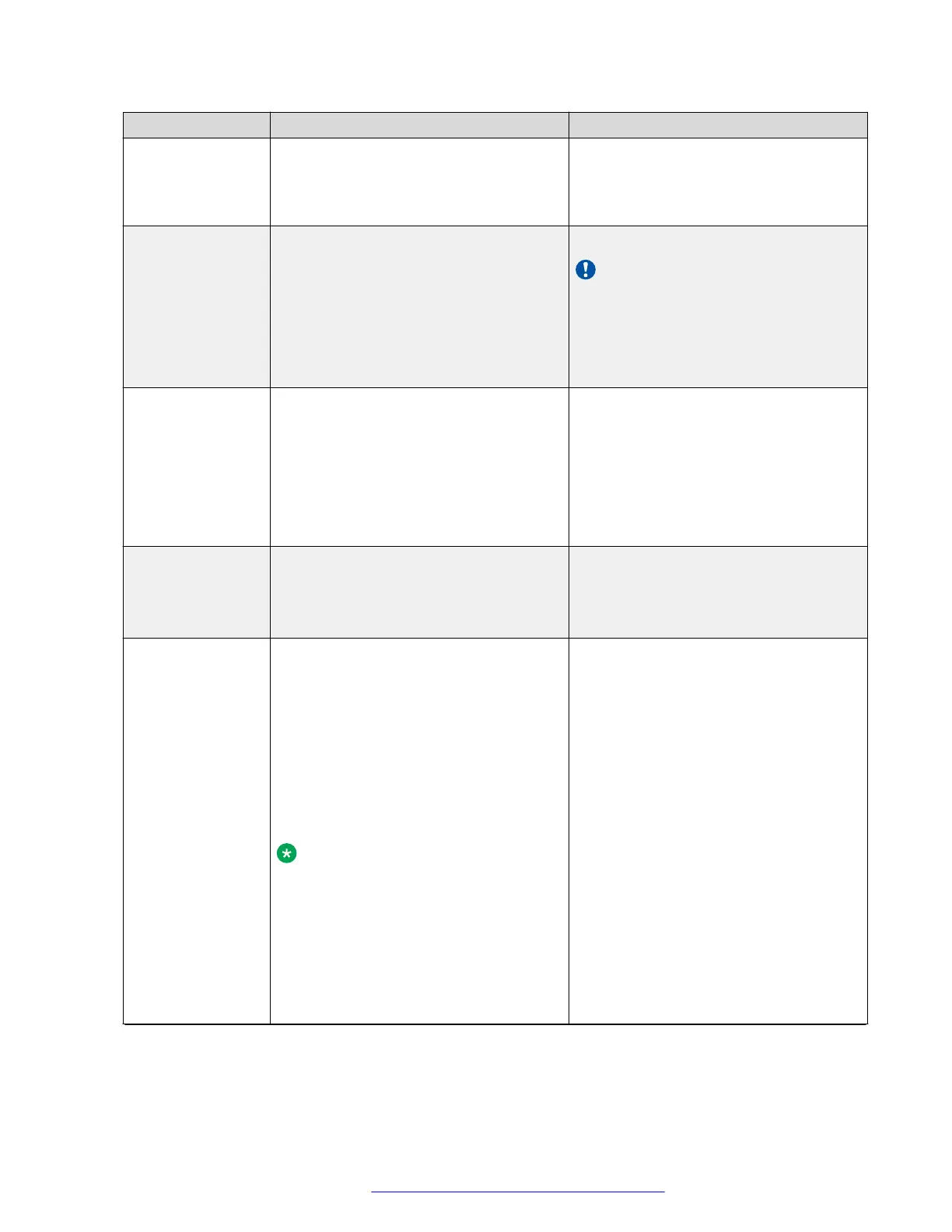
Item name Description Equivalent properties file parameter
For example: for Active Directory,
you can use "domain\user",
"user@domain", as well as the
actual DN of the user object.
Bind Credential The password that the Avaya Aura
®
Web
Gateway server requires for the LDAP
bind operation. This is a mandatory
setting.
bindCredential
Important:
If you configure the LDAP settings
using the properties file, you must
enter the Bind Credential manually
by running the configureCSA.sh
script.
UID Attribute ID The User ID attribute name, as
determined by the LDAP server
configuration. This is a mandatory
setting.
This parameter is used for searching
users in the LDAP server.
For example: sAMAccountName
uidAttrID
Base Context DN The DN of the context used for LDAP
authentication.
For example:
ou=csasusers,dc=example,dc=com
baseCtxDN
Administrator
Role
The list of LDAP roles that match the
Avaya Aura
®
Web Gateway Administrator
role.
For example:
If the role is configured as
CSAAdmin,CSAxyz, any user whose list
of roles contains CSAAdmin or CSAxyz
is mapped to the Avaya Aura
®
Web
Gateway Administrator role.
Note:
The values of the roles are case-
sensitive when they are mapped to
the application roles. So they must
match exactly to the roles name
found for a user in order for the
mapping of the LDAP roles to the
Avaya Aura
®
Web Gateway
application roles to succeed.
adminRole
Table continues…
Avaya Aura
®
Web Gateway setup
October 2018 Deploying the Avaya Aura
®
Web Gateway 80
Comments on this document? infodev@avaya.com



 To Next Page