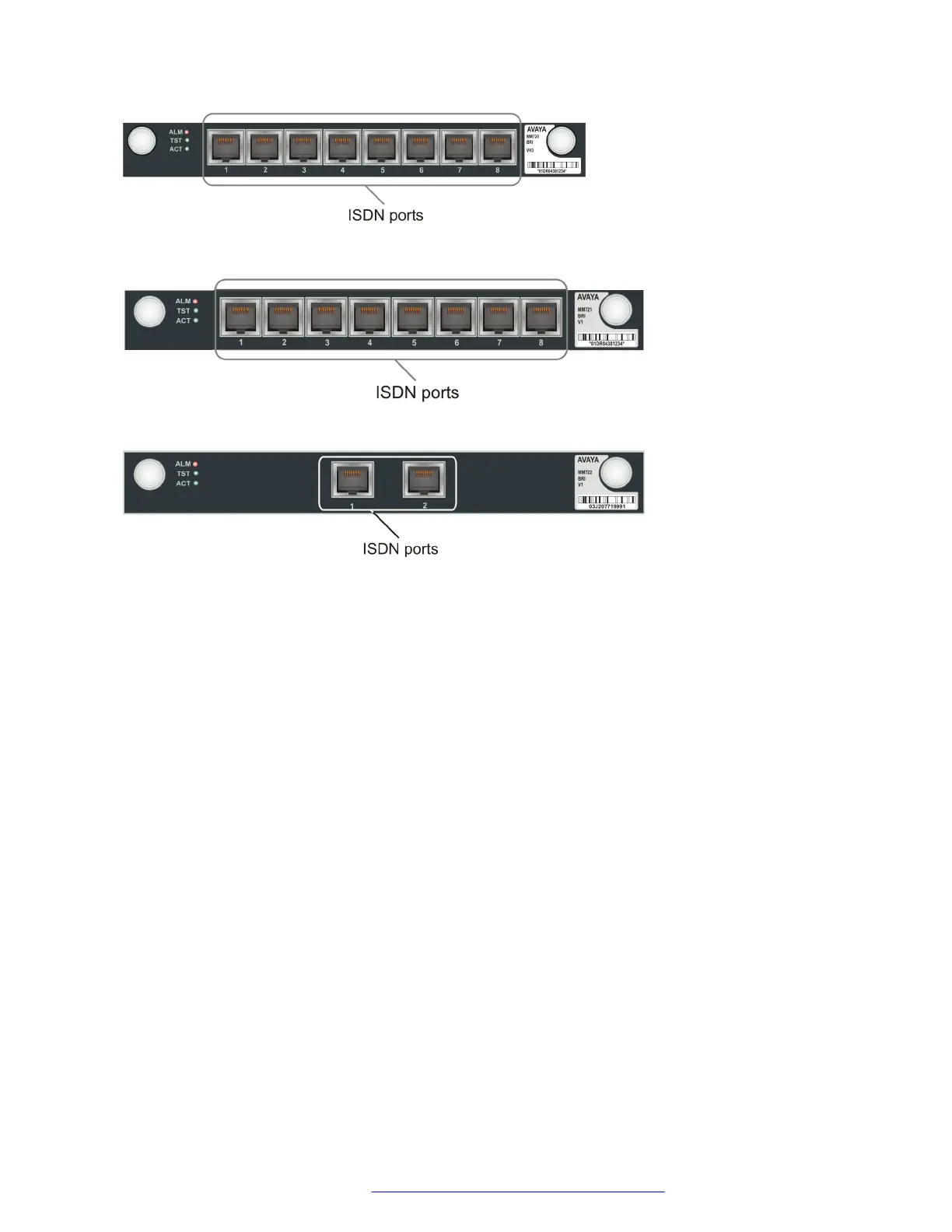
Figure 19: The MM720 media module
Figure 20: The MM721 media module
Figure 21: The MM722 media module
Connecting devices to the MM717 and MM716 media modules
About this task
The MM716 and MM717 media modules each have a single 25-pair amphenol socket on the front
panel, intended for use with a punch down block.
Procedure
Connect the front panel connector to a punch down block.
You can terminate up to 24 endpoint devices on the connected punch down block.
Connecting the MM716 or MM717 front panel connector to a punch down block
Procedure
1. Connect one end of a CAT5 cable with a 25-pair amphenol connector at each end to the
25-pair socket on the MM716 or MM717 front panel, so that the cable extends to the right
of the Branch Gateway.
The cable you use must be such that the connector you plug into the media module is 90˚
to the cable.
2. Tighten the end screw of the amphenol connector to securely fasten the connector to the
left side of the front panel socket.
3. Thread a tie wrap through the small bracket to the right of the front panel socket.
Connecting devices
July 2018 Deploying and Upgrading Avaya G430 Branch Gateway 50
Comments on this document? infodev@avaya.com



 To Next Page