Install the S8300
Issue 9.1 June 2006 473
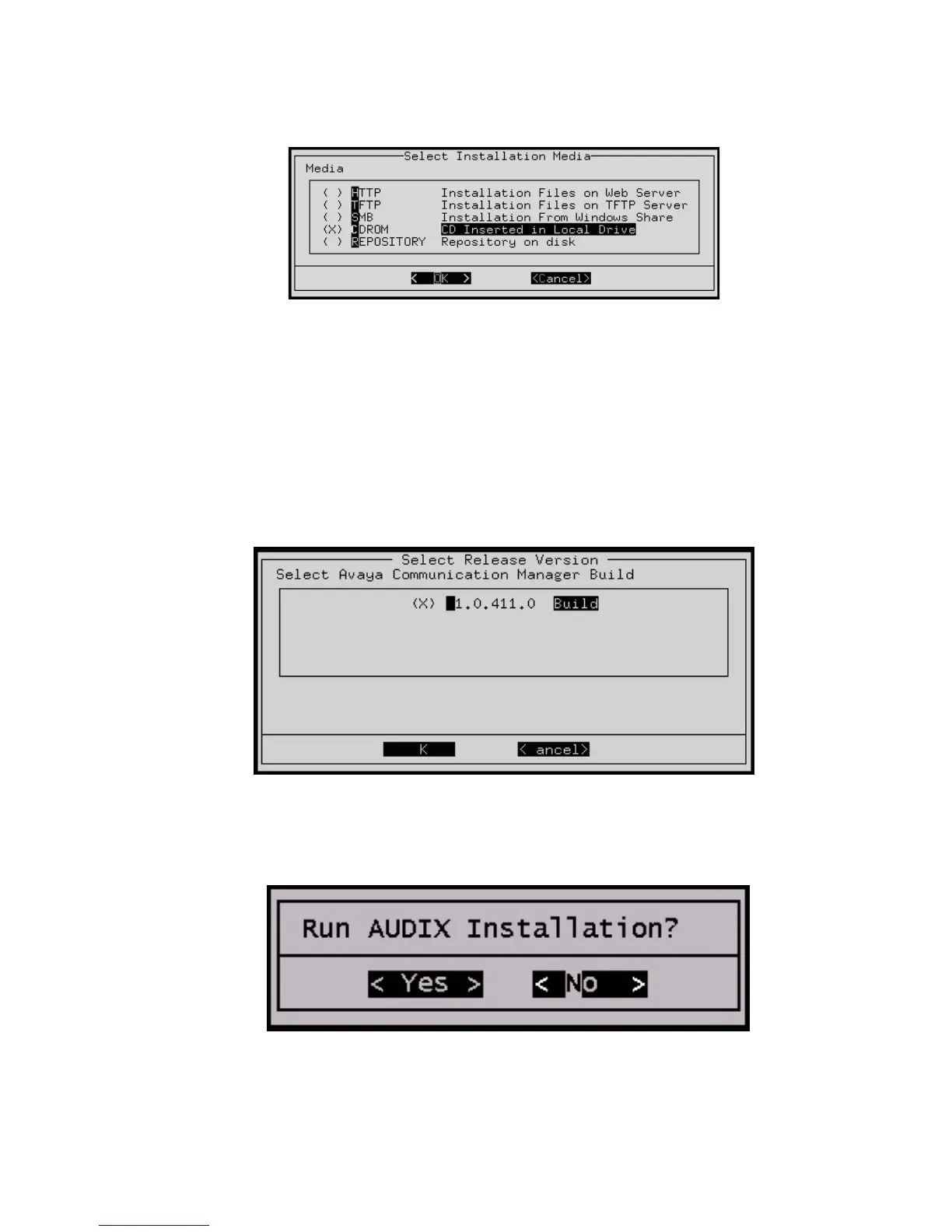
The Select Installation Media screen
If you see the Select Installation Media screen:
a. Start up the TFTP server on your laptop, or connect a USB CD-ROM drive to one of
the USB ports.
b. Insert the unity CD in the laptop or USB drive.
c. Select either TFTP or CDROM.
d. Select OK, and press Enter.
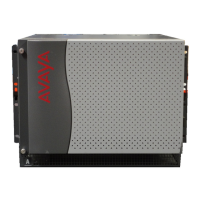
The Select Release Version screen appears.
The Select Release Version screen
6. Select the appropriate release version (if more than one) then select OK and press Enter.
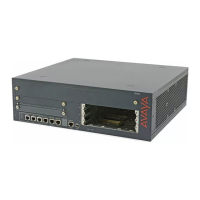
7. The Run AUDIX Installation screen appears.
Run AUDIX Installation screen




 To Next Page