Manual installation of a new G700 with an S8300
474 Installing and Upgrading the Avaya G700 Media Gateway and Avaya S8300 Media Server
8. Select Yes if you want to install AUDIX concurrently with Communication Manager. Select
No if you do not. Then press Enter.
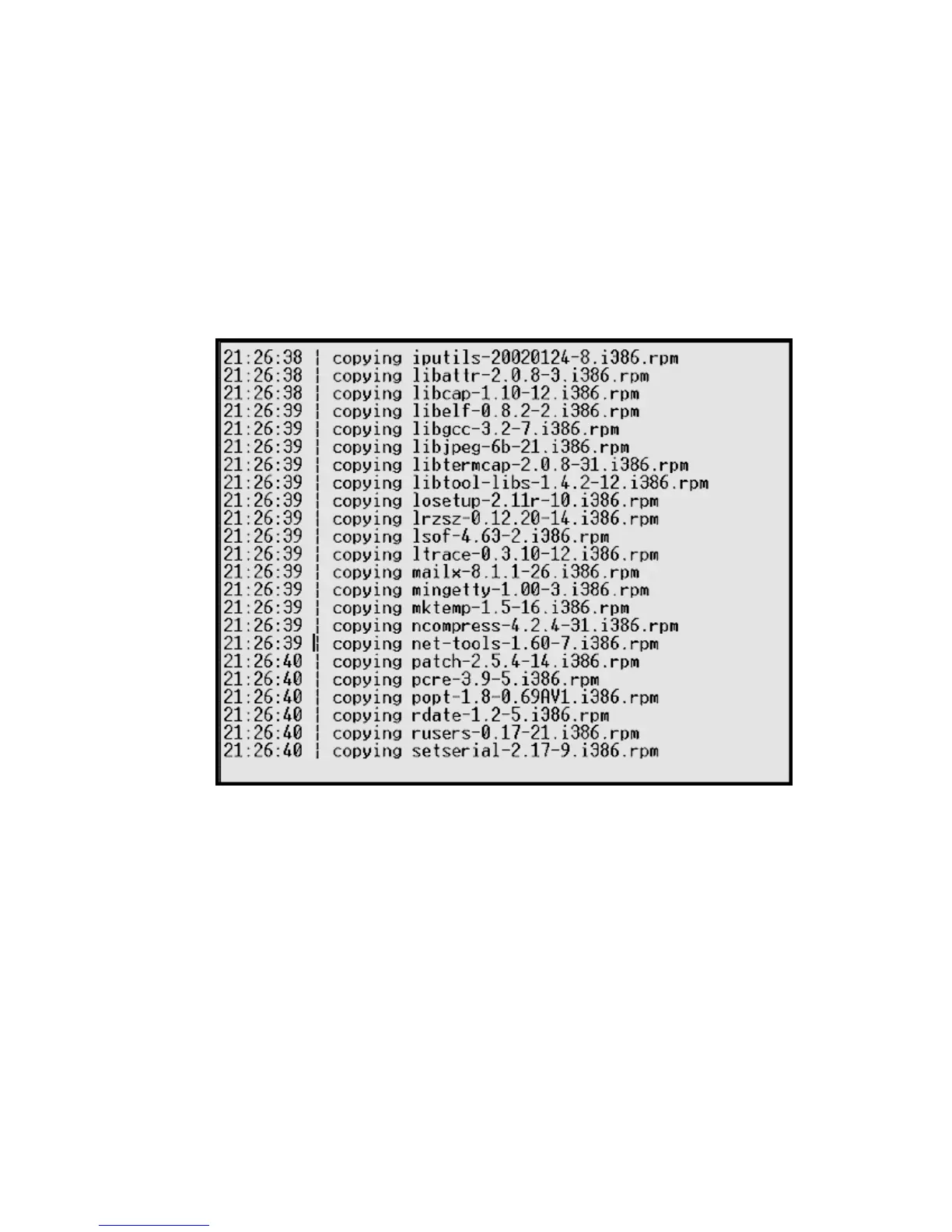
At this point, the following processes are initiated:
a. The S8300 hard drive is reformatted.
b. The Linux operating system is installed.
c. Once the drive is properly configured, the program begins installing Communication
Manager software and reports the progress.
Communication Manager installation progress
These processes take 15–30 minutes. When the media server is ready to reboot, the following
screen flashes for about 5 seconds.





 To Next Page