Upgrade the S8300
Issue 9.1 June 2006 695
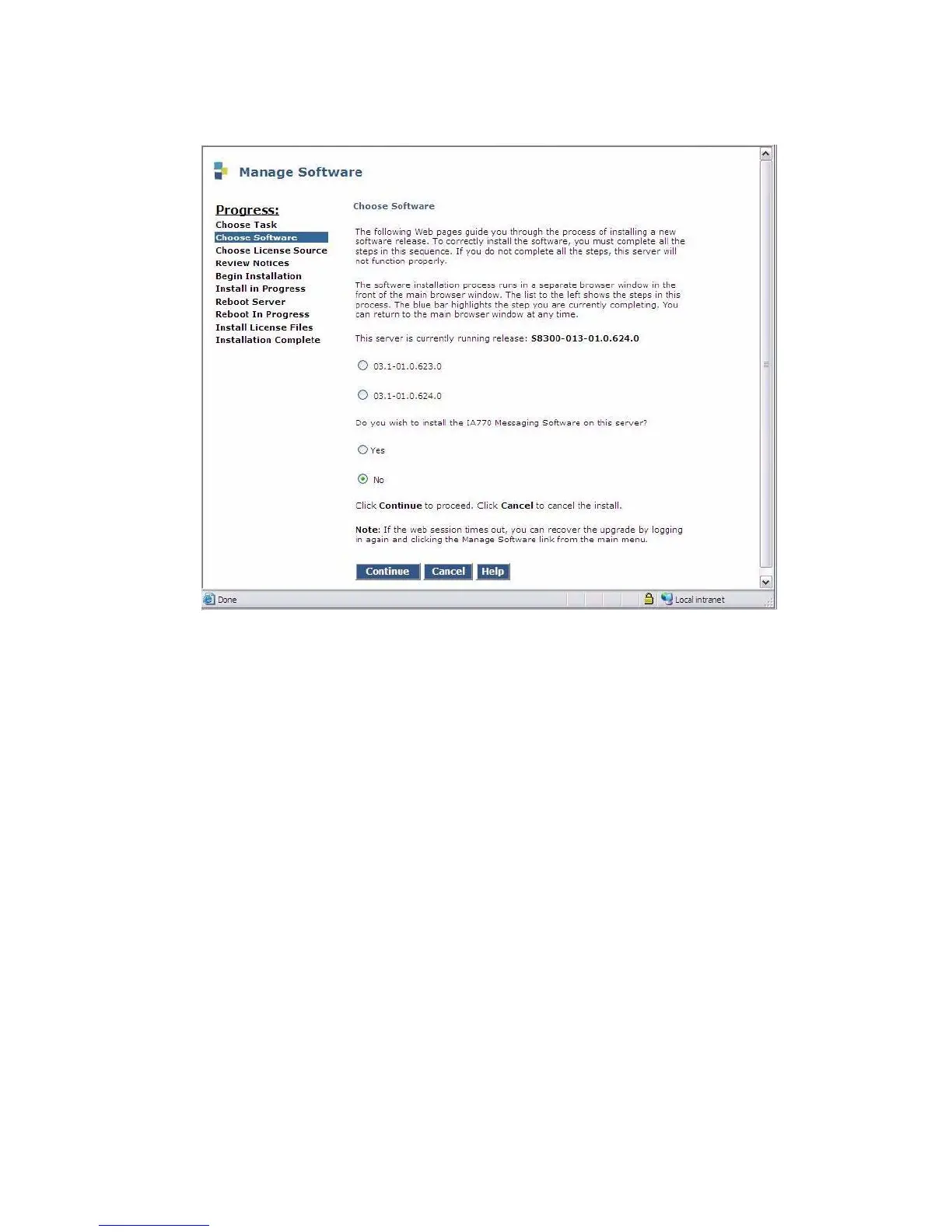
Choose Software screen
This screen will show the release currently running on the S8300B, and the releases resident on
the hard drive. To install the 3.1 release, click the radio button next to the 3.1 release and click
Continue.
This screen also displays a prompt for installing IA770 INTUITY AUDIX Messaging.
The radio buttons default as follows: If IA770 is not supported, the "no" button will be selected; if
IA770 is supported, the "yes" button will be selected.
The install screens following the IA770 screen are unchanged from their former versions.
1. Click Continue.
The S8300 displays the Choose License Source screen.





 To Next Page