Install the Avaya TFTP server
758 Installing and Upgrading the Avaya G700 Media Gateway and Avaya S8300 Media Server
Install the TFTP software
8. After downloading the iptel_avaya_tftp.exe file, double-click it and follow the installation
instructions. The installation program creates the default installation directory
C:\Program Files\Walusoft\TFTPSuite.
9. When the file has been installed, go to the directory where the software was installed and
double-click the file tftpserver32.exe to open the program.
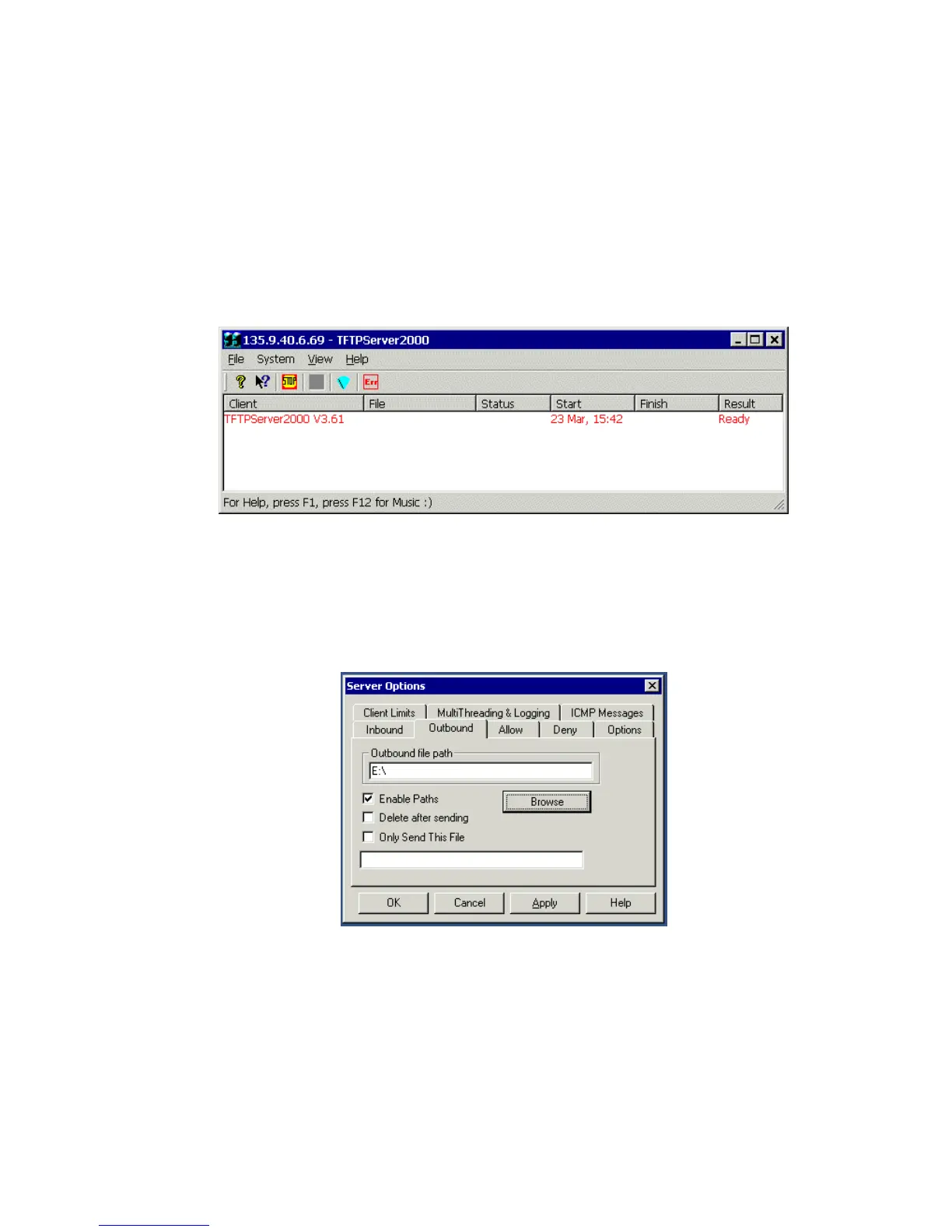
The TFTP Server window appears.The IP address of the PC plus port 69 shows in the top
border.
10. Configure the TFTP server as follows:
a. Click on System from the menu bar and select setup.
b. In the Server Options window, select the Outbound tab, and browse to your CD-ROM
drive location and double-click to enter in the outbound file path.





 To Next Page