Issue 9.1 June 2006 759
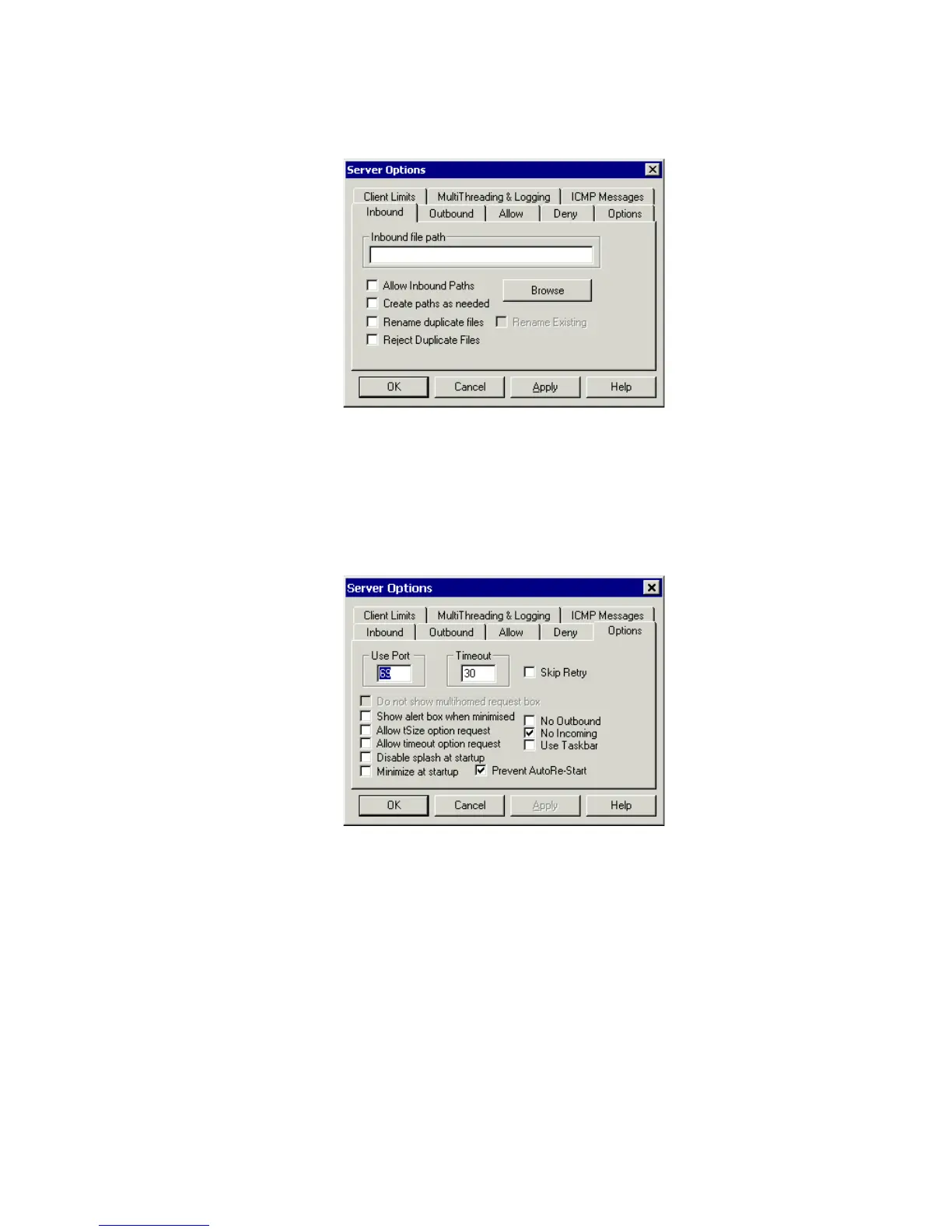
c. Select the Inbound tab and ensure that the Inbound file path is blank
d. Select the Options tab. Enter 69 in the Use Port field and 30 in the Timeout field.
e. Select No Incoming. However, if you wish to copy files as a backup prior to performing
an upgrade of software, leave this field unchecked.
f. Select Prevent AutoRe-Start.
g. In the Allow tab, leave the Only allow these connections checkbox unchecked.





 To Next Page