EasyManua.ls Logo

Avermedia AVerTV 3D - Customer Service

Avermedia AVerTV 3D
101 pages
Print Icon
To Previous Page IconTo Previous Page
Loading...
AVerMedia Technologies Inc.
101
Customer Service
The AVerTV 3D application provides a convenient tool, which allows users to obtain product
information and service easily via our website. Please make sure that you have already connected
to the Internet.
To do this
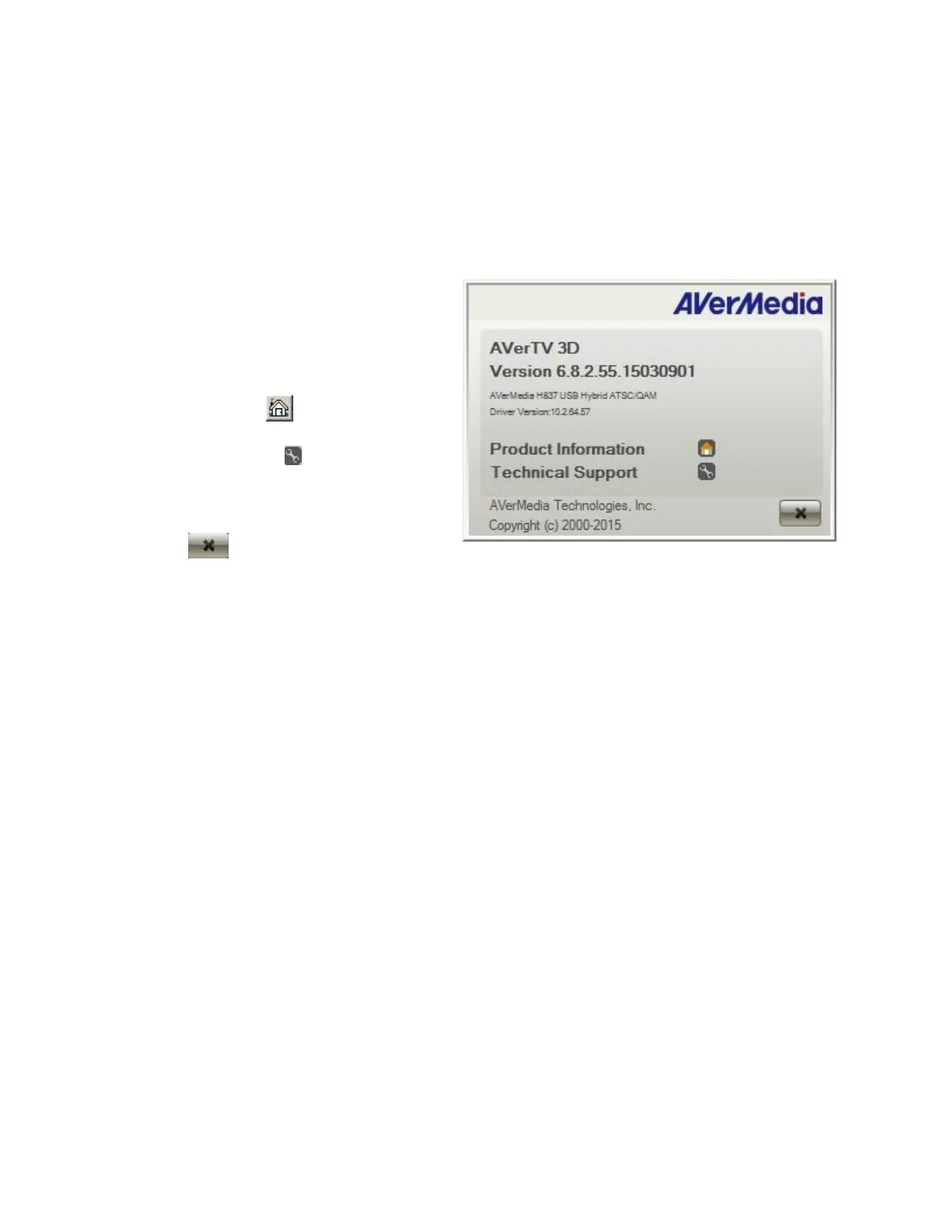
1. Right-click on the TV monitor
window. When a menu list pops
up, choose About.
2. When an information dialog box
appears, click to access the
product information webpage.
Or you can click to connect to
our technical support webpage.
3. To exit the current dialog box,
click .


Table of Contents