AVerMedia Technologies Inc.
61
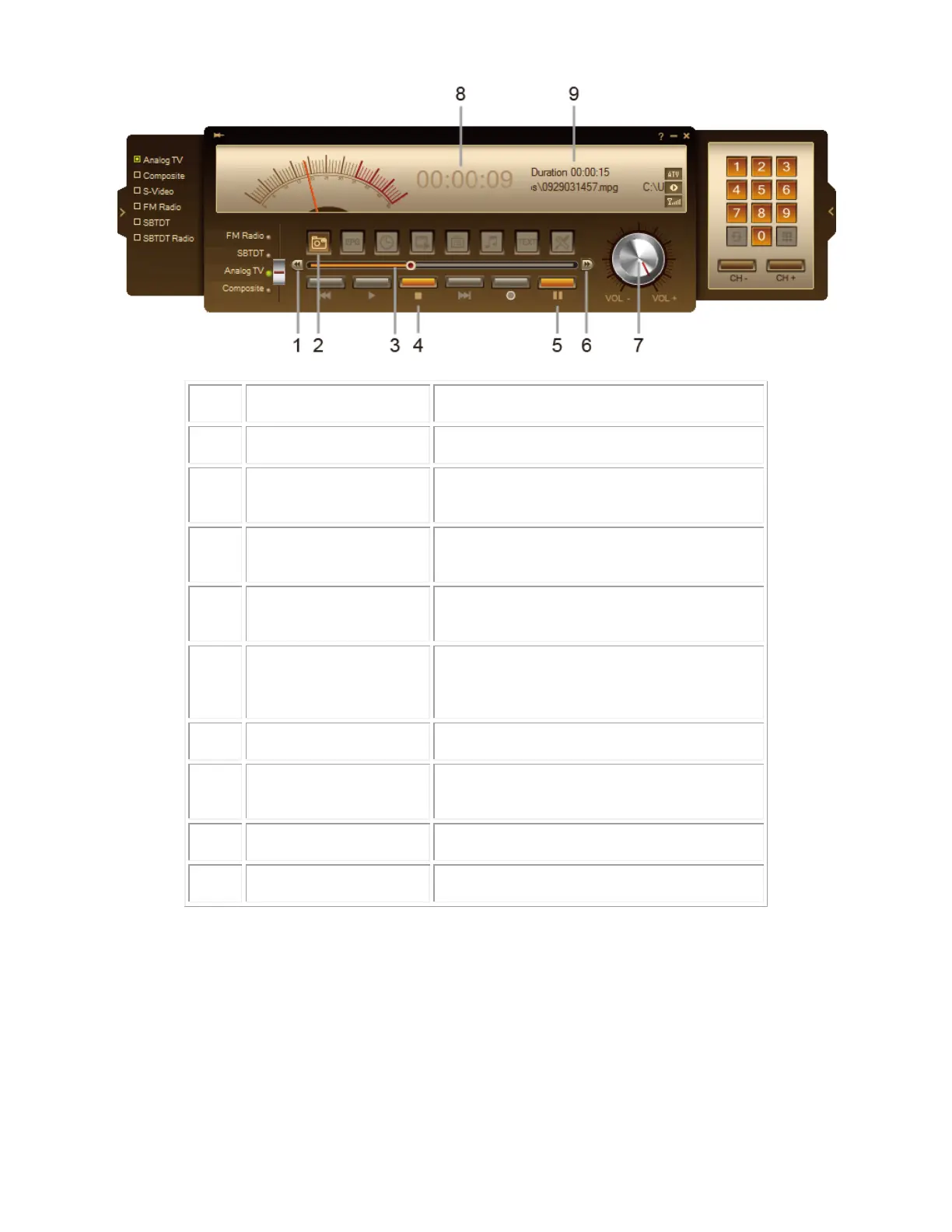
Click to move backward in intervals
Capture a single image or a sequence of
images.
Drag the slider tab to move to any part of the
recorded program.
Click to terminate recording and return to the
live program
Click to perform background recording of the
live program and play it back simultaneously. /
Click to temporarily freeze the playback.
Click to skip forward in intervals
Drag your mouse right/left to
increase/decrease the volume level.
Show backward duration during Timeshift
Show available Timeshift duration and file info
Customizing TimeShift Settings
Before you start using the TimeShift function, check if its recording settings meet your needs.
To check and customize settings:



 To Next Page