AVerMedia Technologies Inc.
7
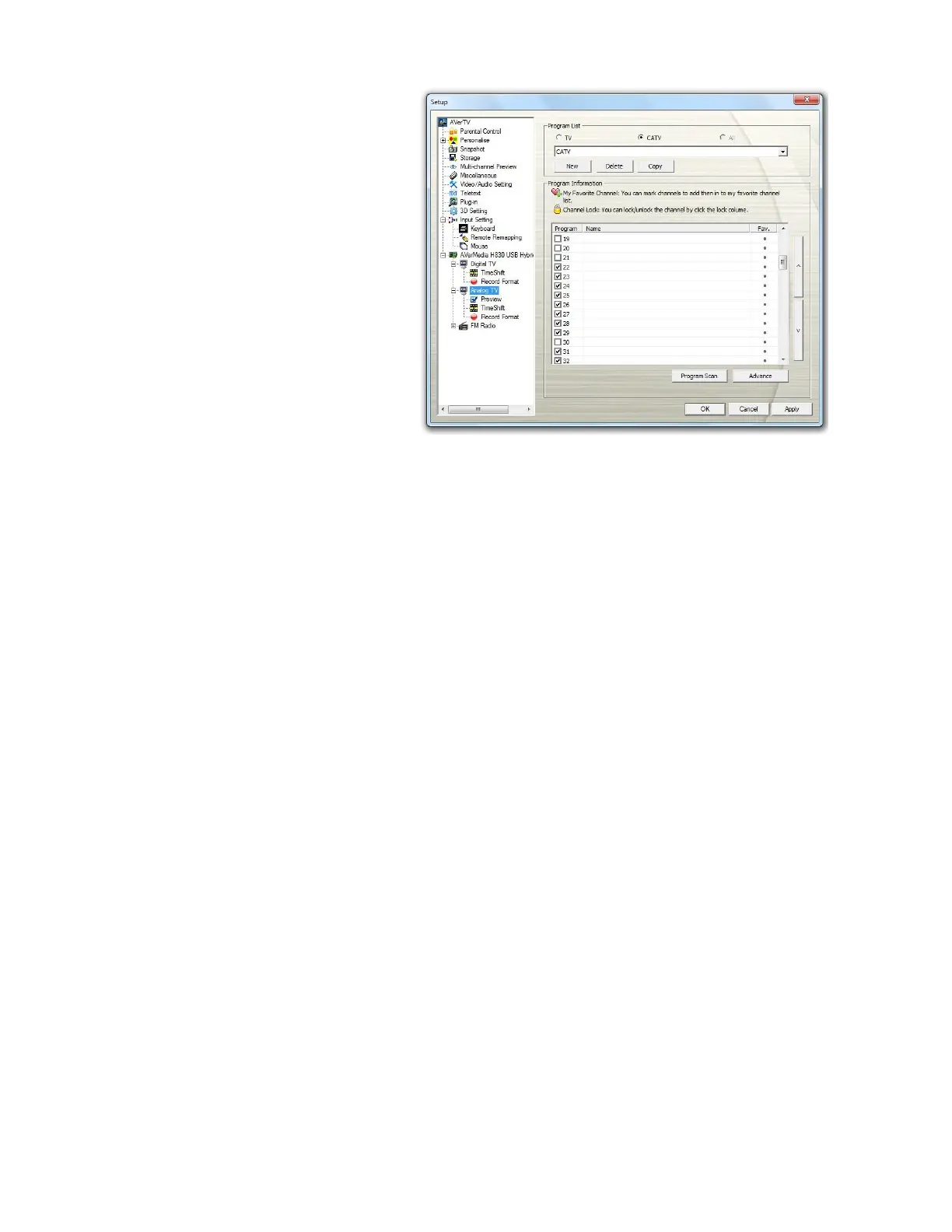
8. After scanning, the active
TV channels will be listed
inside the box.
9. Click Apply to save the
scanned channels.
10. Click OK to exit the current
dialog box.
[DVBS] Activating AVerTV 3D for the First Time
If this is your first time running the application, the Setup dialog box will appear to prompt
you to scan for channels.
Before scanning Satellite TV channels, make sure you have all reqired devices well set up,
including your satellite dish and related mounting kit, LNB, switch or/and motor, coaxial cable,
etc.. Moreover, please have the required setting information at hand, including the LNB data
(provided with your LNB) and, if needed, the information for the desired satellite and
frequency.
To scan channels



 To Next Page