AVerMedia Technologies Inc.
81
Selecting a Radio Channel
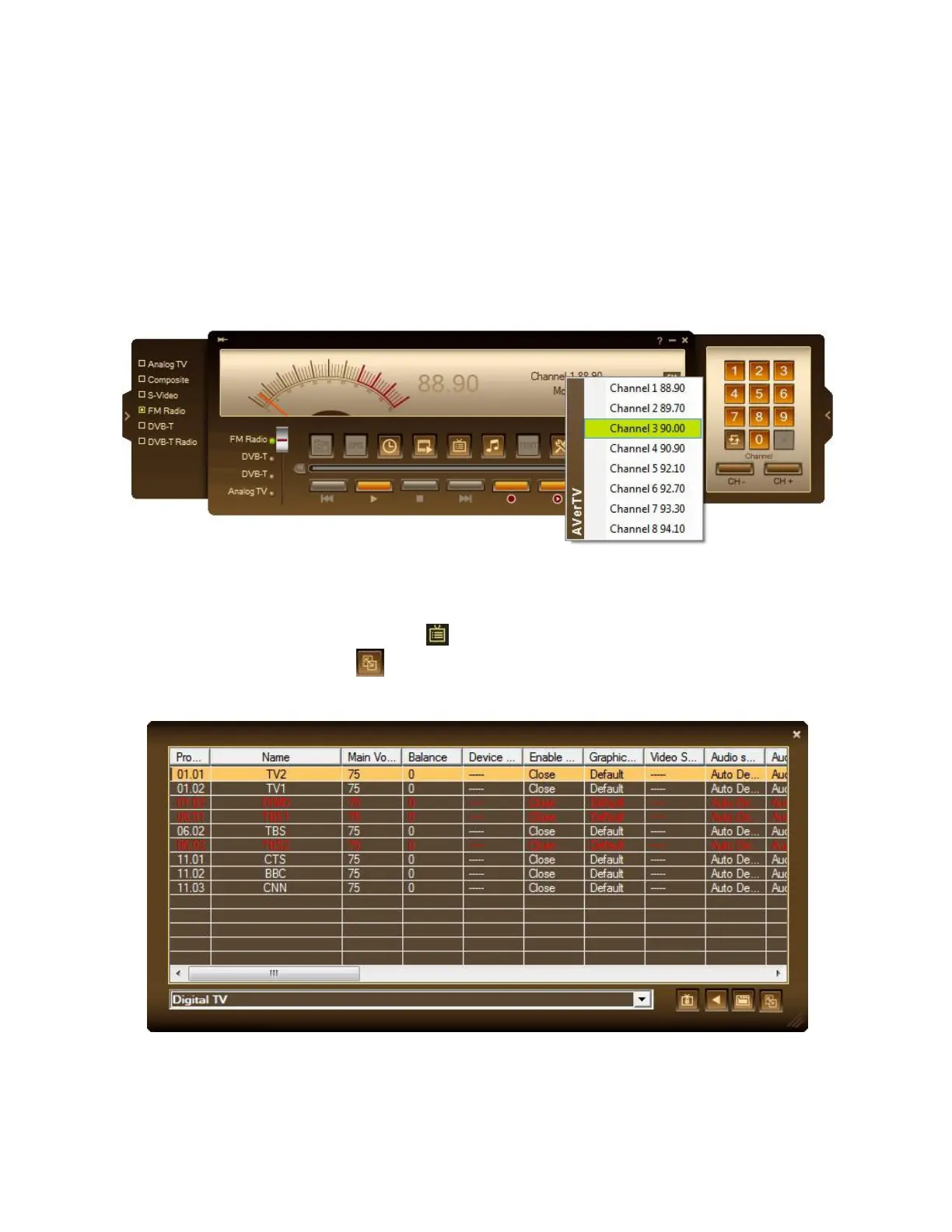
To select a channel
1. Click on the Numeric buttons to select a channel.
2. Click the Channel Up/Down button repeatedly until reaching your desired channel.
3. Right click on the channel name on the info display area, the pop-up channel list will
appear for users to select a channel.
or
1. Use the numeric keys on your keyboard to select a channel.
2. Click the Program List button . When the Program Panel appears, select the
Display Mode button . Choose the desired program list from the drop-down menu
and then double-click on the desired channel.



 To Next Page