AVerMedia Technologies Inc.
63
Using the TimeShift Function
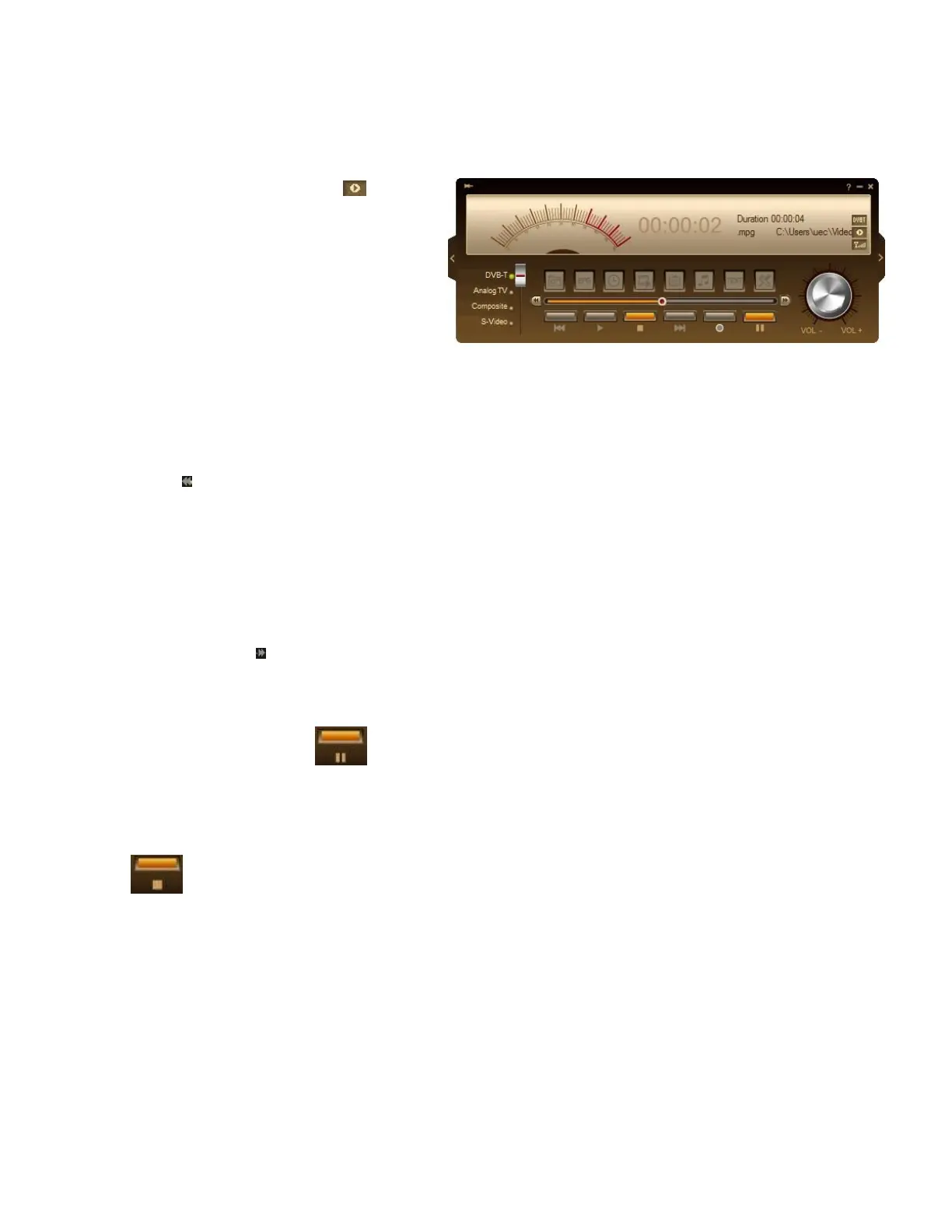
To pause the live program
1. Click the TimeShift button on the
Control Panel. The application will
begin to record the program.
2. When you want to rewind, use the
Playback Seek slider bar to move
back to the part you want to watch or
listen again. Click and drag your
mouse over the slider tab to the left
until you see the part of the show you
wish to watch or listen, and then
release the mouse button.
3. You can also click the Backward
button to move backward in fixed
intervals until you reach the part
where you left off.
4. To advance forward and skip some
parts of the recording (for example
TV commercials), drag the slider tab
to the right. You can also click the
Forward button to move forward in
fixed intervals.
5. To temporarily pause the playback,
click the Pause button .
Click Pause button again to resume.
6. To return to real-time viewing of the
live program, click the Stop button
. This switches off the
TimeShift function and returns you to
live program.



 To Next Page