AVerMedia Technologies Inc.
13
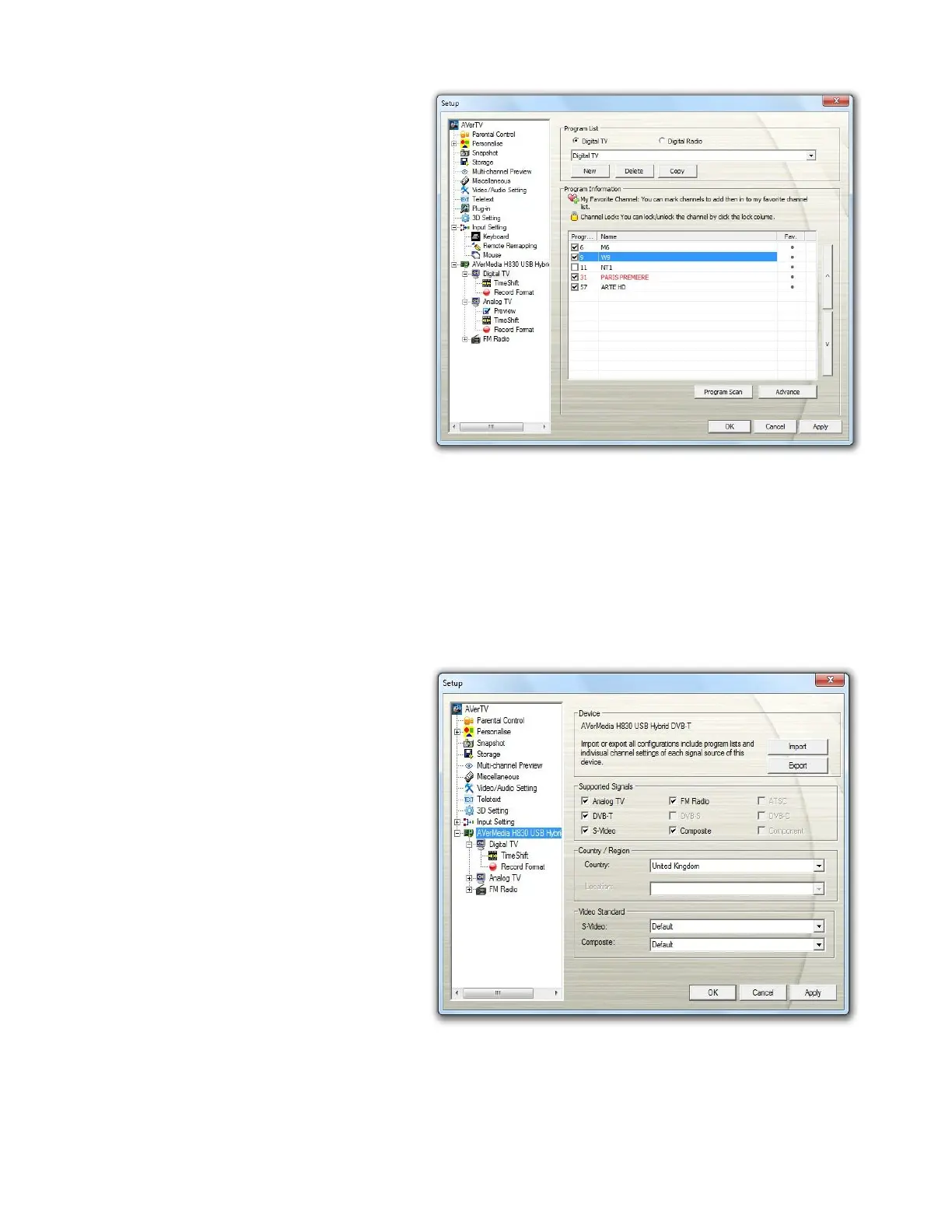
8. After scanning, the active TV
channels will be listed inside the
box.
9. Digital channels that are in red
text indicate they are encrypted
channels (e.g. pay TV
channels).
10. Click Apply to save the scanned
channels.
11. To exit the current dialog box,
click OK.
[Hybrid] Activating AVerTV 3D for the First Time
If this is your first time running the application, the Setup dialog box will appear to prompt you to
scan for channels.
To scan channels
1. Select an available AVerMedia
device in the left pane.
2. Select the correct
Country/Region.



 To Next Page