AVerMedia Technologies Inc.
14
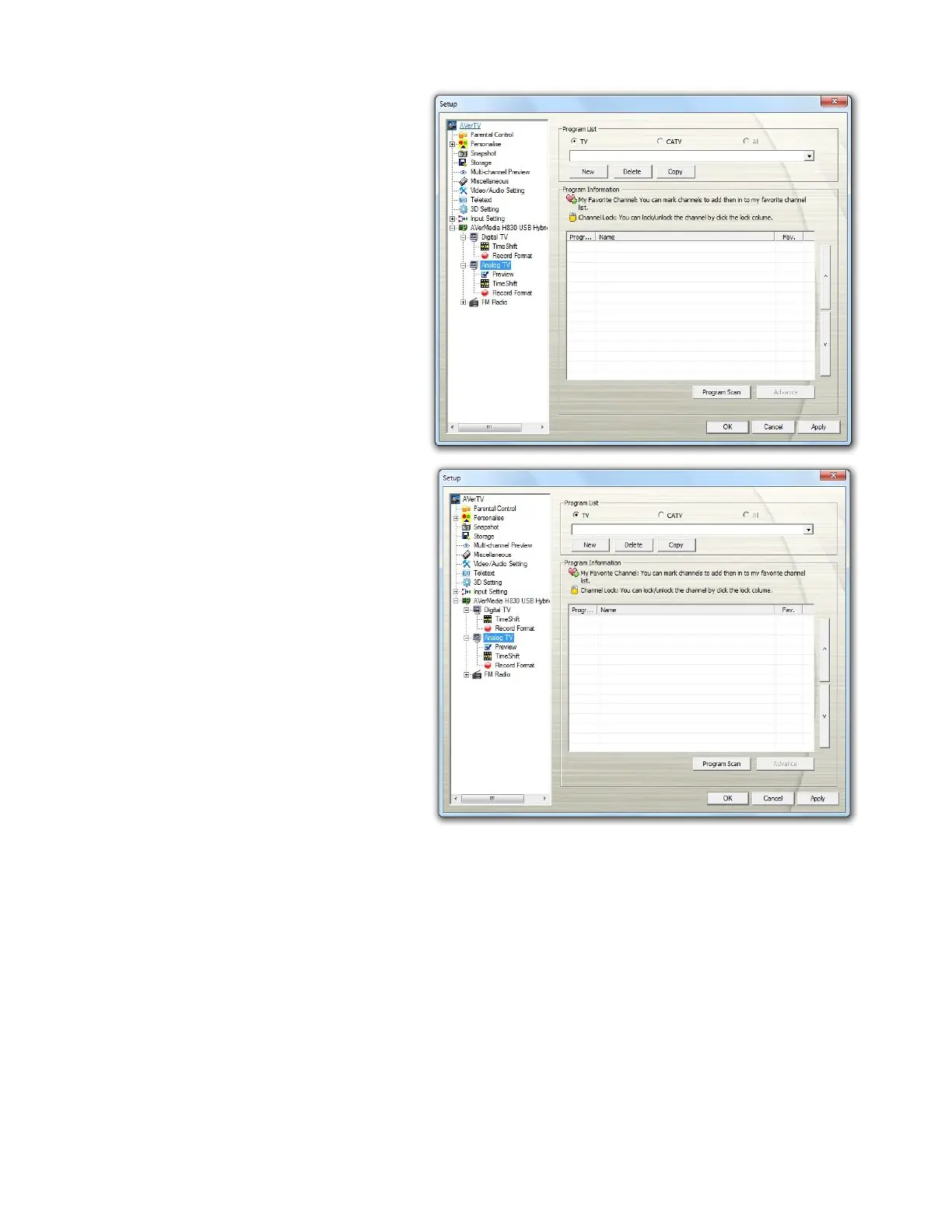
3. Select Digital TV or Analog
TV on the left pane.
4. Before choosing the signal
input, please make sure that
your Country/Region is correct.
5. For digital TV, select the Digital
TV option to search only for
digital TV channel or
select Digital Radio to scan for
digital radio channels only. For
analog TV, select TV to search
only for air channels, CATV to
scan for cable channels,
or All from the Program
List area.
6. Click New and the Program
List dialog box appears. Type in
the desired name and click OK.



 To Next Page