AVerMedia Technologies Inc.
73
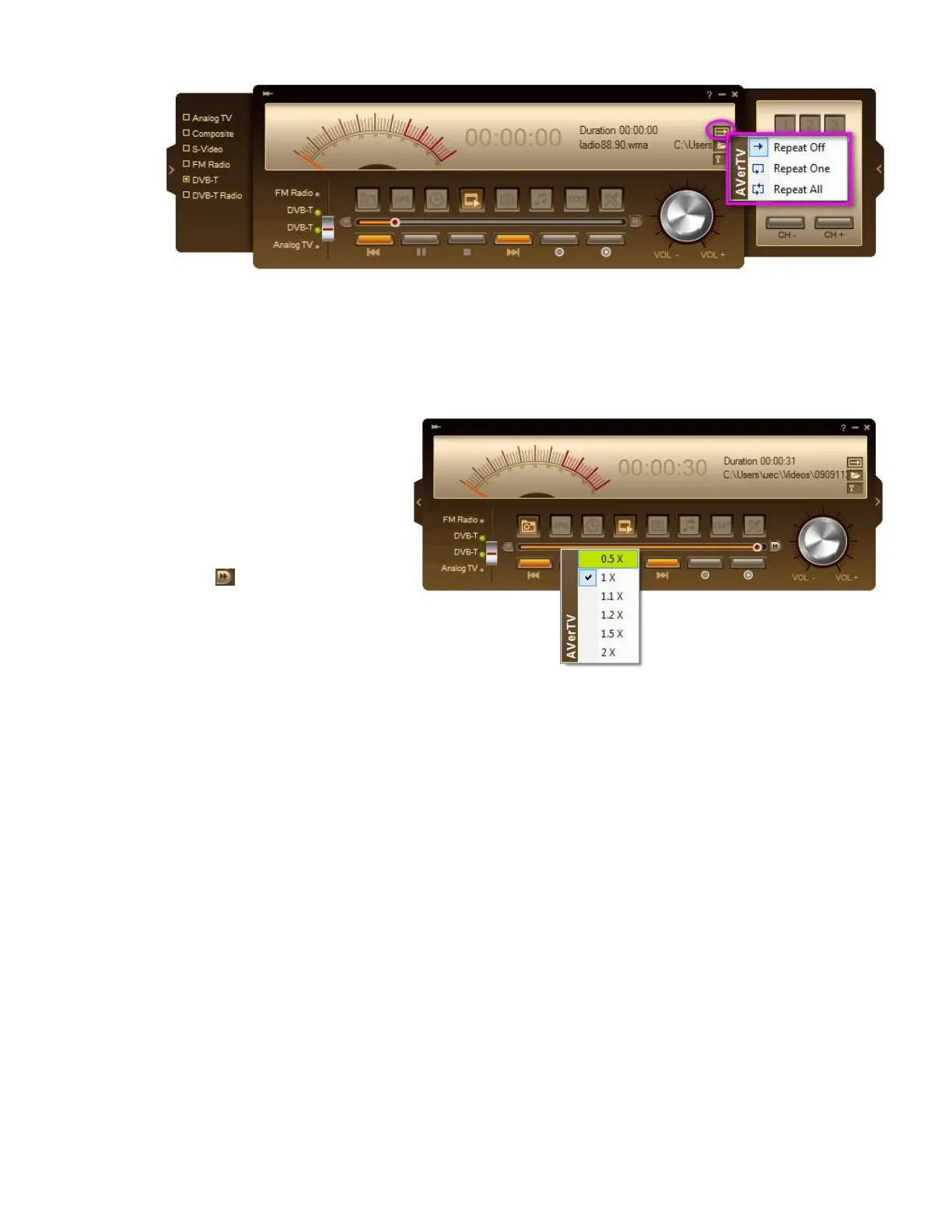
You can change the fast-forward playback speed when playing back the recorded video files:
Right click on the playback slider,
and select the speed you want in
the forward speed list.
or
1. Click on the Fast Play Speed
Loop icon at the right end of
the slider. Click to switch to the
next speed level based on the
sequence in the playback speed
list.
2. In fast-forwarding playback
mode, Play button will be shown
as Pause. Click Pause button to
temporarily freeze the playback
and click again Play button to
continue playback.
Picture-in-Picture Display
With the picture-in-picture window feature, you can play back recorded video files, and
simultaneously, watch live TV.
To enable PIP function



 To Next Page