AVerMedia Technologies Inc.
78
can determine the file format,
recording duration, file size,
destination folder and audio mode.
12. Click Insert to save the new
schedule or click Cancel to abort
without saving.
If your device supports Parental Control, you may see the Parental Control
Authentication section appeared in the Schedule Wizard window. Enter the password
you’ve set to ensure a succesful scheduled recording.
Radio
Radio Controls
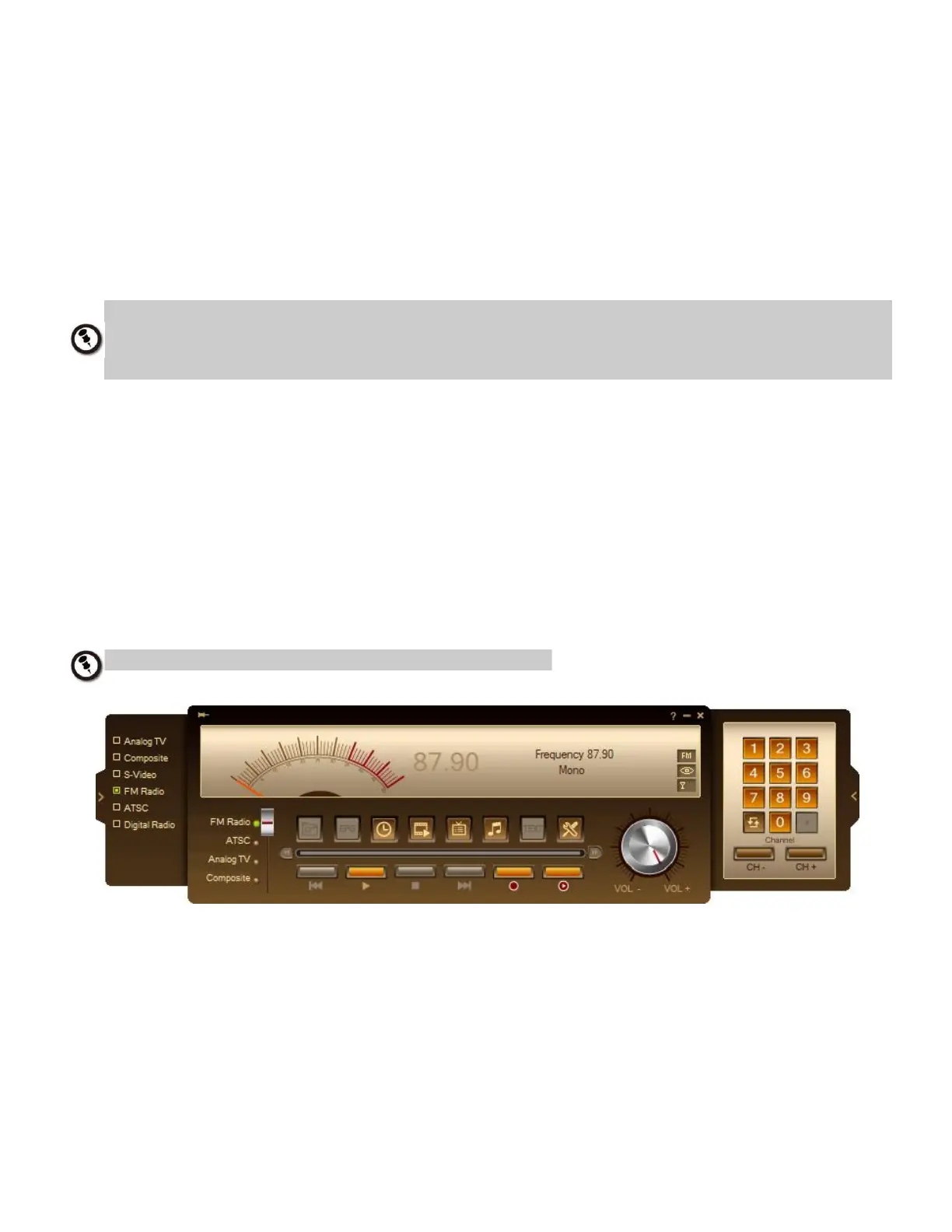
To listen to the radio
Switch to the Radio mode on the control panel to listen to your favorite radio station
programs.
Please scan channels first before using radio controls.
Use the following button controls for selecting Radio channels, adjusting volume, scanning FM
radio channels, recording radio programs and more.
To change back to live TV, simply switch to the TV signal source.



 To Next Page