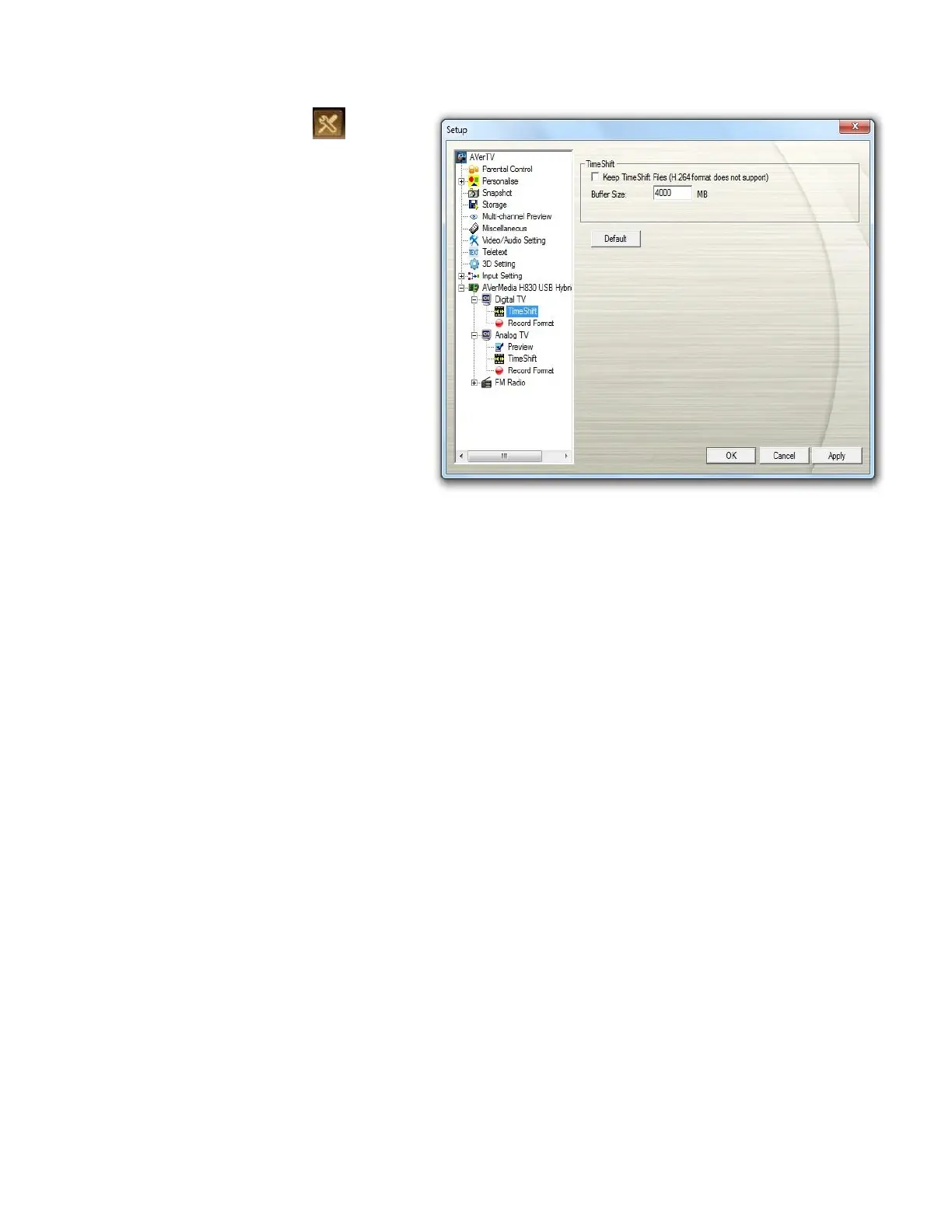
1. Click the Setup button and
select Setup. Then choose your
desired signal input on the left pane.
2. Select Timeshift.
3. If you want to save the video file,
select the Keep TimeShift
Files check box.
4. Here you can determine the buffer
size.
5. Please be noted the items may vary
depending on the device you use.
6. Click Default if you want to revert to
the factory settings.



 To Next Page