AVerMedia Technologies Inc.
23
[DVBS] Watching TV
To watch TV, please first make sure you select the correct Country/Region, configure all the
required setup steps for satellite TV, and scan the channels. What you can watch depends on the
product you purchase and the TV signals available from your local television service providers.
Scanning Channels for Satellite TV
Before scanning Satellite TV channels, make sure you have all required devices well set up,
including your satellite dish and related mounting kit, LNB, switch or/and motor, coaxial cable, etc..
Moreover, please have the required setting information at hand, including the LNB data (provided
with your LNB) and, if needed, the information for the desired satellite and frequency.
To scan channels
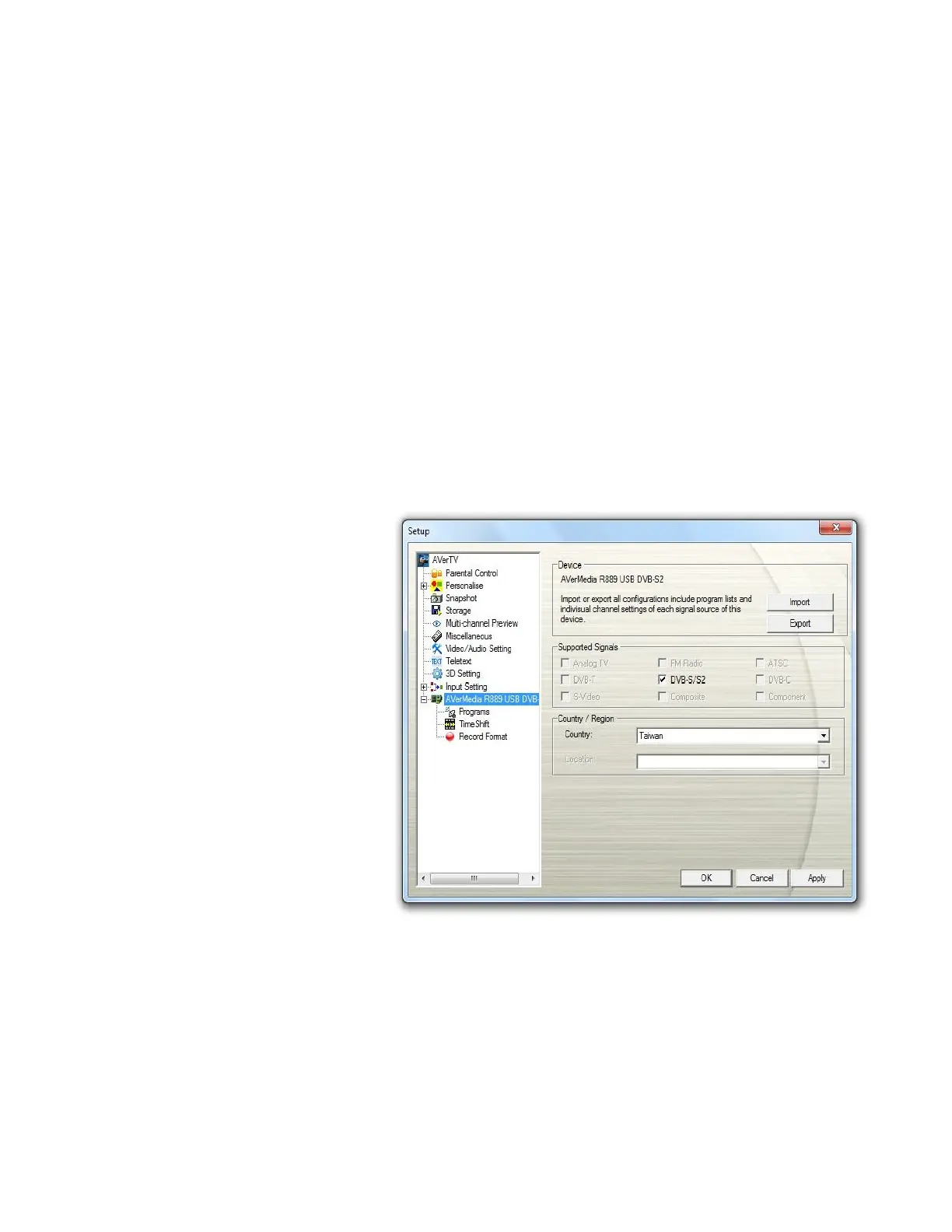
1. Select an available
AVerMedia device in the left
pane.
2. Select the correct
Country/Region.



 To Next Page