EasyManua.ls Logo

Avermedia AVerTV 3D - Selecting a TV Channel

Avermedia AVerTV 3D
101 pages
Print Icon
To Next Page IconTo Next Page
To Previous Page IconTo Previous Page
Loading...
AVerMedia Technologies Inc.
41
Selecting a TV Channel
There are three ways of switching between TV channels:
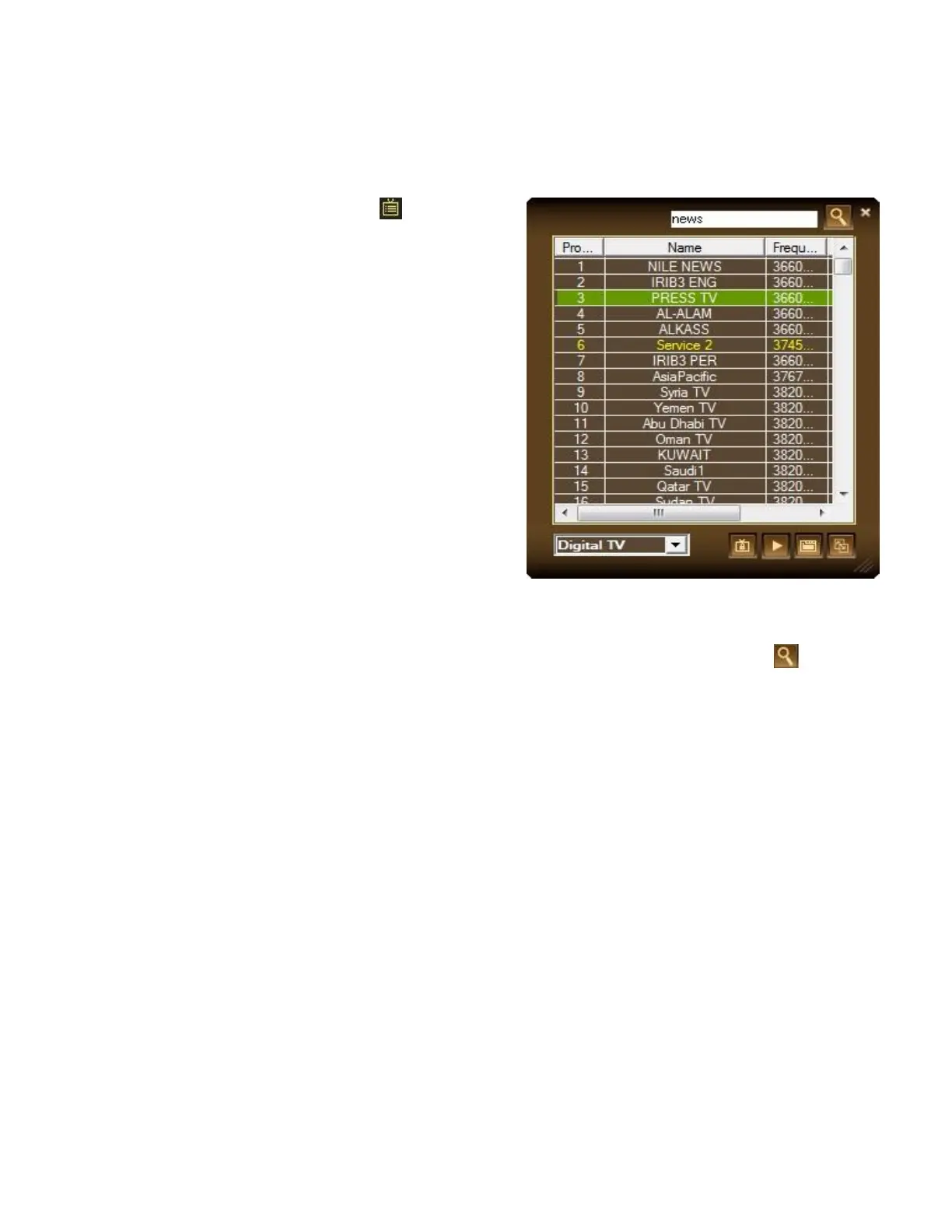
1. Click the Program List button on the
control panel and select Program List.
2. Click the Channel Up/Down buttons (on the
TV monitor window or on the Control Panel)
repeatedly until reaching your desired
channel.
or
Click on the Numeric buttons to get your desired
channel number.
or
Right-click the Channel Display area on the control
panel to select the desired channel.

You can also search for a program by entering a keyword in the search box and click .

Table of Contents