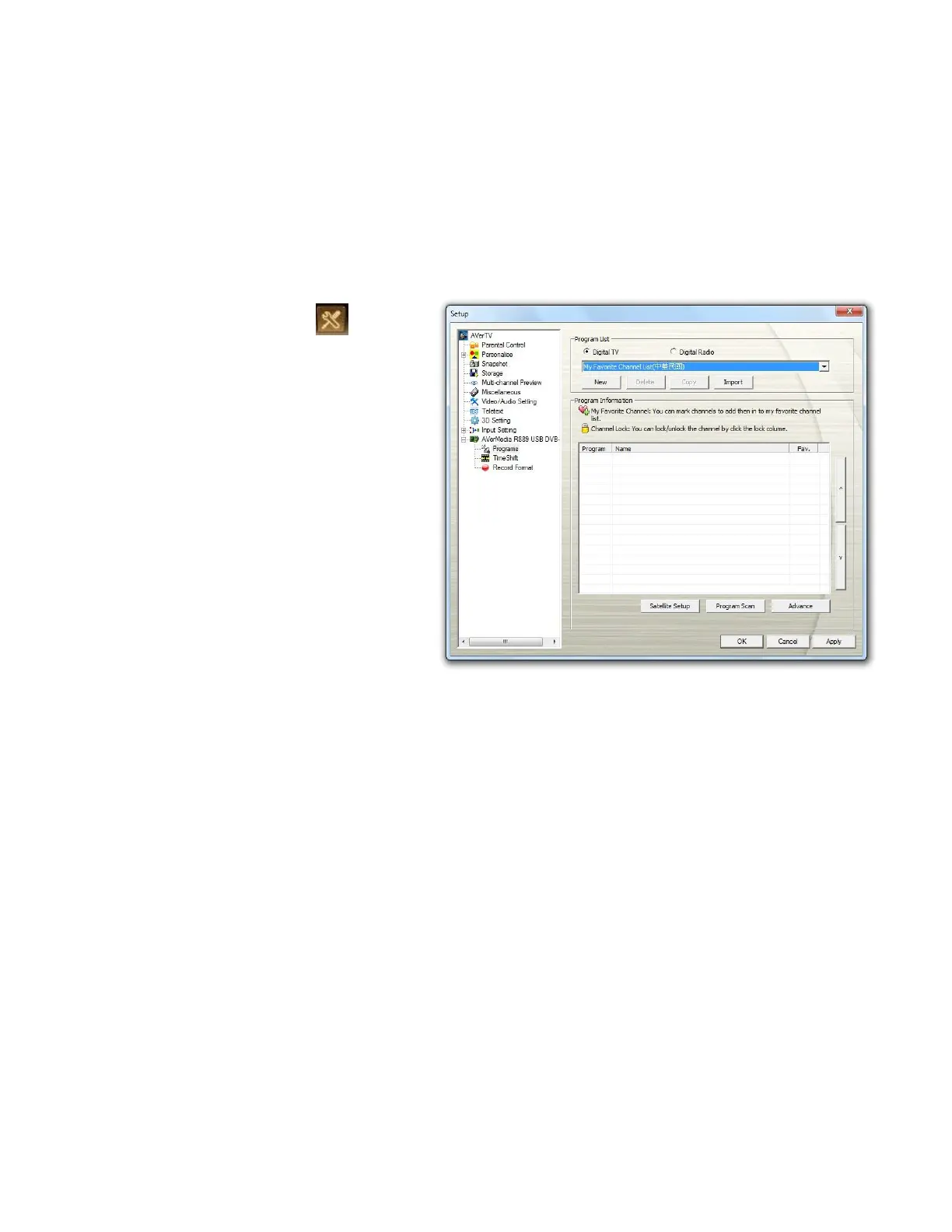
AVerTV 3D comes with a default frequency table for those default satellites and will use this table
to search for active programs or channels.
1. Click the Setup button on the
control panel and select Setup.
2. Choose an available AVerMedia
device in the left pane (for
example, AVerMedia R889).
3. Select the correct
Country/Region.
4. Select Program on the left pane.
5. Select the Digital TV option to
search only for digital TV channel
or select Digital Radio to scan for
digital radio channels only.
6. Click New and the Program
List dialog box appears. Type in
the desirable name and click OK.



 To Next Page