AVerMedia Technologies Inc.
74
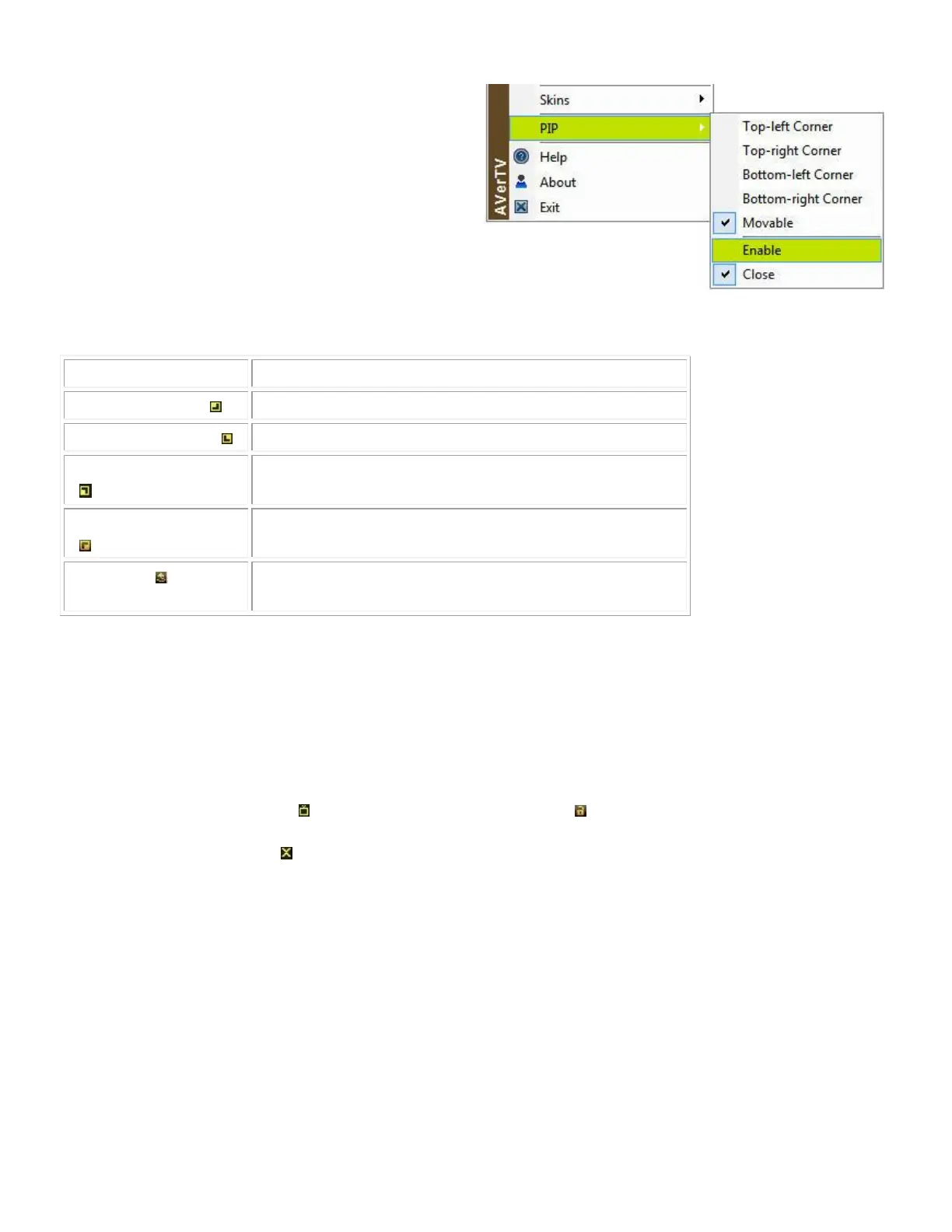
1. Right click the TV monitor, select PIP and
choose Enable.
2. You can also point to PIP and select a
desired position of the PIP window.
3. Select Close to disable the PIP function.
Display the PIP window on the top-left corner
Display the PIP window on the top- right corner
Display the PIP window on the bottom-left corner
Display the PIP window on the bottom-right corner
Resize the PIP window and separate it from the
main window
By default, you will be able to play back recorded video files on the main window, and
simultaneously, watch live TV on the PIP window.
To switch the video playback to the PIP window and the live TV to the main window
Press the button . You can also press the button to fix the size of the PIP window
and the distance between the main window and the PIP window. To exit the PIP
window, press .



 To Next Page