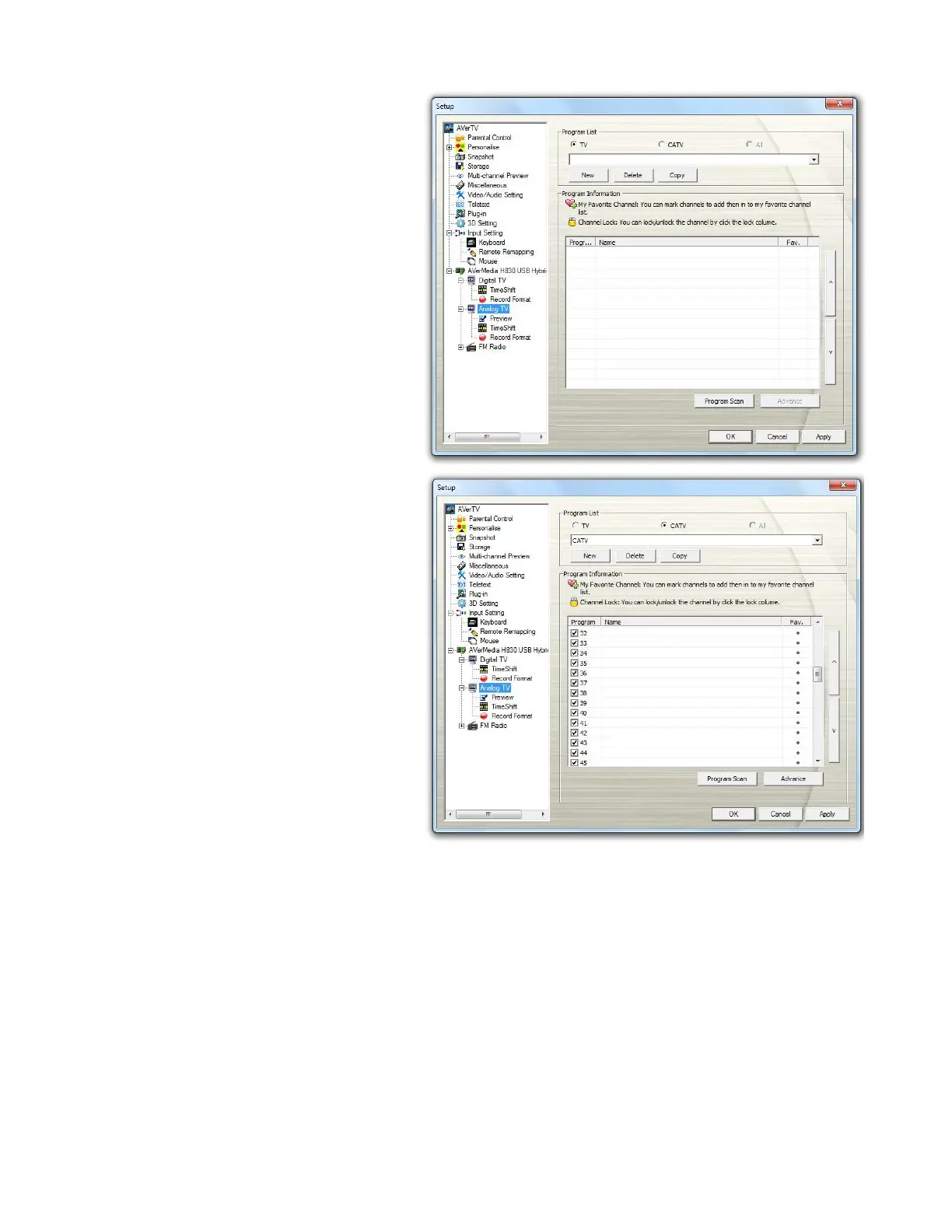
8. After scanning, the active TV
channels will be listed inside the
box.
9. Digital channels that are in red
text indicate they are encrypted
channels (e.g. pay TV
channels).
10. Click Apply to save the scanned
channels.
11. Click OK to exit the current
dialog box.



 To Next Page