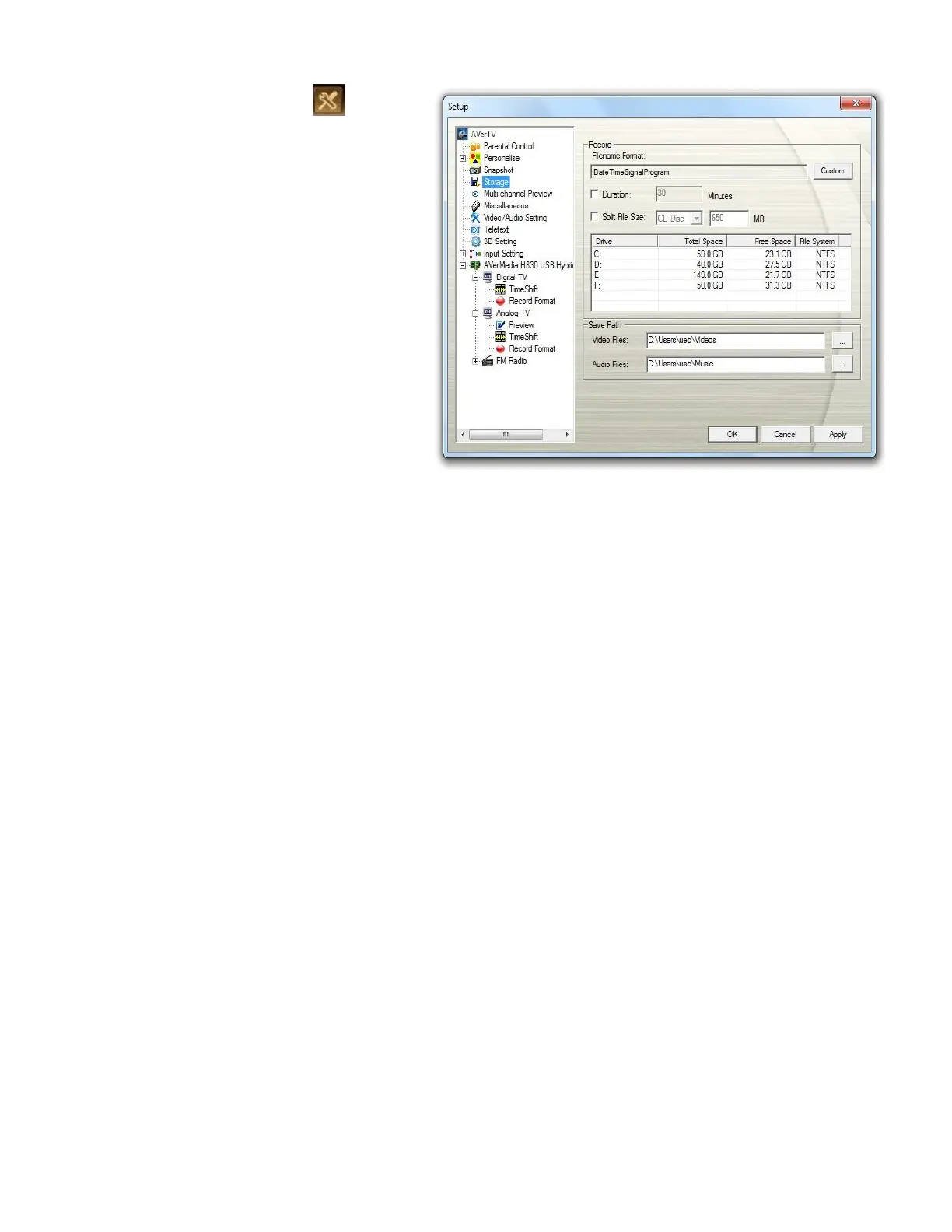
1. Click the Setup button and
select Setup >Storage.
2. By default, TimeShift performs
recording of the TV program by
creating a temporary video file and
deletes this file once you click
the Stop button.
3. In the Record section, you can
determine your file name format,
recording time, file size and
destination folder.
4. Click Apply to save the new settings
and click OK to exit the current
dialog box. Or, click Cancel to use
the original settings.



 To Next Page