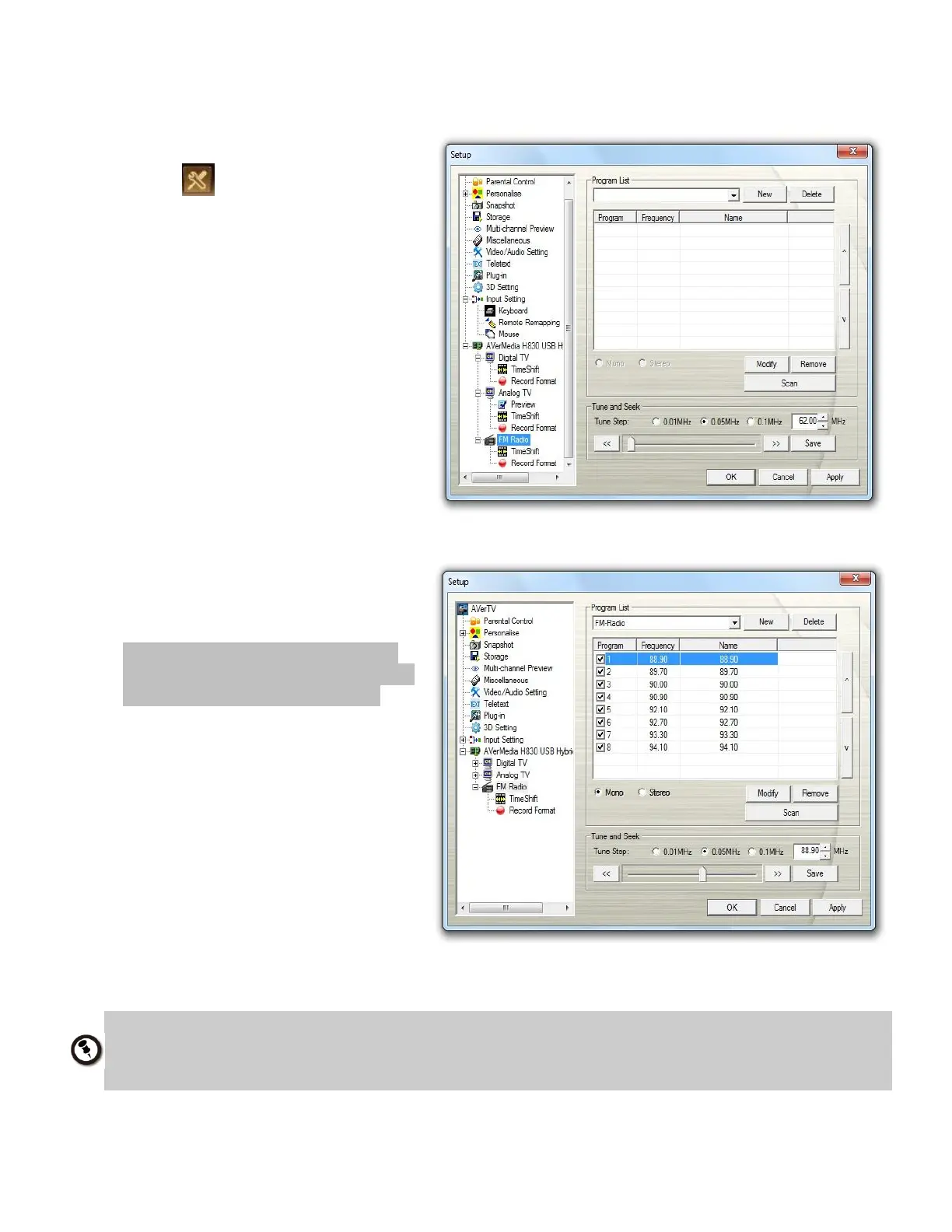
3. Click Scan. All active channels will
be automatically scanned and
memorized.
Note: For Russian users, clicking
New to create a program list before
scanning is a prerequisite step.
4. To terminate the scanning,
click Stop.
5. Click Apply to save the setting and
click OK to exit the current dialog
box. Click Cancel to abort without
saving.
The application comes with a built-in FM frequency table for the country: Russia. To use the
Russian frequency table, simply select Moscow or St. Petersburg from the Group drop-down
menu.



 To Next Page