IFD400 Series Pilot Guide
FMS Subsystem 2-47
TIPS AND TECHNIQUES
Saving Altitude Constraints
The system will save manually entered altitude
constraints, but only for direct legs. Manually
entered altitude constraints on a leg within a
published procedure (SID, STAR, Approach, or
Airway) will not be saved.
COPYING A ROUTE
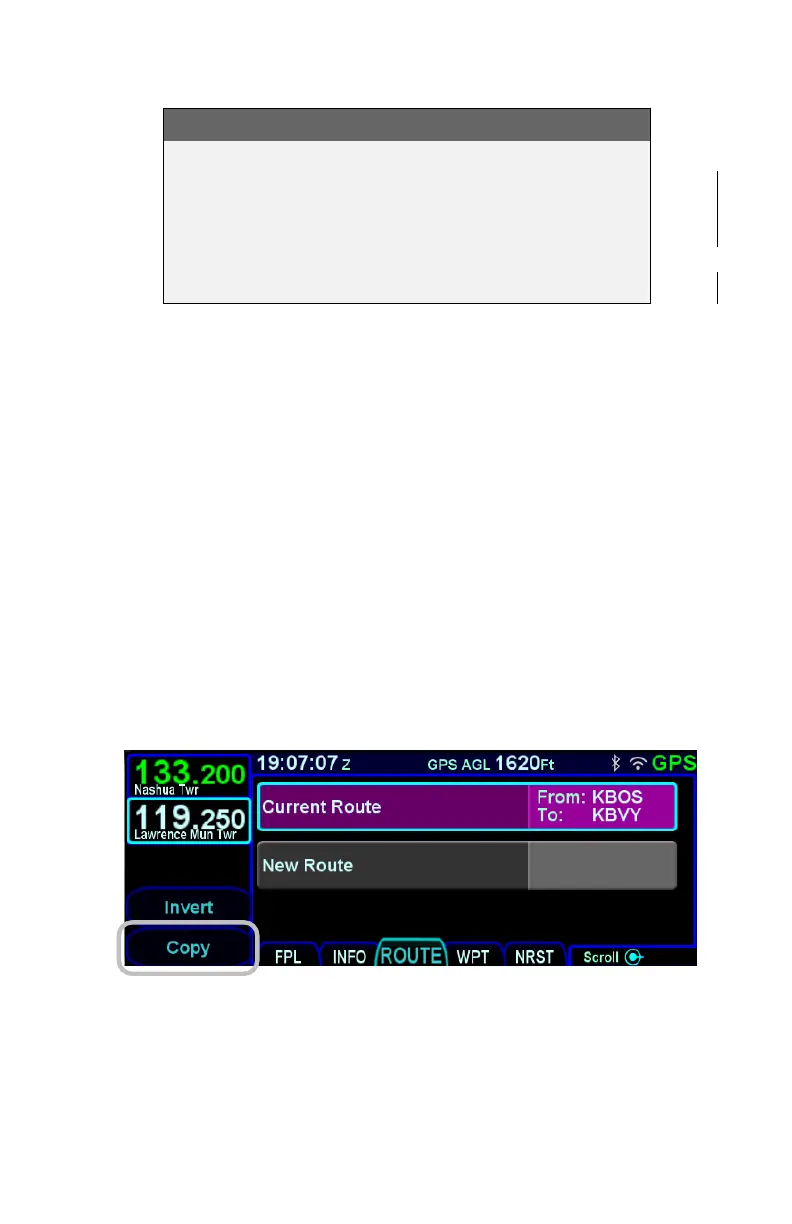
To make a copy an existing stored route, move the cursor to
surround the route to be copied and then press the “Copy” LSK.
A copy of the route will have been created and the route will be
presented for editing. Note that the route name remains
unchanged, so unless something is edited to cause the route
name to be changed, upon return to the route list there will be two
routes with the same name.
It is possible to save of the active flight plan by highlighting the
"Current Route" row and pressing the "Copy" LSK. Pressing the
"Back To Route List" LSK with no changes will effectively save
the flight plan into a stored route. At that point, the saved version
is like any other stored route.
Copy Route LSK



 To Next Page