IFD400 Series Pilot Guide
Navigation 5-5
NAV SOURCE KNOB/BUTTON
For all models except the IFD410, the knob located in the upper
right hand corner of the bezel is the dedicated Navigation (Nav)
Source knob. For IFD410, the knob is replaced by a button
labeled "OBS". In the description below, any references to
capability requiring a VHF radio are not applicable.
Think of the nav source knob as a channel selector to choose
which Nav source the pilot wants depicted on the moving map.
The chosen source will also be sent to other on-board systems
like an EFIS (e.g. Aspen PFD) and in-turn, the autopilot, as well
as driving any conventional CDI or RMI or HSI indicator. VLOC
and GPS course and deviation data may all be coming into the
IFD continuously but the channel selector acts as a filter to
determine which one gets used in the nav solution and displayed
on the IFD. The nav source knob must typically be turned to
select the desired state. The selected nav mode indication will
flash for several seconds before taking effect; thereby giving you
time to visually confirm the desired state.
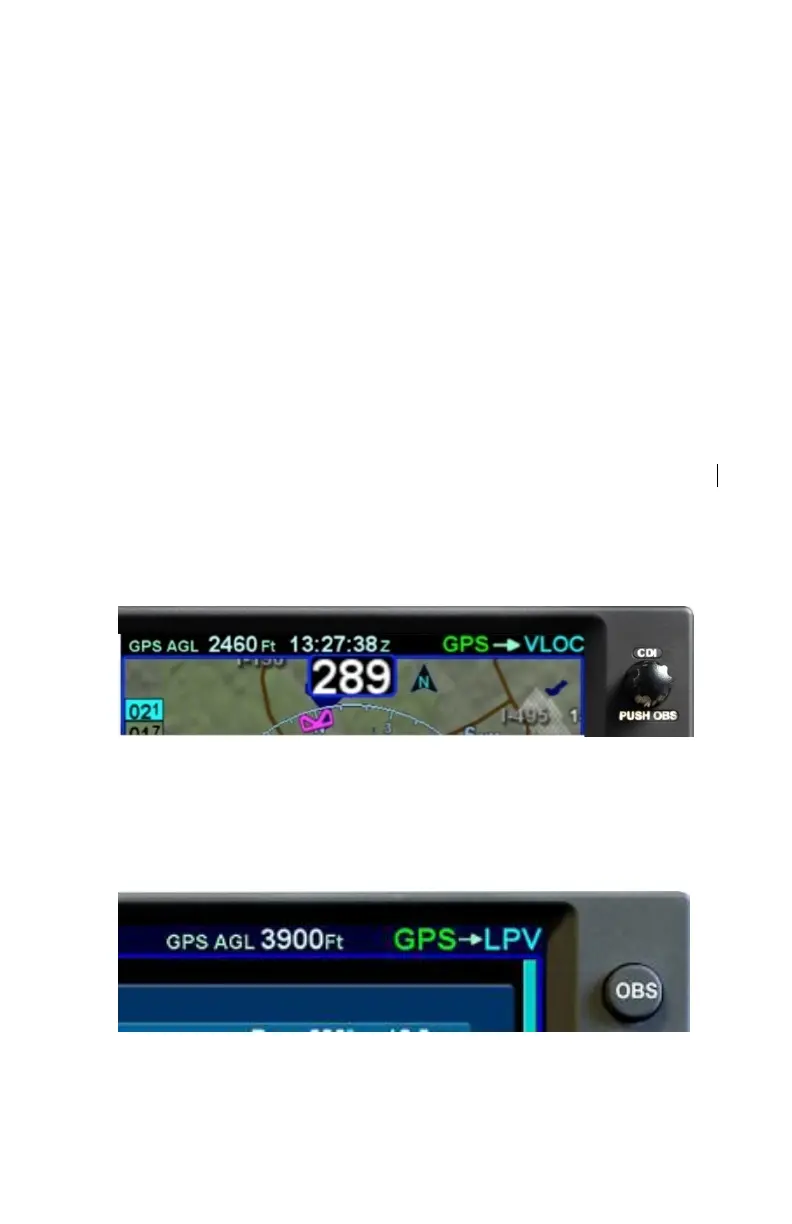
Nav Source Knob State Indication (except IFD410)
The IFD410 nav source button is similar to the nav source knob,
except that it toggles only between GPS based navigation to the
flight plan and an OBS course to the active waypoint.
Nav Source Button Indication (IFD410)
As described earlier in this section, multiple levels of aircraft
system integration are possible, and will affect the possible states



 To Next Page