IFD400 Series Pilot Guide
Aux Subsystem 4-27
CONNECTIVITY CATEGORY
The items in this category are used to manage the Bluetooth and
WiFi capabilities of the IFD. Note that WiFi and Bluetooth are
paid options. If those options are not enabled, this category and
the related items will not be shown.
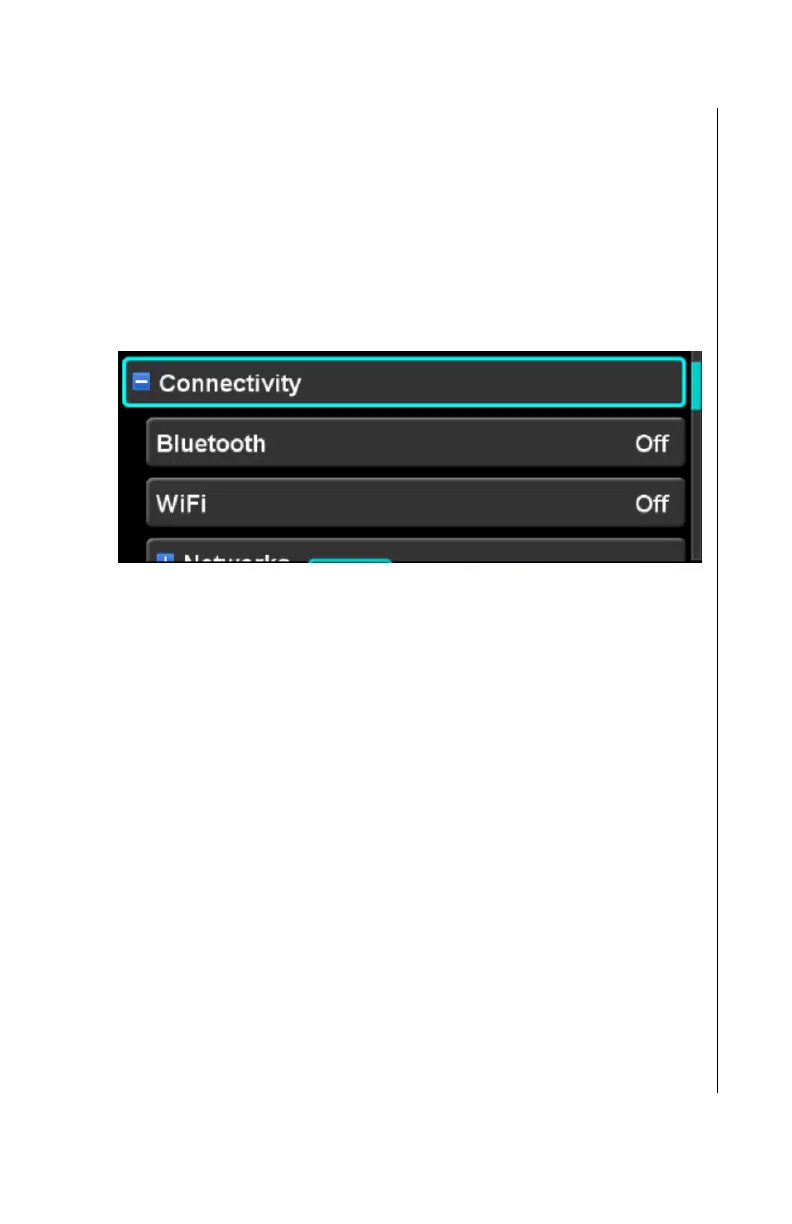
When first expanded, the connectivity category will contain high
level items as illustrated below.
Connectivity category (expanded)
Bluetooth
When the Bluetooth selection is “On”, the Bluetooth interface is
enabled. The factory default setting is “Off”.
WiFi
When the WiFi selection is “On”, the WiFi interface is enabled.
The factory default setting is “Off”.
Networks subcategory
The networks subcategory provides a means to view and select
the networks that are available to the IFD. The IFD can create its
own local area network (“Hotspot”) or it can connect as a client to
an external network.
When the networks subcategory item is expanded, the items in
the category each represent a network. Each of those network
items can be expanded in order to configure the network.
If the WiFi setup item is set to “Off”, then no external networks will
be shown. However, the IFD Hotspot item will still be shown,



 To Next Page